
Emperor: Rise of the Middle Kingdom

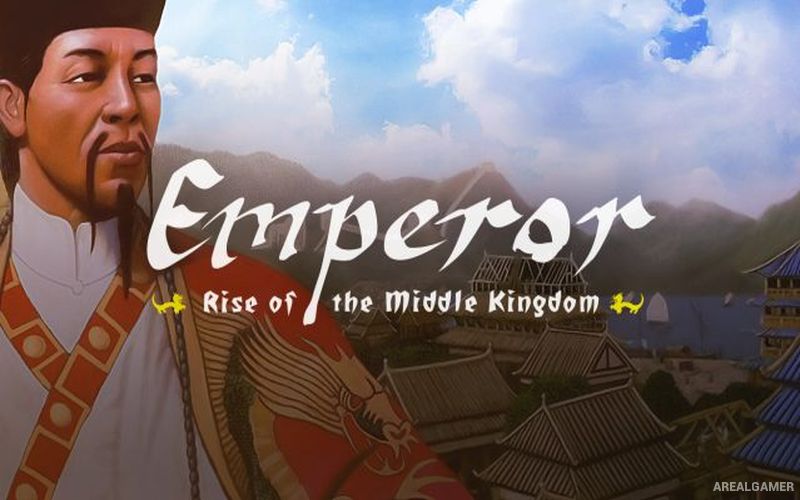
Emperor: Rise of the Middle Kingdom – Free Download – PC Game
Game Info:
Size: 493 MB
Genre: Strategy
Release Date: September 9, 2002
Developer: Sierra
Publisher: Activision
About This Game:
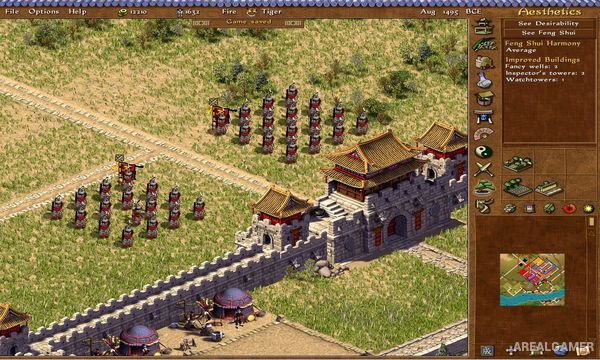
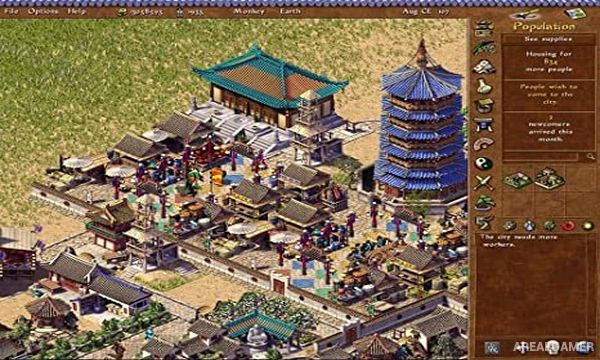
Emperor: Rise of the Middle Kingdom is a historical city-building game spanning centuries of Chinese history. Players construct and govern settlements while balancing housing, agriculture, industry, trade, religion, military defense, public services, and the demands of the imperial court.
Campaigns move through different dynasties and historical periods, with individual missions introducing new goods, technologies, monuments, military problems, and economic goals. Cities can grow from small settlements into large urban centers containing elaborate palaces, temples, and monumental projects.
How the Gameplay Works
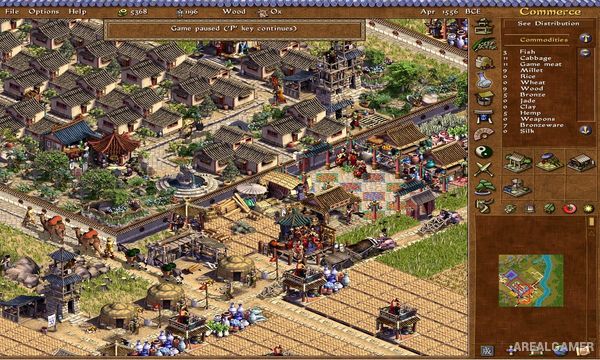
Players zone housing, create farms, establish workshops, build markets, and arrange roads so workers can distribute services. Food quality, entertainment, religion, health, taxation, and access to goods determine whether neighborhoods improve into wealthier housing.
Trade routes provide materials that cannot be produced locally, while military units defend against invasion or support offensive campaigns. Large monuments demand extensive labor and resources, turning long-term construction projects into some of the campaign’s most demanding objectives.
Main Gameplay Features
Historical Chinese city building
Multiple dynasties and campaign periods
Agriculture and industry chains
Housing evolution
Domestic and international trade
Religion and ancestral heroes
Military recruitment and warfare
Large monument construction
Imperial administration
Multiplayer city scenarios
Screenshots:
Minimum System Requirements:
OS: Windows XP/Vista/7/8/10
CPU: 1.8 GHz
RAM: 512 MB
Video Card: 3D graphics card compatible with DirectX 9
Space Required: 1 GB
DirectX: 9.0c
How to Install:
Extract the game using Winrar or 7zip.
Open “Emperor: Rise of the Middle Kingdom” folder, double click on “Setup” and proceed install.
After installation complete, go to the “Installed Game” location.
Double click on “Emperor” icon to play the game. Enjoy!
Click the Below Button to Proceed to Download Page
File Password: arealgamer