
Faces of War

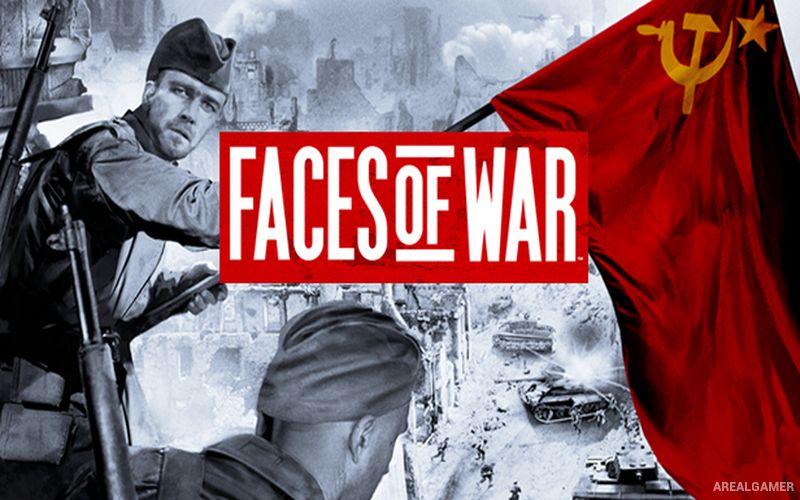
Faces of War – Free Download – PC Game
Game Info:
Size: 1.73 GB
Genre: Strategy
Release Date: 8 Sep, 2006
Developer: Best Way
Publisher: Fulqrum Publishing
About This Game:
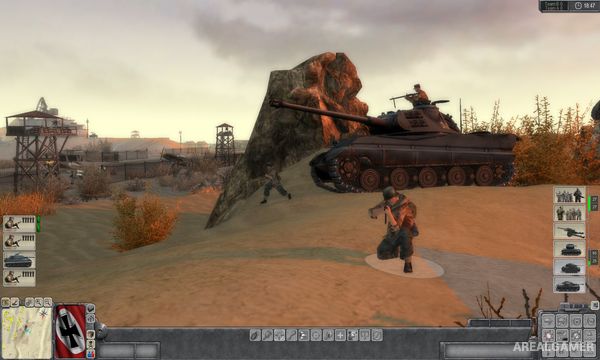
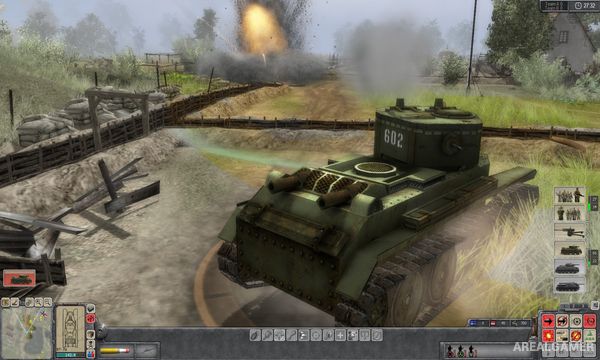
Faces of War is a World War II real-time tactics game that places players in command of small groups of soldiers during battles across the European theater. Rather than concentrating on large-scale base building, it focuses on direct battlefield control, individual units, vehicles, cover, and destructible environments.
Campaign missions follow Allied, German, and Soviet forces through different operations. Soldiers can pick up weapons, operate equipment, crew vehicles, and interact with many objects around the battlefield.
How the Gameplay Works
Players issue conventional tactical orders to squads but can also take direct control of individual soldiers or vehicles. This allows precise aiming, movement, and positioning during situations where standard commands are not enough.
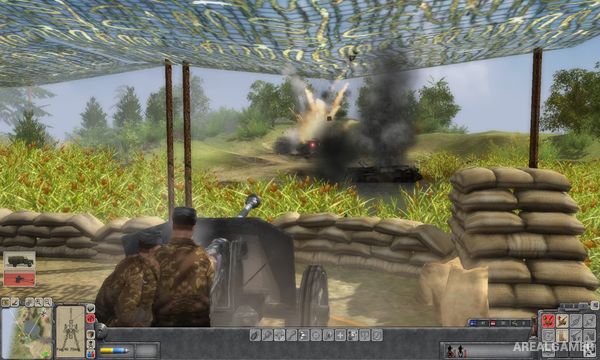
Buildings and battlefield objects can be damaged or destroyed, altering available cover. Ammunition, weapon types, vehicle armor, crew positions, and captured equipment all influence how effectively a squad can survive each mission.
Main Gameplay Features
World War II real-time tactics
Allied, German, and Soviet campaigns
Direct control of individual units
Infantry and vehicle combat
Destructible environments
Weapon and ammunition scavenging
Crewable vehicles and guns
Squad-based tactical commands
Physics-driven battlefield interactions
Screenshots:
Minimum System Requirements:
OS: Windows 2000/XP/7/8/10
CPU: 2 GHz Pentium® IV or AMD Athlon (3 GHz Pentium IV or AMD recommended)
RAM: 512 MB
Video Card: NVIDIA® GeForce™ 3/4/FX/6/7 series (GeForce 4 MX NOT supported). Laptop version of these chipsets may work but are not supported.
Space Required: 3 GB
DirectX: 9.0c
How to Install:
Extract the game using Winrar or 7zip.
Open “Faces of War” folder, double click on “Setup” and proceed install.
After installation complete, go to the “Installed Game” location.
Double click on “facesofwar” icon to play the game. Enjoy!
Click the Below Button to Proceed to Download Page
File Password: arealgamer