
Farm Manager 2021

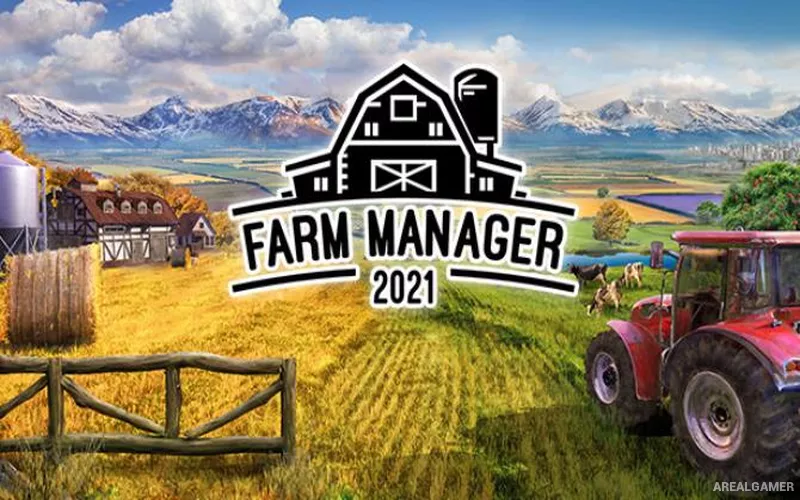
Farm Manager 2021 – With All DLC’s – Free Download – PC Game
Game Info:
Size: 3.05 GB
Genre: Simulation, Strategy
Release Date: May 6, 2021
Developer: Cleversan Games
Publisher: PlayWay S.A., Sim Farm S.A.
About This Game:
Farm Manager 2021 is an agricultural management simulation focused on running the business behind a large modern farm. Players purchase land, construct agricultural buildings, plant fields, raise livestock, hire workers, maintain machinery, and organize production chains while trying to keep the operation profitable.
Weather, soil preparation, crop schedules, employee skills, machinery condition, storage capacity, and market prices all affect the efficiency of the business. Farms can specialize in selected products or become diversified operations handling many types of agriculture at once.
How the Gameplay Works
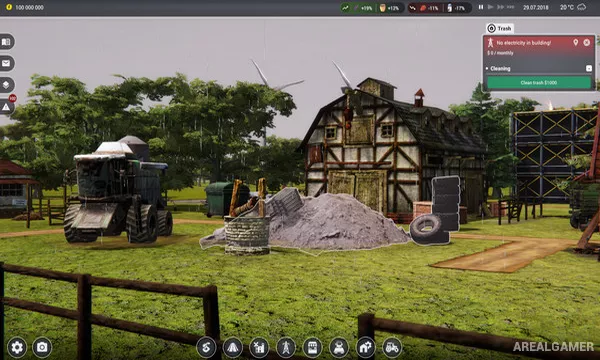
Players assign workers and machines to plowing, cultivation, planting, fertilizing, harvesting, and transportation jobs. Buildings provide storage, animal housing, processing facilities, garages, employee accommodation, and other infrastructure required by an expanding farm.
Harvested resources can be sold directly or turned into higher-value goods through production buildings. Staff training, machinery maintenance, seasonal conditions, and financial planning become increasingly important as the farm grows.
Main Gameplay Features
Large-scale farm management
Crop planting and harvesting
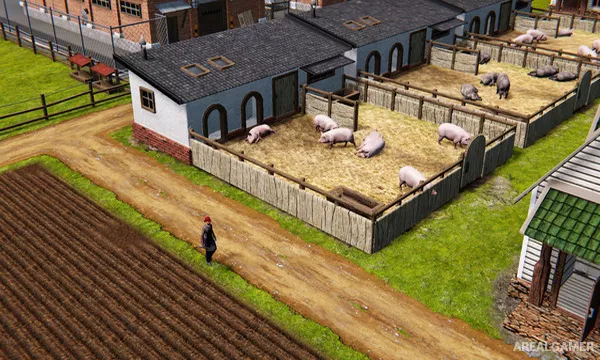
Livestock breeding
Employee hiring and training
Agricultural machinery
Building construction
Product processing chains
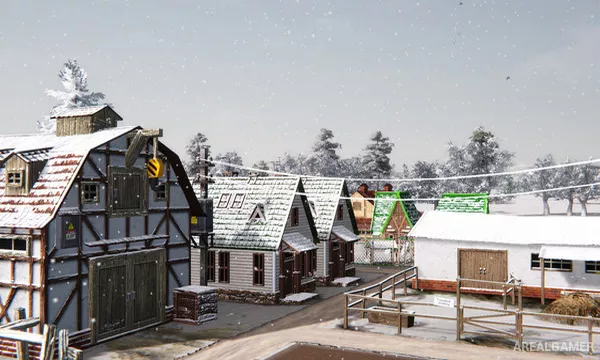
Dynamic weather
Farm finances and market sales
Machinery repair and maintenance
Screenshots:
Minimum System Requirements:
OS: Windows 7/8/10, 64-bits
CPU: Intel i5-8400, AMD Ryzen 5 2600
RAM: 8 GB
Video Card: GTX 1050 4GB
Space Required: 8 GB
DirectX: 11
How to Install:
Extract the game using Winrar or 7zip.
Open “Farm Manager 2021” folder, double click on “Setup” and proceed install.
After installation complete, open “SKIDROW” folder.
Copy all files and paste it where you “Installed the Game”.
Double click on “Game” icon to play the game. Enjoy!
Click the Below Button to Proceed to Download Page
File Password: arealgamer