
FTL: Advanced Edition


FTL: Advanced Edition – Free Download – PC Game
Game Info:
Size: 226.2 MB
Genre: Strategy, Simulation
Release Date: September 14, 2012
Developer: Subset Games
Publisher: Subset Games
About This Game:
FTL: Faster Than Light – Advanced Edition is a spaceship-management roguelike about carrying vital intelligence across a hostile galaxy while a massive rebel fleet pursues from behind. Players command the ship, crew, weapons, power systems, and emergency responses during a journey where losing the vessel ends the current run.
The Advanced Edition expands the original game with new systems, events, equipment, ships, and the Lanius species. Hacking, Mind Control, and the Clone Bay create additional strategies while remaining fully integrated with the original ship-management systems.
How the Gameplay Works
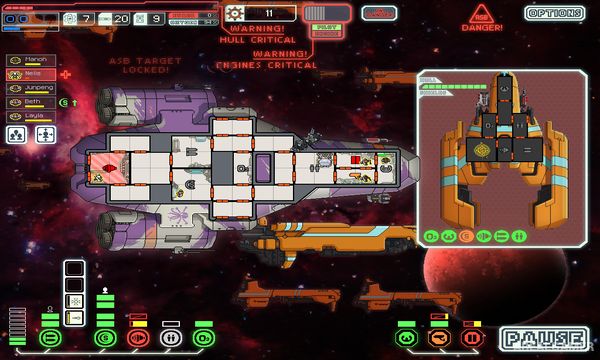
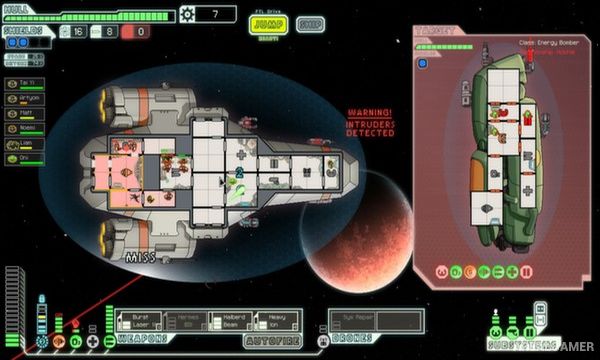
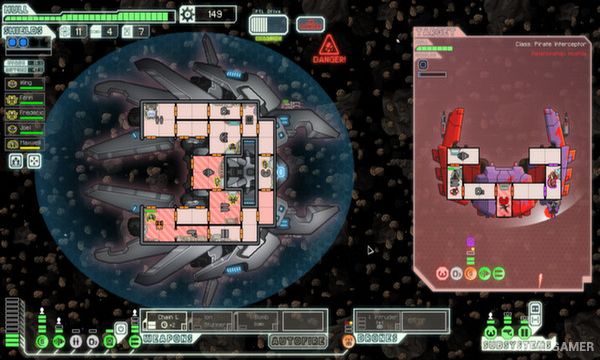
Players jump between star systems and encounter enemy ships, traders, distress calls, random events, and hazards. Ship combat takes place in real time but can be paused at any moment to assign crew, target weapons, adjust power, or respond to emergencies.
Damage can cause fires, hull breaches, system failures, and loss of oxygen. Crew members gain experience in assigned roles, while scrap collected during the journey upgrades shields, engines, weapons, reactor power, and other ship systems before the final confrontation.
Main Gameplay Features
Spaceship-management roguelike
Real-time combat with pause
Multiple playable ships
Crew management
Ship system power allocation
Weapons and shields
Hull breaches and fires
Oxygen simulation
Random events
Procedural sectors
Hacking system
Mind Control
Clone Bay
Lanius crew
Permanent run failure
Multiple endings and unlocks
Screenshots:
Minimum System Requirements:
OS: Windows 7/8/10
CPU: 2.0 GHz
RAM: 1 GB
Video Card: 128 MB Graphics card compatible with DirectX 9
Space Required: 1 GB
DirectX: 9.0c
How to Install:
Extract the game using Winrar or 7zip.
Open “FTL: Advanced Edition” folder, double click on “Setup” and proceed install.
After installation complete, go to the “Installed Game” location.
Double click on “Game” icon to play the game. Enjoy!
Click the Below Button to Proceed to Download Page
File Password: arealgamer