
Halo: Reach (2019)

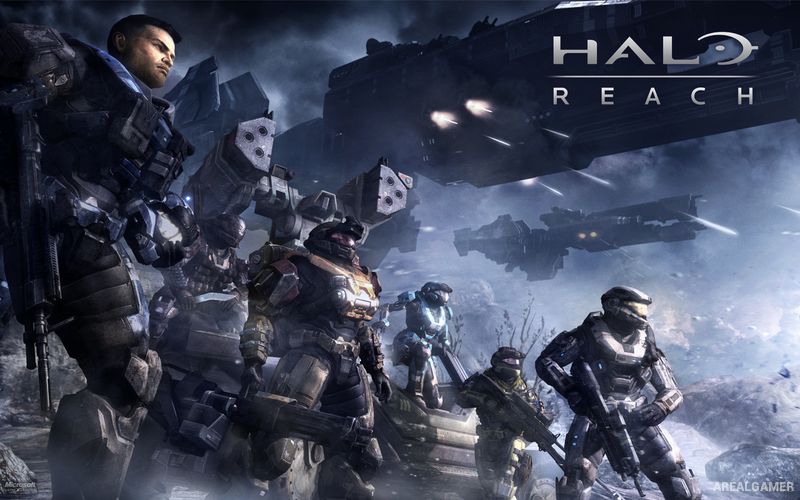
Halo: Reach (2019) – Halo: The Master Chief Collection – Free Download – PC Game
Game Info:
Size: 23.94 GB
Genre: FPS, Action
Release Date: December 3, 2019
Developer: 343 Industries
Publisher: Xbox Game Studios
About This Game:
Halo: Reach follows Noble Team during the Covenant invasion of Reach shortly before the events of Halo: Combat Evolved. Players become Noble Six, a newly assigned Spartan who joins the squad as the scale of the Covenant attack becomes increasingly clear and humanity attempts to defend one of its most important worlds.
The campaign offers a more military and squad-focused perspective than the main Master Chief storyline, with missions moving through settlements, military installations, cities, open battlefields, and space. The 2019 release brings Reach into The Master Chief Collection and marks its arrival on PC.
How the Gameplay Works
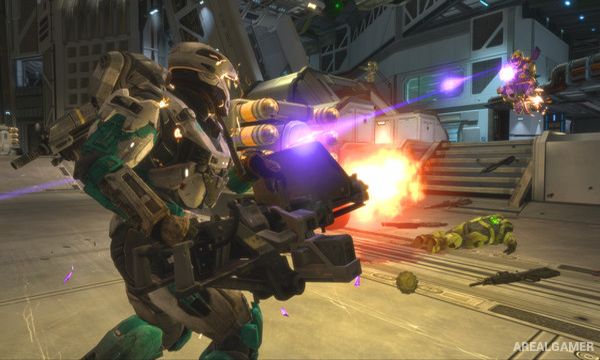
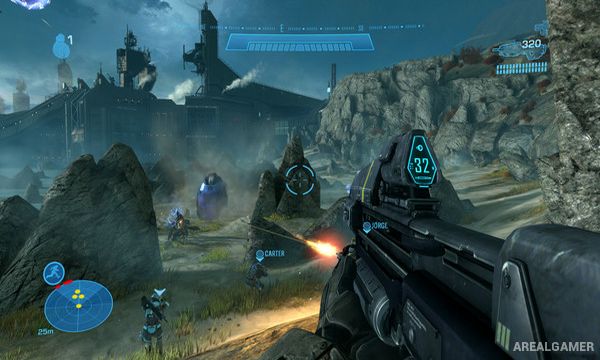
Players fight from a first-person perspective using UNSC and Covenant weapons while rechargeable shields provide protection from incoming damage. Armor abilities such as Sprint, Jet Pack, Active Camouflage, and Armor Lock can be equipped during different situations.
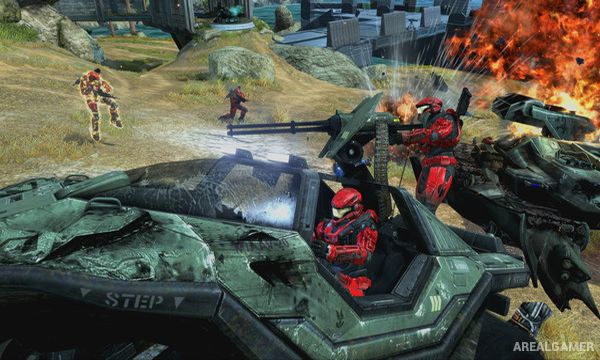
Vehicles include Warthogs, aircraft, tanks, and Covenant machines, while some missions place players in much larger battlefield encounters. Firefight offers wave-based cooperative combat, and multiplayer includes traditional Halo modes alongside extensive customization and progression.
Main Gameplay Features
Noble Team campaign
Prequel to Halo: Combat Evolved
First-person sci-fi combat
UNSC and Covenant weapons
Rechargeable shields
Armor abilities
Ground and aerial vehicles
Large battlefield encounters
Firefight survival mode
Competitive multiplayer
Campaign cooperative play
PC-optimized 2019 release
Screenshots:
Minimum System Requirements:
OS: Windows 7/8/10, 64-bits
CPU: AMD Phenom II X4 960T / Intel i3 550
RAM: 8 GB
Video Card: AMD HD 6850 / NVIDIA GeForce GTS 450, DirectX 11
Space Required: 30 GB
DirectX: 11
How to Install:
Extract the game using Winrar or 7zip.
Open “Halo: Reach” folder.
Double click on “mcclauncher.exe” icon to play the game. Enjoy!
Click the Below Button to Proceed to Download Page
File Password: arealgamer
what’s the password
pretty please
Mcclauncher not opening even after installing input1_3dll
It saying something (app is not open (0*0000b)…….
install direct x