
Icewind Dale: Enhanced Edition


Icewind Dale: Enhanced Edition – Free Download – PC Game
Game Info:
Size: 2.53 GB
Genre: RPG
Release Date: October 30, 2014
Developer: Beamdog
Publisher: Beamdog
About This Game:
Icewind Dale: Enhanced Edition is a party-based fantasy RPG set in the frozen northern region of the Forgotten Realms. Players create an entire group of adventurers and travel into Icewind Dale after becoming involved in a growing supernatural threat affecting settlements throughout the region.
Compared with some other classic Infinity Engine RPGs, Icewind Dale places especially strong emphasis on dungeon exploration, party building, and tactical combat. The Enhanced Edition brings together the original campaign and expansion content while adding interface and compatibility improvements.
How the Gameplay Works
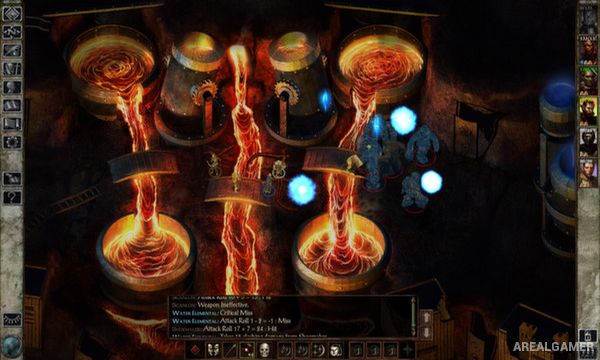
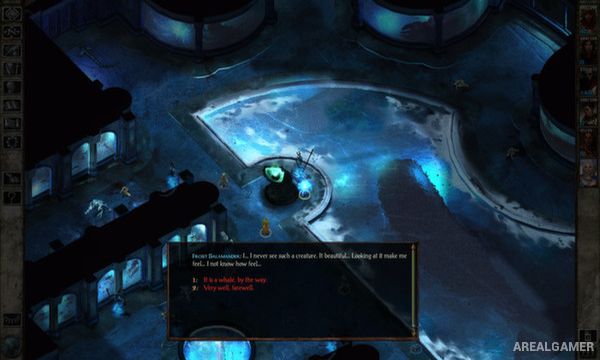
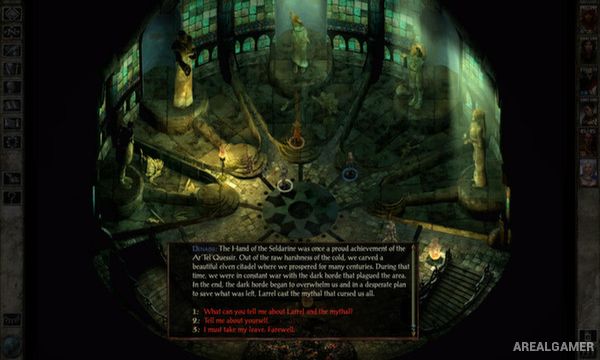
Players control a party of adventurers from an isometric viewpoint while exploring towns, wilderness locations, ruins, and large dungeons. Combat happens in real time with pause, allowing orders for movement, attacks, spells, and abilities to be issued before the action continues.
Characters can be created from different classes and races, allowing the entire party to be customized around preferred combat strategies. Weapons, armor, magical items, spells, and experience improve the group as increasingly dangerous monsters and bosses appear.
Main Gameplay Features
Party-based fantasy RPG
Forgotten Realms setting
Frozen Icewind Dale region
Create an entire adventuring party
Real-time combat with pause
Multiple classes and races
Spellcasting
Large dungeon environments
Weapons and magical equipment
Character leveling
Expansion content included
Single-player and multiplayer support
Screenshots:
Minimum System Requirements:
OS: Windows 7/8/10, 64-bits
CPU: Dual Core Processor
RAM: 1 GB
Video Card: OpenGL 2.0 compatible
Space Required: 4 GB
DirectX: 10
How to Install:
Extract the game using Winrar or 7zip.
Open “Icewind Dale: Enhanced Edition” folder, double click on “Setup” and proceed install.
After installation complete, go to the “Installed Game” location.
Double click on “Game” icon to play the game. Enjoy!
Click the Below Button to Proceed to Download Page
File Password: arealgamer