
Iris and the Giant

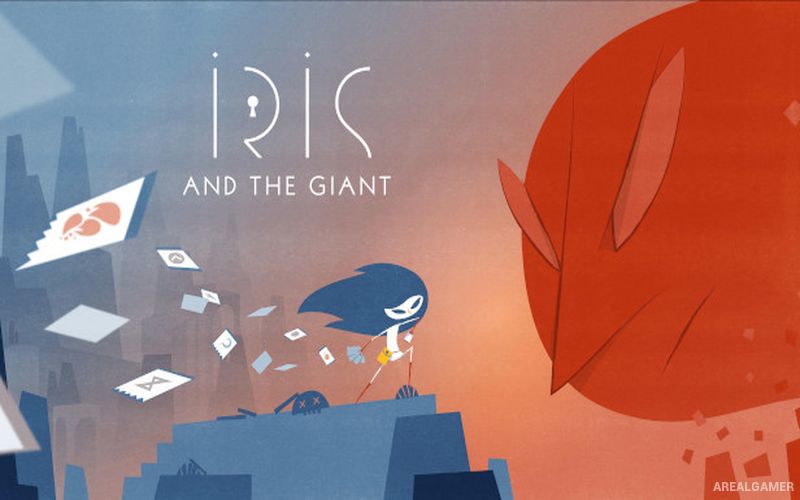
Iris and the Giant – Free Download – PC Game
Game Info:
Size: 390.4 MB
Genre: RPG
Release Date: February 27, 2020
Developer: Louis Rigaud
Publisher: Goblinz Studio, Maple Whispering Limited
About This Game:
Iris and the Giant is a roguelike deckbuilding game that follows a young girl named Iris as she confronts fears and painful memories inside a symbolic world. Its minimalist mythology-inspired presentation turns personal struggles into monsters and environments encountered during the climb toward the Giant.
The narrative is revealed gradually through memory fragments rather than long story sequences. Cards represent weapons, magic, defensive actions, and special techniques, while each run provides a different mixture of encounters and opportunities to improve the deck.
How the Gameplay Works
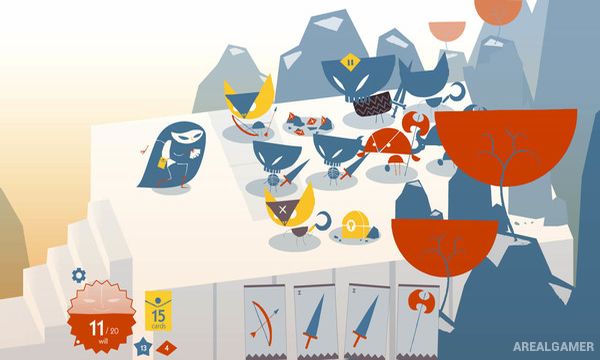
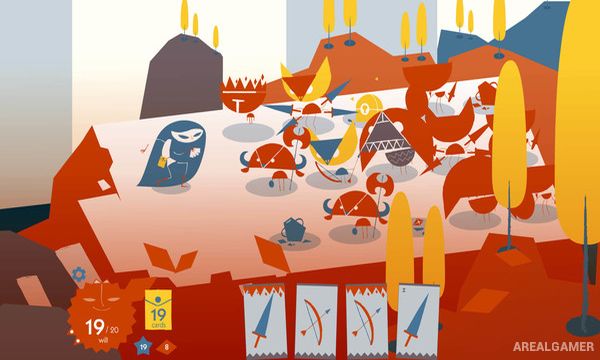
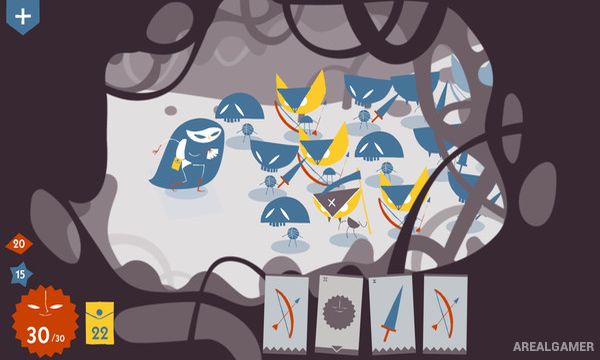
Enemies stand in rows and attack according to their position and abilities. Players select cards from the current hand to damage enemies, block attacks, move threats, or create combinations that clear several targets efficiently.
Cards are consumed when used unless particular effects recover them, making resource conservation important during a run. New cards, talents, and permanent progression options gradually expand Iris’s possibilities and allow stronger strategies against later enemies.
Main Gameplay Features
Roguelike deckbuilding
Turn-based card combat
Story of Iris
Memory-based narrative
Enemies arranged in rows
Weapons represented by cards
Magic and defensive cards
Card resource management
Character talents
Permanent progression
Multiple build strategies
Minimalist visual style
Boss encounters
Replayable runs
Emotional storytelling
Screenshots:
Minimum System Requirements:
OS: Windows 7/8/10
CPU: Intel core 2 duo
RAM: 2 GB
Video Card: Intel HD Graphics 5500
Space Required: 500 MB
DirectX: 10
How to Install:
Extract the game using Winrar or 7zip.
Open “Iris and the Giant” folder, double click on “Setup” and proceed install.
After installation complete, go to the “Installed Game” location.
Double click on “Game” icon to play the game. Enjoy!
Click the Below Button to Proceed to Download Page
File Password: arealgamer