
Kingdom: Two Crowns

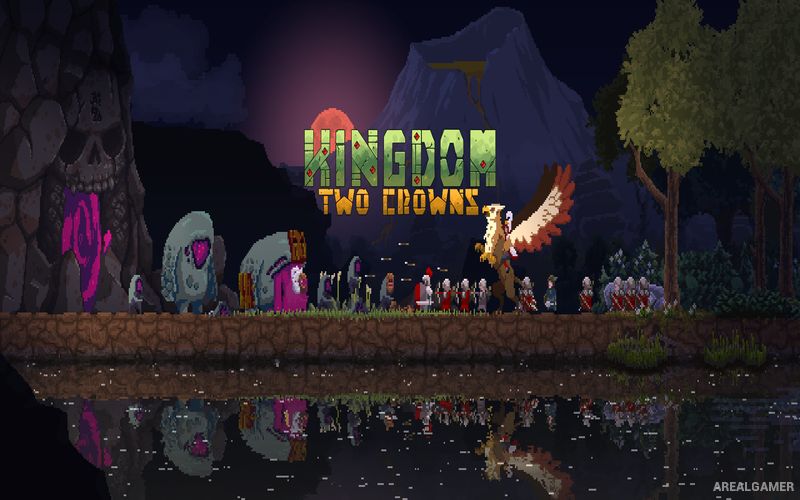
Kingdom: Two Crowns – Norse Lands DLC – Free Download – PC Game
Game Info:
Size: 799 MB
Genre: Adventure, Strategy
Release Date: December 11, 2018
Developer: StumpySquid, Fury Studios, Coatsink
Publisher: Raw Fury
About This Game:
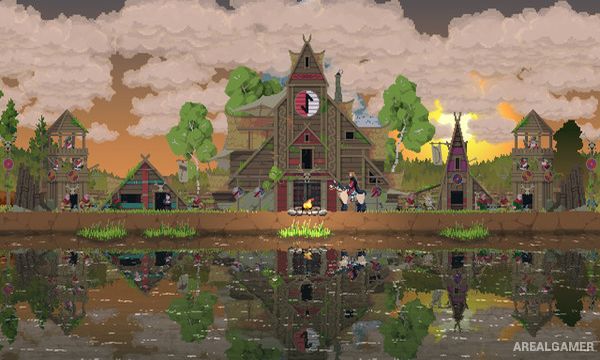
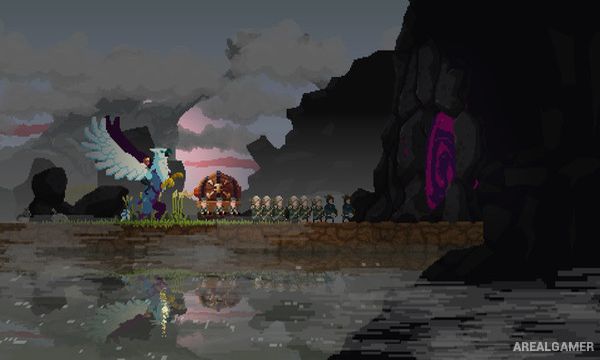
Kingdom: Two Crowns is a side-scrolling strategy game where players become a monarch attempting to establish and protect a kingdom from mysterious creatures known as the Greed. Beginning with little more than a crown and a few coins, the ruler recruits villagers, builds walls, develops an economy, and gradually expands across several islands.
The game maintains a deliberately simple interface while hiding considerable strategy beneath it. Every coin can be invested into workers, defenses, farms, military units, upgrades, or exploration, while nighttime attacks continually test how effectively the kingdom has been prepared.
How the Gameplay Works
Players ride horizontally through the kingdom collecting coins and spending them directly on construction or recruitment points. Villagers can become archers, builders, farmers, and other useful units depending on the equipment provided to them.
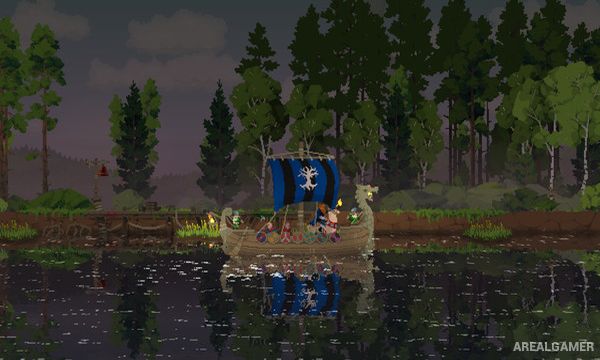
During the day, the kingdom expands and gathers resources, while the Greed attack after nightfall. Boats allow travel to additional islands where new technology and mounts can be discovered. Two Crowns also allows a second monarch to join through cooperative play.
Main Gameplay Features
Side-scrolling micro-strategy
Build and defend a kingdom
Recruit villagers
Archers, builders, and farmers
Coin-based economy
Day and night cycle
Greed enemy attacks
Walls and defensive towers
Multiple islands
Unlockable technology and mounts
Solo play
Two-player cooperative mode
Screenshots:
Minimum System Requirements:
OS: Windows 7/8/10
CPU: Intel 4th Gen Dual Core 2.0 GHz
RAM: 2 GB
Video Card: Nvida GTX Series 8
Space Required: 4 GB
DirectX: 9.0c
How to Install:
Extract the game using Winrar or 7zip.
Open “Kingdom: Two Crowns” folder, double click on “Setup” and proceed install.
Now run “DLC Setup” to install DLC.
After installation complete, go to the “Installed Game” location.
Double click on “Game” icon to play the game. Enjoy!
Click the Below Button to Proceed to Download Page
File Password: arealgamer