
MIO: Memories in Orbit

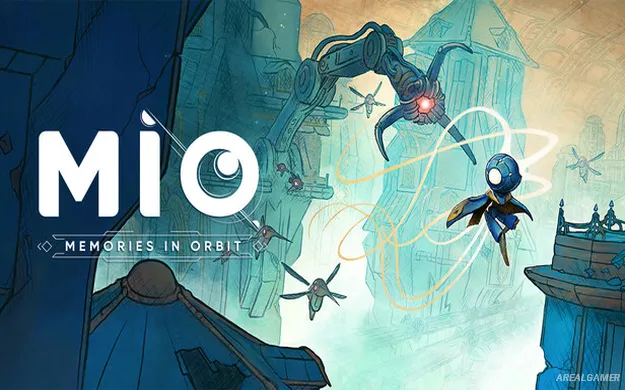
MIO: Memories in Orbit – Free Download – PC Game
Game Info:
Size: 3 GB
Genre: Adventure, Platform
Release Date: 20 Jan, 2026
Developer: Douze Dixièmes
Publisher: Focus Entertainment
About This Game:
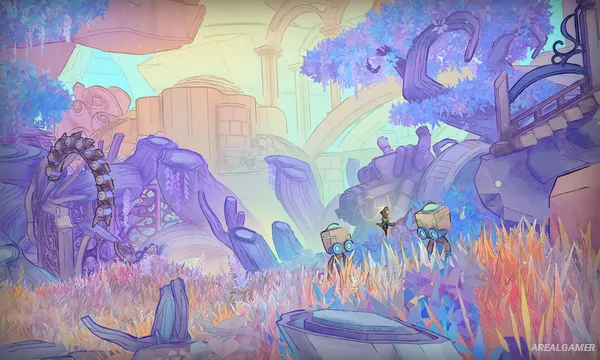
MIO: Memories in Orbit is a hand-drawn metroidvania set aboard the Vessel, an enormous technological ark whose systems have fallen into disorder. Players control the android MIO and explore a world where malfunctioning machines, abandoned structures, and strange forms of life have spread throughout what was once a carefully controlled spacecraft.
The Vessel is interconnected, and recovering new abilities gradually opens routes that were impossible to reach earlier. Exploration also reveals memories and information surrounding the ship, its inhabitants, and the events that pushed the ark toward destruction.
How the Gameplay Works
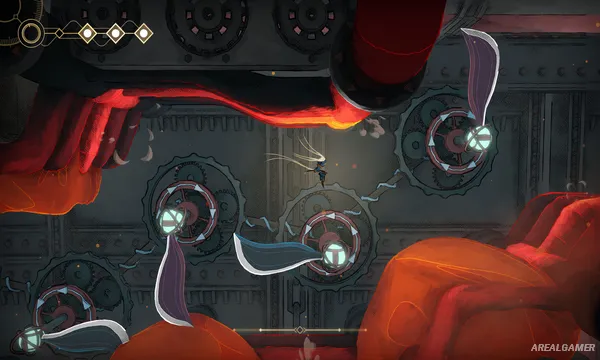
Players combine precise platforming with fast combat while traveling between connected regions. New movement abilities expand MIO’s mobility, allowing previously inaccessible passages and secrets to be reached when returning to earlier locations.
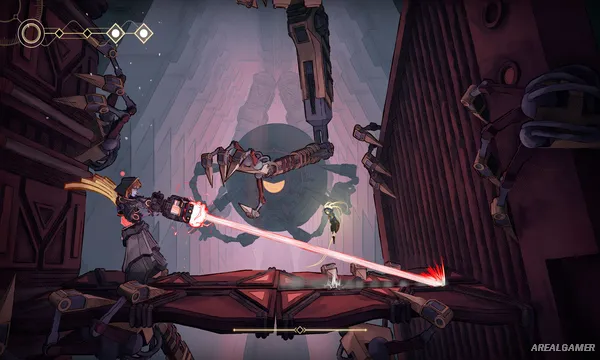
Hostile machines require learning attack patterns and making effective use of MIO’s combat abilities. Upgrades provide additional ways to shape progression, while large bosses act as major tests of movement and fighting skills. Exploration remains important because optional routes can hide useful improvements and story discoveries.
Main Gameplay Features
Hand-drawn metroidvania
Play as android MIO
Explore the enormous Vessel
Interconnected world
Ability-based progression
Precision platforming
Fast combat
Hostile machines
Boss battles
Hidden routes
Character upgrades
Environmental storytelling
Science-fiction mystery
Single-player adventure
Screenshots:
Minimum System Requirements:
OS: Windows 10/11, 64-bit
CPU: AMD Ryzen 3 1200 / Intel Core i3-6100
RAM: 8 GB
Video Card: AMD Radeon RX 460 / Nvidia GeForce GTX 1050 Ti
Space Required: 4 GB
DirectX: 12
How to Install:
Extract the game using Winrar or 7zip.
Open “MIO: Memories in Orbit” folder, double click on “Setup” and proceed install.
After installation complete, open “RUNE” folder.
Copy all files and paste it where you “Installed the Game”.
Double click on “Game” icon to play the game. Enjoy!
Click the Below Button to Proceed to Download Page
File Password: arealgamer