
MX vs. ATV Supercross Encore

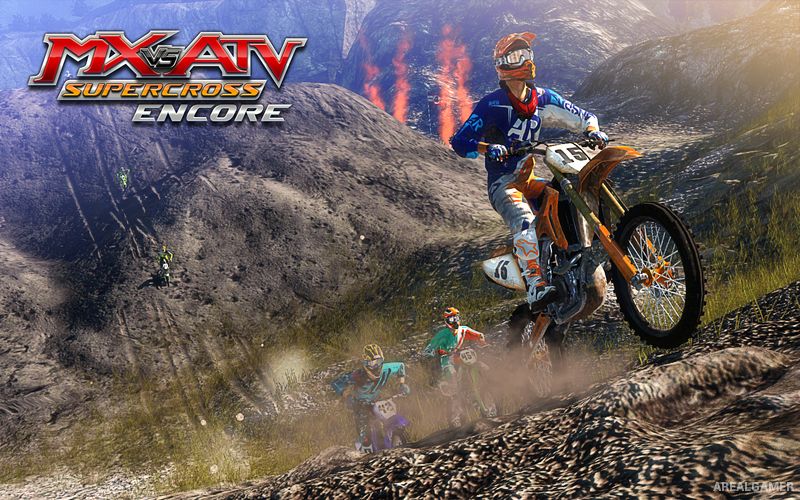
MX vs. ATV Supercross Encore – Free Download – PC Game
Game Info:
Size: 4.86 GB
Genre: Racing, Sports
Release Date: 28 Oct, 2015
Developer: Rainbow Studios, THQ Nordic
Publisher: THQ Nordic
About This Game:
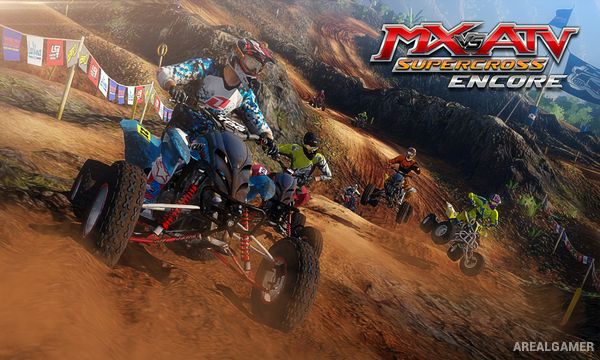
MX vs. ATV Supercross Encore is an off-road racing game focused on motocross bikes, ATVs, and supercross competition. Players race around dirt circuits filled with jumps, rhythm sections, tight corners, and uneven terrain while competing across structured events and championships.
The Encore edition expands the original Supercross release with additional tracks, vehicles, and content while retaining a handling system built around controlling both the rider and the machine.
How the Gameplay Works
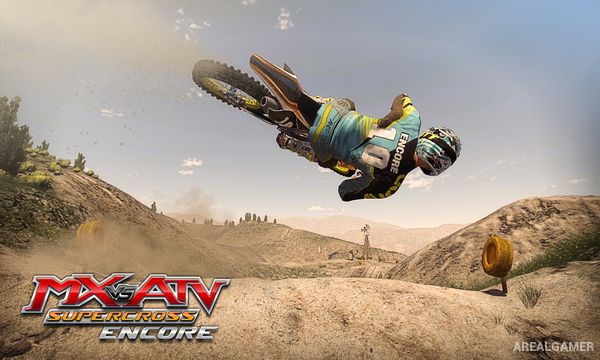
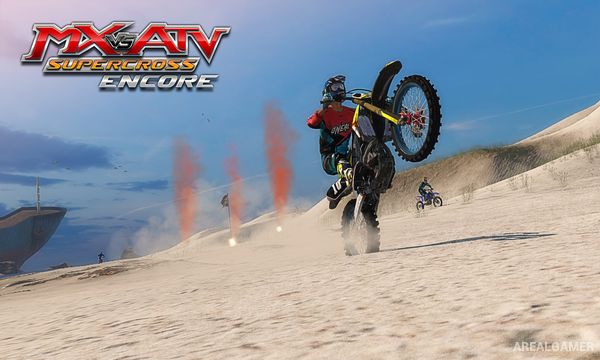
Players race motorcycles and ATVs while adjusting rider movement to maintain balance through jumps, corners, and rough terrain. Managing throttle, landings, and body position helps preserve speed and avoid crashes.
Career events provide structured progression, while free ride and individual race options allow less restricted play. Vehicles can be customized and tuned, and multiplayer modes provide direct competition against other racers.
Main Gameplay Features
Motocross and ATV racing
Supercross dirt circuits
Independent rider and vehicle control
Jump and landing mechanics
Career progression
Vehicle tuning
Rider and vehicle customization
Free ride mode
Local multiplayer
Online competitive racing
Screenshots:
Minimum System Requirements:
OS: Windows 7/8/10
CPU: Intel® Core™ 2 Duo @ 1.8Ghz / AMD Athlon 64 X2 equivalent
RAM: 2 GB
Video Card: DirectX 10 compatible graphics card like Intel HD 3000, NVIDIA GeForce GTS 240 (1GB VRAM) or ATI Radeon HD 4600 (1GB VRAM)
Space Required: 5 GB
DirectX: 10
How to Install:
Extract the game using Winrar or 7zip.
Open “MX vs. ATV Supercross Encore” folder, double click on “Setup” and proceed install.
After installation complete, open “CODEX” folder.
Copy all files and paste it where you “Installed the Game”.
Double click on “MXStorm_PC” icon to play the game. Enjoy!
Click the Below Button to Proceed to Download Page
File Password: arealgamer