
Nightmare Reaper

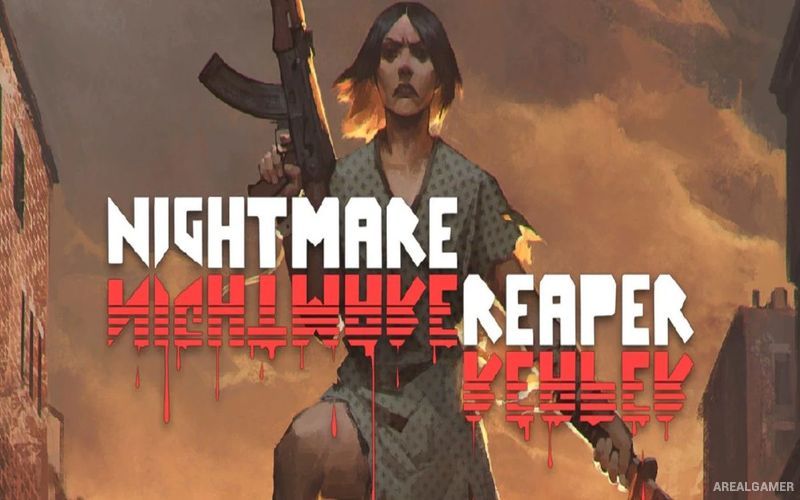
Nightmare Reaper – Free Download – PC Game
Game Info:
Size: 1.52 GB
Genre: Action, Horror
Release Date: July 16, 2019
Developer: Blazing Bit Games
Publisher: Blazing Bit Games
About This Game:
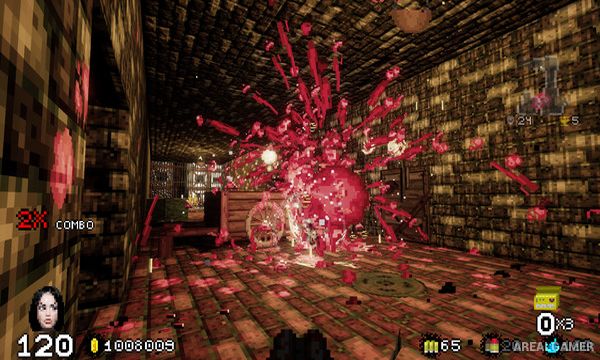
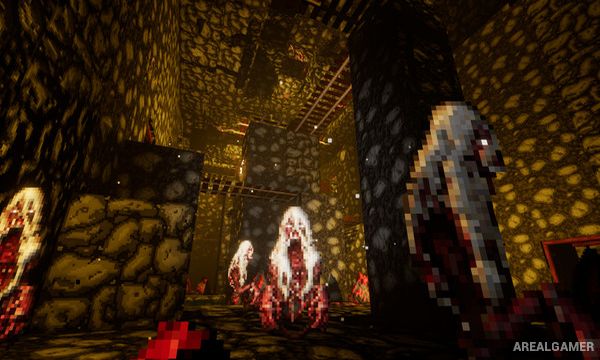
Nightmare Reaper is a retro-inspired first-person shooter where a patient trapped inside a psychiatric institution experiences violent nightmares filled with monsters, weapons, treasure, and procedurally generated environments. Each descent into sleep becomes another battle through increasingly strange and dangerous worlds.
The game combines the speed and visual style of early shooters with loot and progression systems more commonly associated with action RPGs. Hundreds of weapon variations can appear with different statistics and effects, making every run an opportunity to discover unusual equipment.
How the Gameplay Works
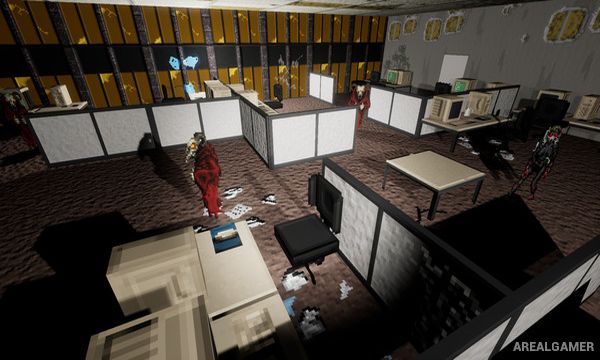
Players explore first-person levels while shooting monsters with firearms, melee weapons, magical equipment, explosives, and other unusual tools. Procedural generation changes the arrangement of rooms, enemies, items, and rewards between nightmare areas.
Gold and resources collected during combat can be used to improve character abilities through retro-style minigames between levels. Better statistics and stronger equipment gradually prepare the player for larger enemy groups and increasingly difficult bosses.
Main Gameplay Features
Retro first-person shooting
Procedurally generated levels
Large weapon selection
Random weapon statistics
Firearms and melee weapons
Magic and explosives
Loot collection
Character upgrades
Retro-style upgrade minigames
Monster-filled nightmares
Boss encounters
Fast single-player combat
Screenshots:
Minimum System Requirements:
OS: Windows 7/8/10
CPU: i3 or equivalent
RAM: 2 GB
Video Card: NVIDIA Geforce GT 540M
Space Required: 4 GB
DirectX: 10
How to Install:
Extract the game using Winrar or 7zip.
Open “Nightmare Reaper” folder, double click on “Setup” and proceed install.
After installation complete, go to the “Installed Game” location.
Double click on “Game” icon to play the game. Enjoy!
Click the Below Button to Proceed to Download Page
File Password: arealgamer