
No More Heroes 2: Desperate Struggle


No More Heroes 2: Desperate Struggle – Free Download – PC Game
Game Info:
Size: 2.32 GB
Genre: Action
Release Date: 9 Jun, 2021
Developer: GRASSHOPPER MANUFACTURE INC.
Publisher: XSEED Games, Marvelous USA, Inc., Marvelous
About This Game:
No More Heroes 2: Desperate Struggle brings Travis Touchdown back into the United Assassins Association rankings after personal tragedy gives him a reason to fight again. This time he begins far from the top and must cut through a much larger lineup of assassins on the way toward the person responsible.
The sequel retains the series’ exaggerated humor, violent combat, pop-culture references, and eccentric bosses while adding more playable characters and additional beam katana options.
How the Gameplay Works
Travis uses beam katanas for rapid melee combinations, blocks, finishing strikes, and wrestling moves. Different weapons alter attack speed and strength, while a transformation can temporarily make him far more powerful under certain conditions.
Some sections allow control of Shinobu and Henry, who have their own movement and combat abilities. Side jobs are presented as retro-styled minigames that provide money between ranking battles. The main progression remains focused on defeating unusual assassins in increasingly elaborate boss encounters.
Main Gameplay Features
Fast beam katana combat
Multiple beam katana types
Wrestling and finishing attacks
Multiple playable characters
Large roster of assassin bosses
Retro-style side job minigames
Character upgrades
Stylized action-comedy presentation
Screenshots:
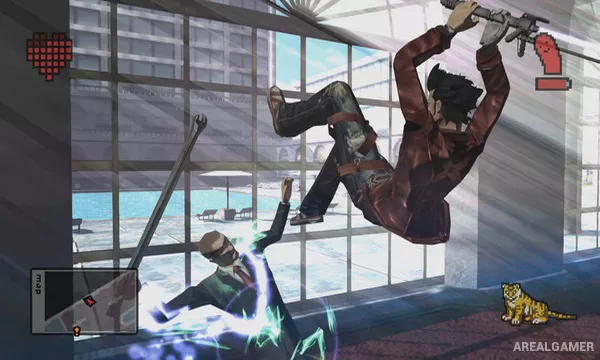
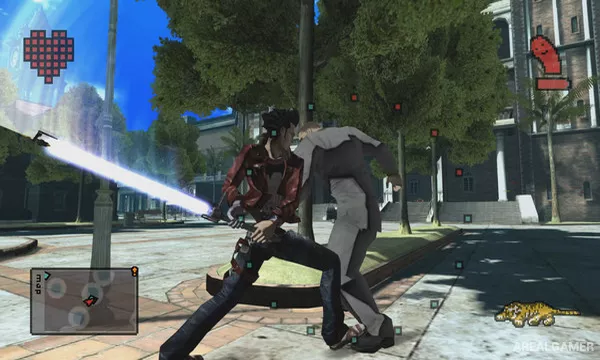
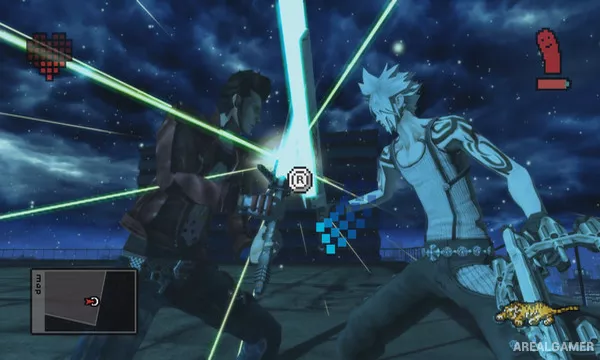
Minimum System Requirements:
OS: Windows 8.1/10
CPU: Intel Core i5-4460
RAM: 8 GB
Video Card: NVIDIA GeForce GTX 750 Ti
Space Required: 4 GB
DirectX: 11
How to Install:
Extract the game using Winrar or 7zip.
Open “No More Heroes 2 Desperate Struggle” folder, double click on “Setup” and proceed install.
After installation complete, open “CODEX” folder.
Copy all files and paste it where you “Installed the Game”.
Double click on “Game” icon to play the game. Enjoy!
Click the Below Button to Proceed to Download Page
File Password: arealgamer