
Out of Line

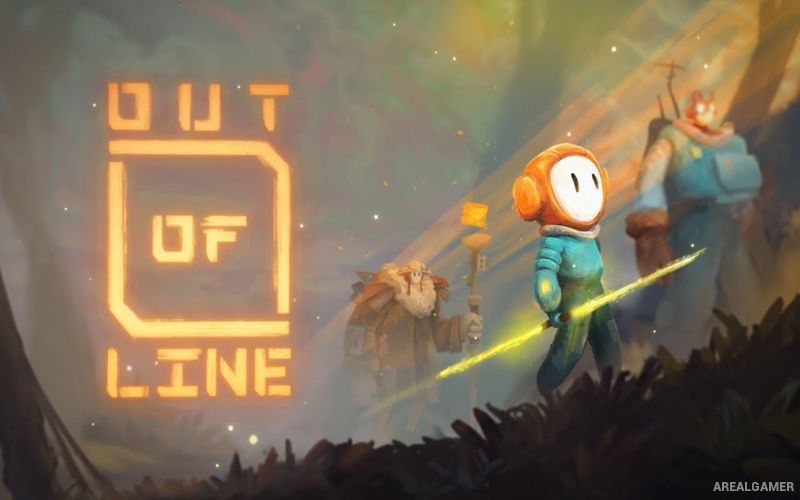
Out of Line – Free Download – PC Game
Game Info:
Size: 339 MB
Genre: Adventure, Puzzle, Platformer
Release Date: June 23, 2021
Developer: Nerd Monkeys
Publisher: Hatinh Interactive
About This Game:
Out of Line is a hand-drawn 2D puzzle adventure following a young character named San as he attempts to escape a mysterious Factory. Once a familiar home, the industrial complex has become a dangerous environment filled with machinery, obstacles, strange inhabitants, and questions about the world outside.
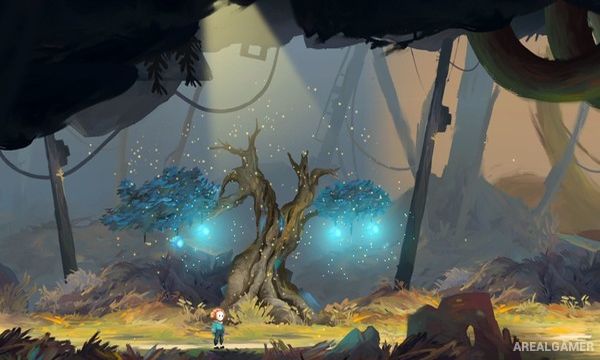
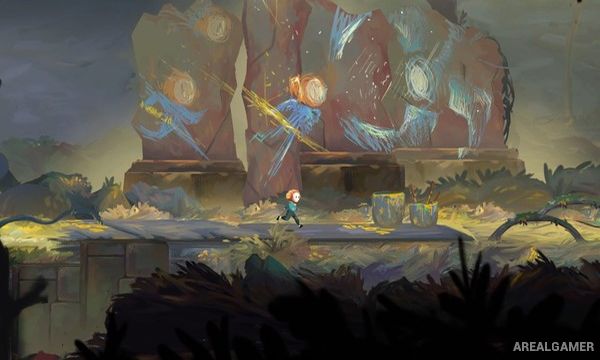
The game tells much of its story through scenery and animation instead of lengthy dialogue. Each chapter introduces new locations and situations while maintaining a painted visual style that gives the mechanical world a softer and more expressive appearance.
How the Gameplay Works
Players guide San through side-scrolling environments while jumping, climbing, interacting with machinery, and solving puzzles. A spear-like tool becomes central to progression and can be thrown into certain surfaces or mechanisms to create platforms and activate objects.
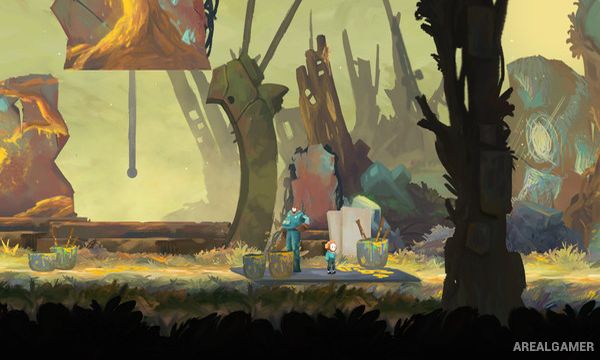
Later puzzles combine movement and tool use with assistance from characters encountered during the journey. There is little emphasis on direct combat, keeping the experience focused on environmental observation, platforming, and finding safe ways through the Factory.
Main Gameplay Features
Hand-drawn 2D adventure
Playable character San
Escape from a mysterious Factory
Environmental puzzles
Side-scrolling platforming
Throwable spear tool
Create temporary platforms
Mechanical puzzle elements
Character cooperation
Minimal direct combat
Multiple story chapters
Visual environmental storytelling
Screenshots:
Minimum System Requirements:
OS: Windows 7/8/10, 64-bits
CPU: Intel Core i5 2500 or AMD FX 6350
RAM: 2 GB
Video Card: NVIDIA GeForce 6500, ATI Radeon X1550
Space Required: 500 MB
DirectX: 11
How to Install:
Extract the game using Winrar or 7zip.
Open “Out of Line” folder, double click on “Setup” and proceed install.
After installation complete, go to the “Installed Game” location.
Double click on “Game” icon to play the game. Enjoy!
Click the Below Button to Proceed to Download Page
File Password: arealgamer