
Overlord 2

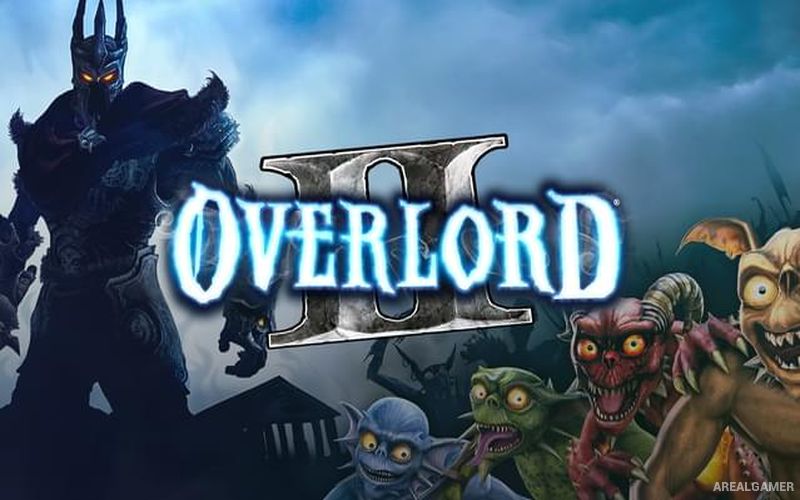
Overlord 2 – Free Download – PC Game
Game Info:
Size: 1.98 GB
Genre: Action, RPG
Release Date: 23 Jun, 2009
Developer: Triumph Studios
Publisher: Codemasters, Electronic Arts
About This Game:
Overlord II continues the dark comedy of the series with a new Overlord and an expanded army of minions. The story pits the player’s forces against the Glorious Empire, a powerful civilization attempting to eliminate magical creatures and bring the surrounding lands under its control.
Brown, Red, Green, and Blue minions return with their specialized abilities, but they can now make greater use of mounts, vehicles, siege equipment, and environmental objects. The scale of battles is larger than in the first game.
How the Gameplay Works
Players fight alongside their minions while directing groups toward enemies, switches, formations, and useful objects. Different minion colors are selected according to the task, such as surviving fire, sneaking behind enemies, or moving through water.
Choices generally push the Overlord toward either domination or destruction, influencing how conquered populations are treated. Minions can improve through battle and may use equipment gathered from fallen enemies.
Main Gameplay Features
Four specialized minion types
Large-scale minion commanding
Melee combat and Overlord magic
Minion mounts and siege equipment
Domination and destruction choices
Upgradeable tower and equipment
Minion equipment and progression
Large boss and army encounters
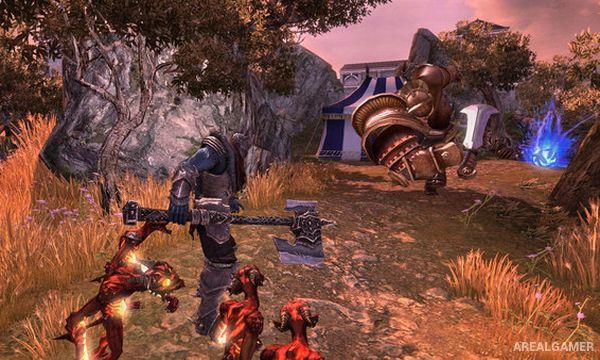
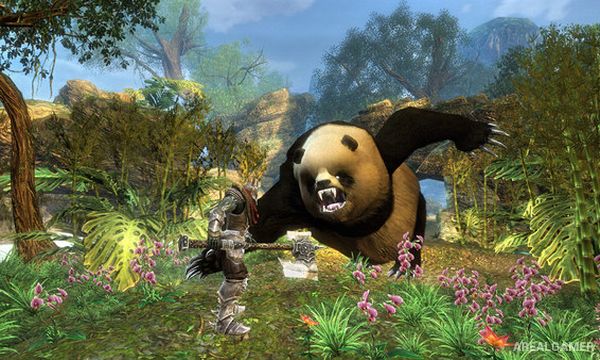
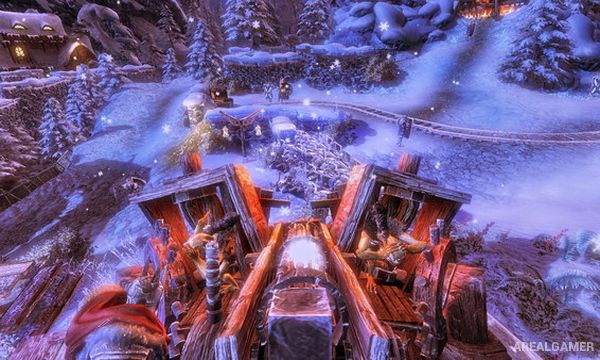
Screenshots:
Minimum System Requirements:
OS: Windows XP/Vista/7/8/10
CPU: 3.0 GHz
RAM: 1 GB
Video Card: 256 MB graphics card compatible with DirectX 9
Space Required: 5 GB
DirectX: 9.0c
How to Install:
Extract the game using Winrar or 7zip.
Open “Overlord 2″ folder, double click on “Setup” and proceed install.
After installation complete, go to the “Installed Game” location.
Double click on “Overlord2” icon to play the game. Enjoy!
Click the Below Button to Proceed to Download Page
File Password: arealgamer