
Pathologic Classic HD

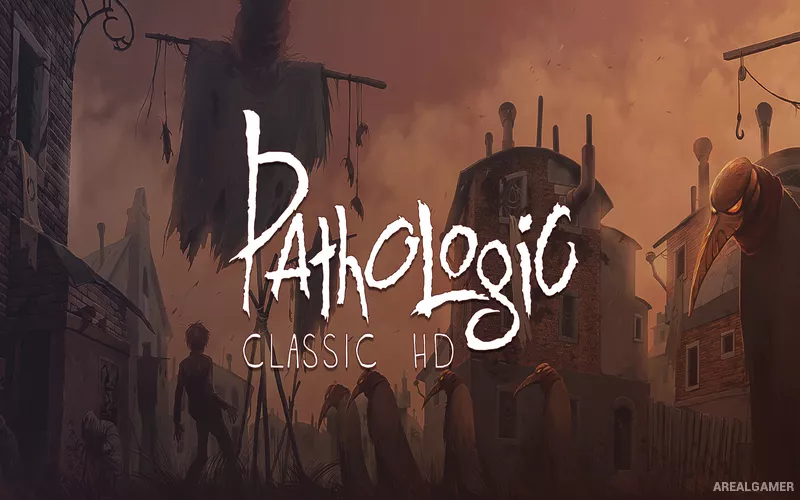
Pathologic Classic HD – Free Download – PC Game
Game Info:
Size: 2.44 GB
Genre: RPG
Release Date: 29 Oct, 2015
Developer: Ice-Pick Lodge, General Arcade
Publisher: Good Shepherd Entertainment
About This Game:
Pathologic Classic HD is a narrative survival game set in an isolated town being consumed by a deadly plague. Players can experience the crisis through three protagonists whose goals, beliefs, relationships, and understanding of the disease differ dramatically.
The town continues to deteriorate whether the player is ready or not. Important characters can become infected or die, districts can become dangerous, prices rise as supplies disappear, and quests may expire if they are ignored for too long. Survival and understanding the story constantly compete for limited time.
How the Gameplay Works
Each in-game day provides objectives and conversations spread across the town. Walking between them consumes valuable hours, forcing players to decide which problems deserve attention. Hunger, health, exhaustion, infection, and reputation must also be managed.
Food, medicine, weapons, clothing, and other supplies can be purchased, traded, or scavenged. Combat is possible but dangerous, while infected districts introduce additional risks. The three playable characters reveal different parts of the wider mystery, making multiple campaigns important for understanding the complete situation.
Main Gameplay Features
Three playable protagonists
Time-limited twelve-day crisis
Plague and infection mechanics
Hunger and exhaustion
Dynamic town deterioration
Trading and economy
Branching quests
Character reputation
Survival resource management
Multiple perspectives on the story
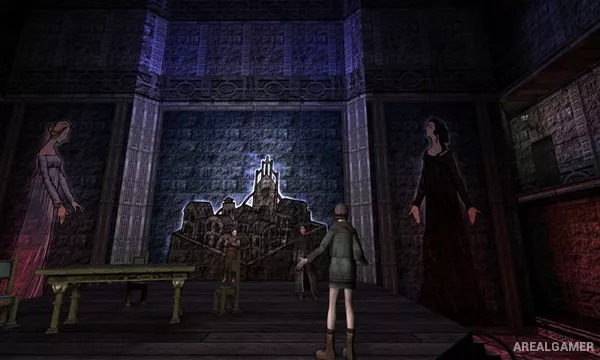
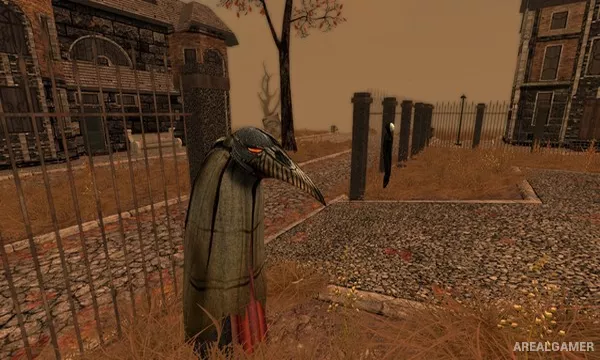
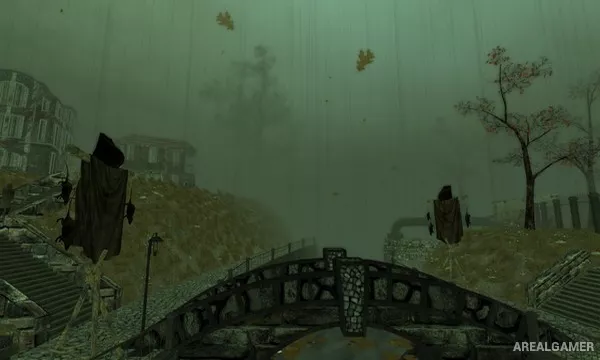
Screenshots:
Minimum System Requirements:
OS: Windows XP/Vista/7/8/10
CPU: AMD Athlon 64 2.3 GHz / Intel Pentium 2.2 GHz
RAM: 2 GB
Video Card: Radeon HD 4890 1024 MB / GeForce 210 512 MB
Space Required: 2 GB
DirectX: 9.0c
How to Install:
Extract the game using Winrar or 7zip.
Open “Pathologic Classic HD” folder, double click on “Setup” and proceed install.
After installation complete, open “PROPHET” folder.
Copy all files and paste it where you “Installed the Game”.
Double click on “Game” icon to play the game. Enjoy!
Click the Below Button to Proceed to Download Page
File Password: arealgamer