
Project Wingman

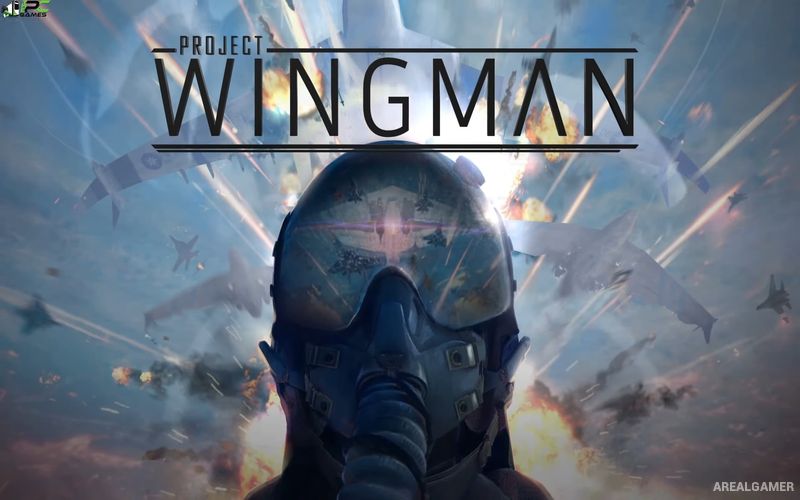
Project Wingman – Free Download – PC Game
Game Info:
Size: 6.54 GB
Genre: Action
Release Date: December 1, 2020
Developer: Sector D2
Publisher: Sector D2, Humble Games
About This Game:
Project Wingman is an arcade-style combat flight game set in an alternate version of Earth devastated by major geological disasters and prolonged warfare. Players become a mercenary fighter pilot and take part in a large conflict featuring advanced aircraft, enormous military forces, and increasingly destructive weapons.
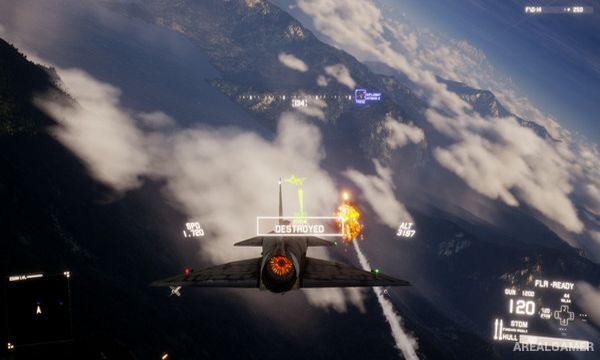
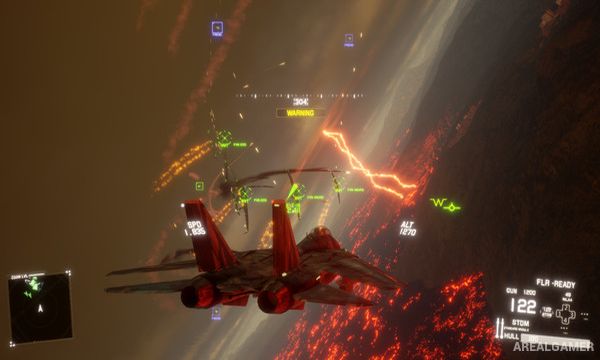
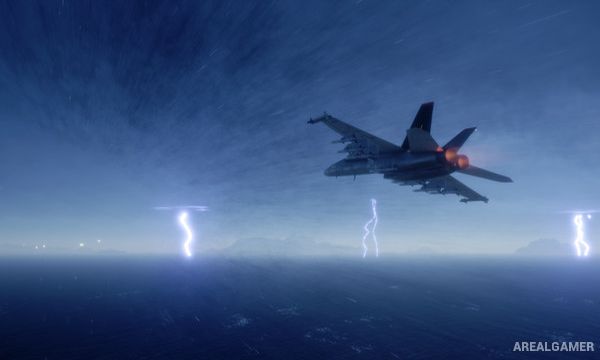
The game emphasizes dramatic aerial combat rather than strict flight simulation. Missions range from fighter interceptions and large dogfights to anti-ship attacks, ground assaults, and battles involving experimental aircraft across skies filled with missiles and enemy formations.
How the Gameplay Works
Players pilot fighter aircraft from cockpit or external views while using machine guns, missiles, bombs, and specialized weapons against air, land, and naval targets. Aircraft differ in speed, maneuverability, available hardpoints, and weapon capacity, making loadout selection important before a mission begins.
The main campaign follows a structured sequence of missions, while Conquest provides a separate progression mode with escalating battles and aircraft purchasing. Virtual reality support allows compatible missions to be experienced from inside the cockpit for players with supported PC VR equipment.
Main Gameplay Features
Arcade combat flight gameplay
Alternate-Earth setting
Large aerial dogfights
Ground attack missions
Naval targets
Multiple fighter aircraft
Missiles and machine guns
Special weapon loadouts
Cockpit and third-person views
Story-driven campaign
Conquest mode
PC virtual reality support
Screenshots:
Minimum System Requirements:
OS: Windows 7/8/10, 64-bits
CPU: Intel i5-2300 or AMD FX-6350 equivalent
RAM: 4 GB
Video Card: GTX 660Ti / R9 270 equivalent
Space Required: 15 GB
DirectX: 11
How to Install:
Extract the game using Winrar or 7zip.
Open “Project Wingman” folder, double click on “Setup” and proceed install.
After installation complete, go to the “Installed Game” location.
Double click on “Game” icon to play the game. Enjoy!
Click the Below Button to Proceed to Download Page
File Password: arealgamer