
Röki

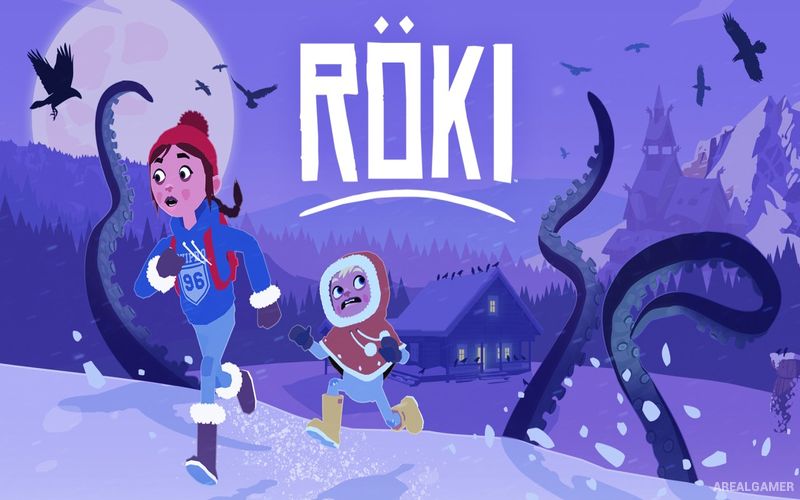
Röki – Free Download – PC Game
Game Info:
Size: 1.21 GB
Genre: Adventure
Release Date: July 23, 2020
Developer: Polygon Treehouse
Publisher: United Label, CI Games
About This Game:
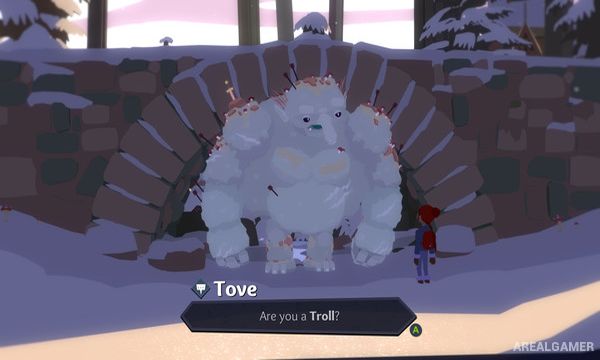
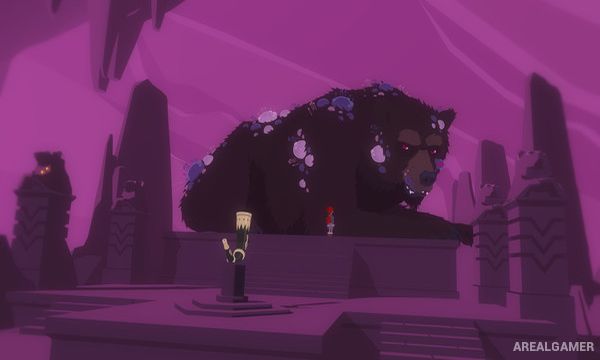
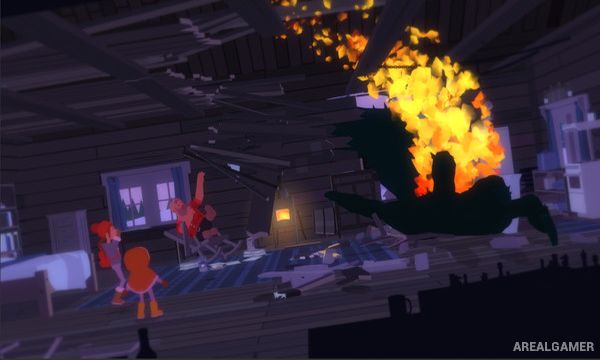
Röki is a narrative adventure inspired by Scandinavian folklore. Players follow Tove, a young girl who enters a mysterious snow-covered wilderness while searching for her missing younger brother. What begins as a family tragedy gradually becomes a journey through a hidden world of forgotten creatures, ancient legends, and supernatural places.
Despite its folklore monsters and darker themes, the game is structured around exploration and puzzle solving rather than combat. Tove’s journal records discoveries, characters, and clues while helping build a clearer picture of the strange world she has entered.
How the Gameplay Works
Players explore forests, caves, ruins, and other locations from a third-person perspective. Objects can be examined and collected, while inventory items are combined or used on parts of the environment to solve puzzles and open new paths.
Many challenges involve helping unusual creatures or understanding the relationships between characters rather than defeating enemies. The environment gradually opens as puzzles are completed, while optional curiosities and journal discoveries reward players who search beyond the main route.
Main Gameplay Features
Scandinavian folklore adventure
Play as Tove
Snow-covered wilderness
Search for a missing family member
Non-combat exploration
Inventory-based puzzles
Environmental interactions
Hidden legends and creatures
Collect curiosities
Character-focused storytelling
Tove’s journal
Atmospheric fantasy environments
Screenshots:
Minimum System Requirements:
OS: Windows 7/8/10, 64-bits
CPU: Intel Core i5 2500 or AMD FX 6350
RAM: 4 GB
Video Card: Intel HD Graphics 4600 or Radeon RX Vega 8
Space Required: 2 GB
DirectX: 11
How to Install:
Extract the game using Winrar or 7zip.
Open “Röki” folder, double click on “Setup” and proceed install.
After installation complete, go to the “Installed Game” location.
Double click on “Game” icon to play the game. Enjoy!
Click the Below Button to Proceed to Download Page
File Password: arealgamer