
Sniper Elite 3


Sniper Elite 3 – With All DLC’s – Free Download – PC Game
Game Info:
Size: 20.8 GB
Genre: Action, Shooter, Stealth
Release Date: 27 Jun, 2014
Developer: Rebellion
Publisher: Rebellion
About This Game:
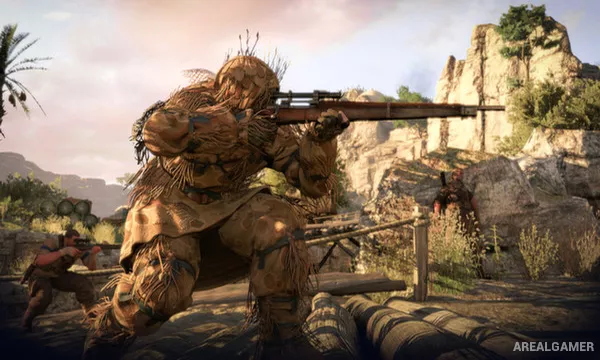
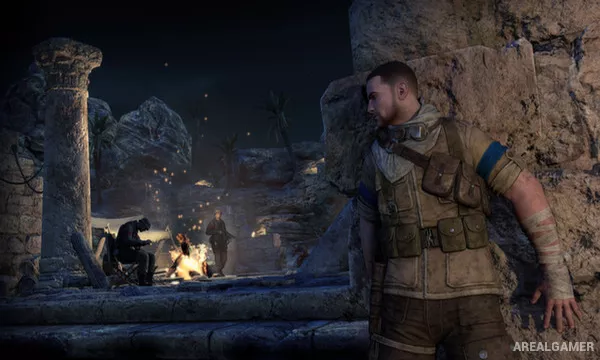
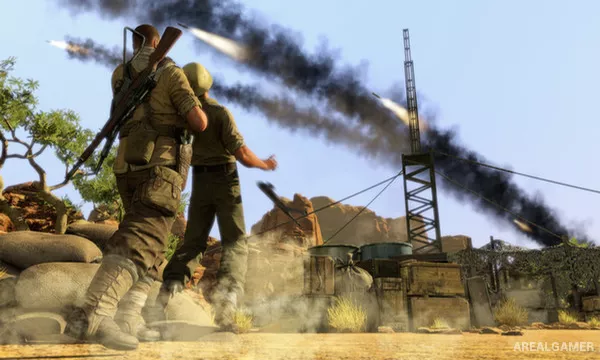
Sniper Elite 3 is a third-person tactical shooter set during the North African campaign of World War II. Sniper Karl Fairburne joins Allied operations against German forces while investigating a secret weapons project that could influence the wider war.
Large maps give players more freedom to choose firing positions, infiltration routes, and escape paths than earlier games in the series. Long-range marksmanship remains the main focus, but stealth and close combat are also important.
How the Gameplay Works
Players scout enemy positions with binoculars, mark soldiers and vehicles, then choose suitable positions for sniper shots. Distance, gravity, wind, heart rate, and difficulty settings can influence bullet behavior.
Loud environmental noises can mask rifle shots, while traps and suppressed weapons help deal with enemies at closer range. Successful precision shots can trigger the series’ X-Ray Kill Cam, showing detailed bullet impacts.
Main Gameplay Features
Long-range sniper combat
Large open mission maps
Bullet drop and wind simulation
Enemy tagging with binoculars
Sound masking
Stealth takedowns and traps
X-Ray Kill Cam
Vehicle weak-point targeting
Cooperative campaign and multiplayer
Screenshots:
Minimum System Requirements:
OS: Microsoft® Windows® Vista (Service Pack 2) or Windows® 7 (Service Pack 1) or Windows® 8 or Windows 8.1.
CPU: Dual-core CPU with SSE3 (Intel® Pentium® D 3GHz / AMD Athlon™ 64 X2 4200) or better
RAM: 2 GB
Video Card: Microsoft® DirectX® 10.0 compatible graphics card with 256 MB of memory (NVIDIA® GeForce® 8800 series / ATI Radeon™ HD 3870) or better
Space Required: 18 GB
DirectX: 11
How to Install:
Extract the game using Winrar or 7zip.
Open “Sniper Elite 3” folder, double click on “Setup” and proceed install.
After installation complete, open “PLAZA” folder.
Copy all files and paste it where you “Installed the Game”.
Double click on “Game” icon to play the game. Enjoy!
Click the Below Button to Proceed to Download Page
File Password: arealgamer