
The Eternal Cylinder

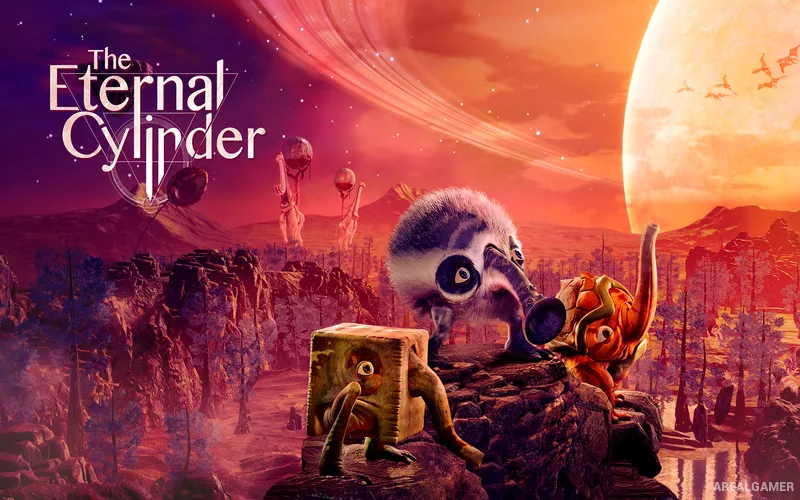
The Eternal Cylinder – Free Download – PC Game
Game Info:
Size: 6.12 GB
Genre: Adventure
Release Date: 13 Oct, 2022
Developer: ACE Team
Publisher: Good Shepherd Entertainment
About This Game:
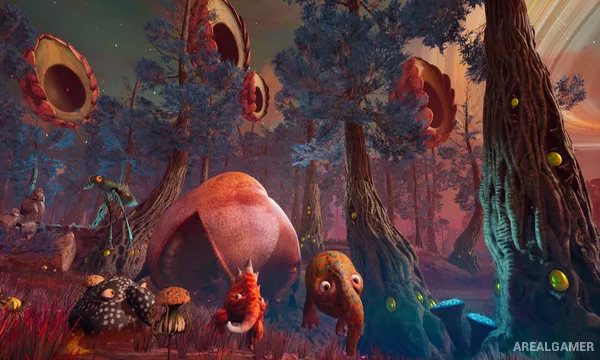
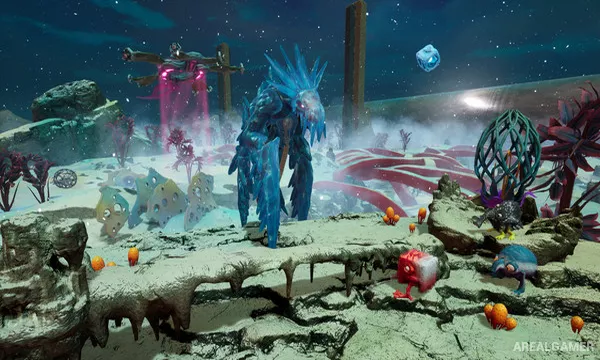
The Eternal Cylinder is a surreal survival adventure where players guide a herd of small creatures called Trebhums across an alien world while an enormous rolling Cylinder continuously destroys everything behind them. The landscape is filled with strange ecosystems, predators, environmental hazards, and creatures unlike anything found on Earth.
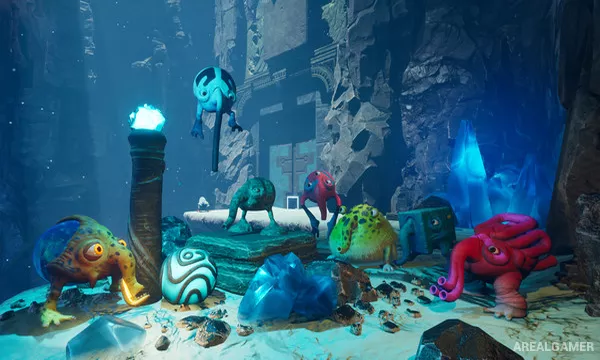
Trebhums survive by eating different plants and animals that trigger mutations. These physical changes can produce new legs, trunks, eyes, bodies, digestive systems, or other adaptations that provide abilities needed to overcome obstacles and survive new environments.
How the Gameplay Works
Players control members of the herd while exploring for food, water, shelters, and objects that can help them progress. The Cylinder periodically begins moving, forcing the herd to run toward protective structures before the enormous machine reaches them.
Mutations serve as the primary progression system. One adaptation may allow Trebhums to jump higher, another may let them spray water, breathe in dangerous environments, break objects, or interact with otherwise inaccessible parts of the world. Herd members can develop different mutations, allowing several abilities to be available at the same time.
Main Gameplay Features
Surreal alien-world exploration
Herd of controllable Trebhums
Massive pursuing Cylinder
Mutation-based progression
Abilities gained by eating organisms
Environmental puzzles
Alien predators and ecosystems
Resource and water survival
Multiple specialized herd members
Large evolving environments
Screenshots:
Minimum System Requirements:
OS: Windows 10, 64-bits
CPU: Intel Core i5-4460
RAM: 8 GB
Video Card: Nvidia GTX 770
Space Required: 8 GB
DirectX: 11
How to Install:
Extract the game using Winrar or 7zip.
Open “The Eternal Cylinder” folder, double click on “Setup” and proceed install.
After installation complete, go to the “Installed Game” location.
Double click on “Game” icon to play the game. Enjoy!
Click the Below Button to Proceed to Download Page
File Password: arealgamer