
The Witcher Adventure

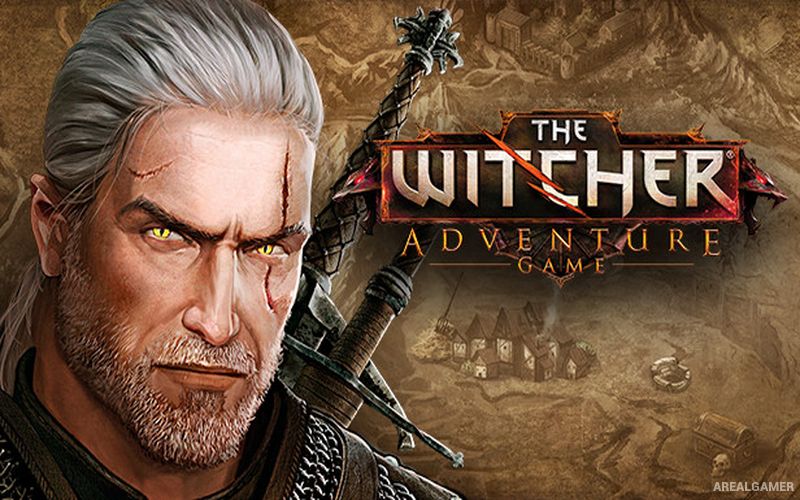
The Witcher Adventure – Free Download – PC Game
Game Info:
Size: 552.5 MB
Genre: Strategy
Release Date: 27 Nov, 2014
Developer: CD PROJEKT RED, Can Explode
Publisher: CD PROJEKT RED
About This Game:
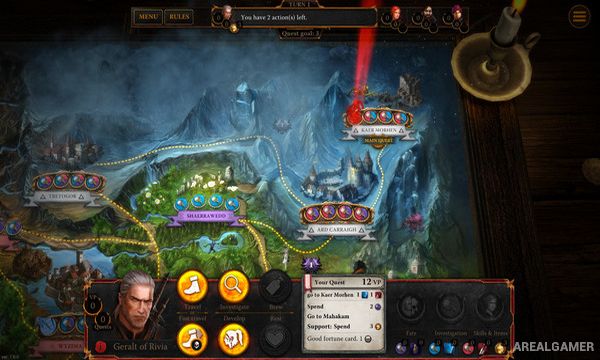
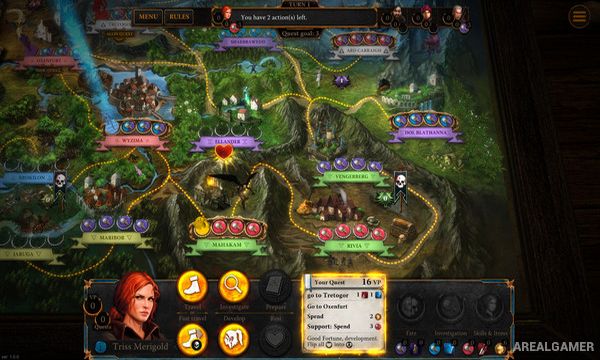
The Witcher Adventure Game is a digital adaptation of the tabletop game set in the world of The Witcher. Players take control of Geralt of Rivia, Triss Merigold, Yarpen Zigrin, or Dandelion and travel across the map completing quests, confronting dangers, and gathering the resources needed to earn victory points.
Each hero approaches problems differently. Geralt is naturally suited to hunting monsters, Triss relies on magic, Yarpen benefits from companions and cooperation, while Dandelion can use influence and diplomacy. This gives the same board and quest system a different rhythm depending on the chosen character.
How the Gameplay Works
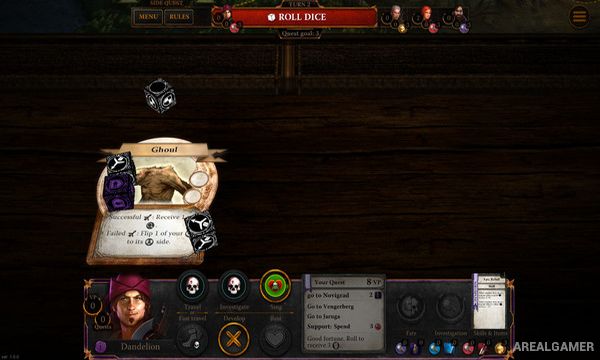
Players take turns moving between locations and performing actions that can provide leads, development cards, resources, or quest progress. Quest cards create objectives involving monsters, investigations, travel, and other challenges drawn from the Witcher setting.
Success is measured primarily through victory points rather than direct elimination of opponents. Players can compete against computer-controlled characters or other people, while dice, card draws, and character abilities introduce uncertainty that requires adapting plans as the match develops.
Main Gameplay Features
Digital adaptation of The Witcher board game
Four playable Witcher characters
Character-specific skills
Turn-based map exploration
Quest and investigation cards
Monster encounters
Victory-point competition
AI opponents
Local and online multiplayer options
Screenshots:
Minimum System Requirements:
OS: Windows XP/Vista/7/8/10
CPU: 2.0 GHz
RAM: 1 GB
Video Card: 128 MB graphics card compatible with DirectX 9
Space Required: 1 GB
DirectX: 9.0c
How to Install:
Extract the game using Winrar or 7zip.
Open “The Witcher Adventure Game” folder, double click on “Setup” and proceed install.
After installation complete, go to the “Installed Game” location.
Double click on “TheWitcherAdventureGame” icon to play the game. Enjoy!
Click the Below Button to Proceed to Download Page
File Password: arealgamer