
Tony Hawk’s Pro Skater 4


Tony Hawk’s Pro Skater 4 – Free Download – PC Game
Game Info:
Size: 171 MB
Genre: Sports
Release Date: August 14, 2003
Developer: Neversoft
Publisher: Activision O2
About This Game:
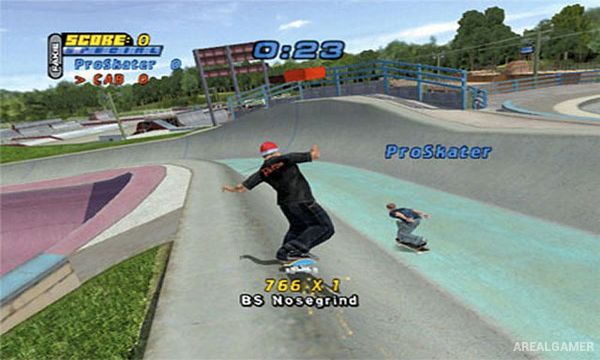
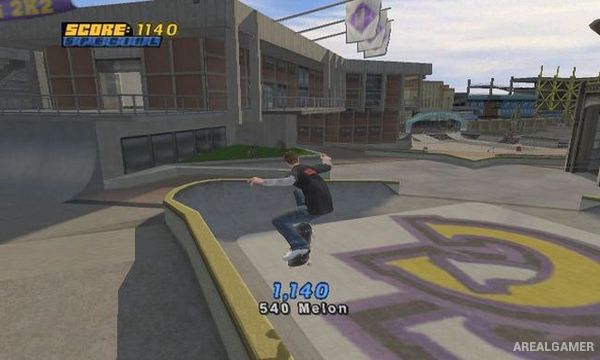
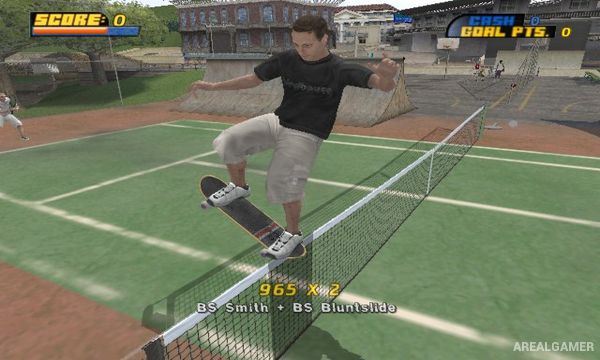
Tony Hawk’s Pro Skater 4 expands the series’ skateboarding formula with larger levels and a more open approach to completing objectives. Players can choose from professional skateboarders and explore parks, streets, campuses, industrial locations, and other areas filled with rails, ramps, gaps, half-pipes, and hidden challenges.
Instead of placing every objective inside one continuous timer, players can freely skate around a level and speak to characters to begin individual challenges. This gives more time for exploration, practicing tricks, finding collectibles, and learning each environment before attempting harder goals.
How the Gameplay Works
Players perform ollies, grabs, flips, grinds, manuals, reverts, and other tricks while combining them into long scoring sequences. Manuals and reverts make it possible to connect different parts of a level into one combination, but losing balance or landing incorrectly causes the entire combo to fail.
Goals include reaching specific scores, collecting items, completing gaps, performing requested tricks, racing through areas, and finishing unusual character-driven challenges. Completing enough objectives unlocks additional levels and progression while allowing skaters to improve their statistics.
Main Gameplay Features
Arcade skateboarding gameplay
Professional skateboarder roster
Large free-roaming levels
NPC-triggered objectives
Flip tricks and grabs
Rail grinding
Manuals and reverts
Long combo system
Collectibles and hidden gaps
Skater stat progression
Multiple unlockable areas
Multiplayer skateboarding modes
Screenshots:
Minimum System Requirements:
OS: Windows 98/ME/2000/XP
CPU: Pentium 3 @ 800 MHz Processor
RAM: 256 MB
Video Card: 32 MB
Space Required: 700 MB
DirectX: 8.1
How to Install:
Extract the game using Winrar or 7zip.
Open “Tony Hawk’s Pro Skater 4” >> “Game” folder, double click on “Setup” and proceed install.
After installation complete, go to the “Installed Game” location.
Before playing game Unpack and Install Sound OF game by clicking “unpack”.
Now double click on “Start” icon to play the game. Enjoy!
Click the Below Button to Proceed to Download Page
File Password: arealgamer