
TY the Tasmanian Tiger HD

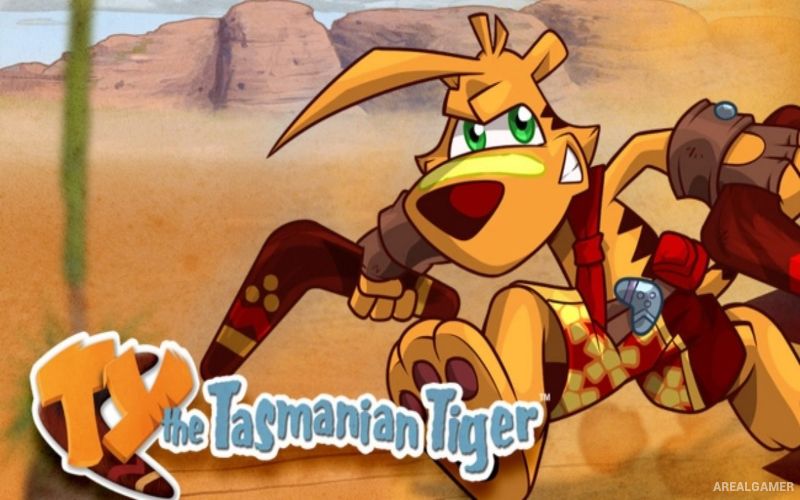
TY the Tasmanian Tiger HD – Digital Deluxe Edition – With All DLC – Free Download – PC Game
Game Info:
Size: 2.20 GB
Genre: Platform
Release Date: 13 Dec, 2016
Developer: Krome Studios
Publisher: Krome Studios
About This Game:
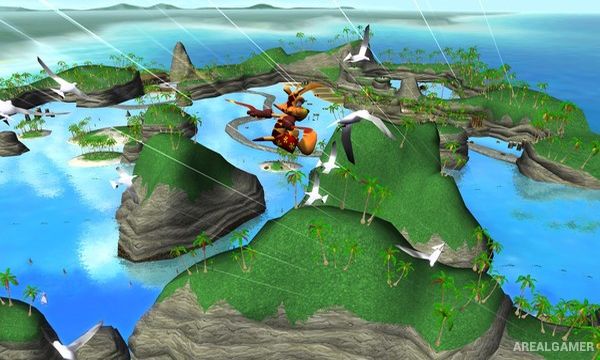
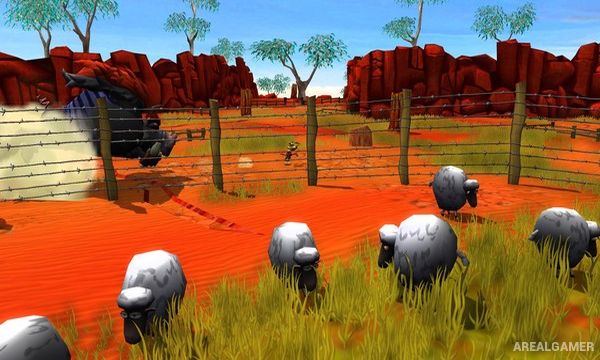
TY the Tasmanian Tiger HD is a remastered 3D platforming adventure starring Ty, a Tasmanian tiger searching for magical talismans and members of his family. The journey takes place across colorful Australian-inspired environments filled with native wildlife, unusual characters, hidden collectibles, and enemies working for the villainous Boss Cass.
The HD version brings the original adventure to modern systems with improved presentation while preserving its exploration-heavy platforming structure. Ty’s signature boomerangs provide both combat abilities and tools for interacting with objects throughout each level.
How the Gameplay Works
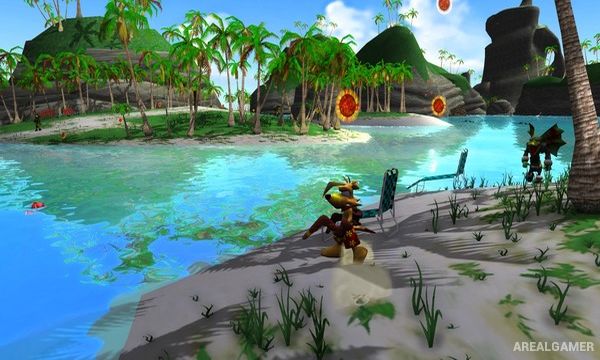
Ty can run, jump, bite enemies, swim, glide short distances, and throw different types of boomerangs. Certain boomerangs have special properties that allow them to freeze, burn, shock, or otherwise interact with enemies and environmental objects.
Large levels contain Thunder Eggs, Golden Cogs, Bilbies, picture frames, and other collectibles. Gathering enough important items unlocks additional areas and moves Ty closer to confronting Boss Cass and rescuing his family.
Main Gameplay Features
Colorful 3D platforming
Australian-inspired environments
Boomerang-based combat
Multiple special boomerangs
Jumping, swimming, and exploration
Large collectible-filled levels
Thunder Eggs
Golden Cogs
Hidden Bilbies
Distinct native wildlife characters
Boss battles
HD visual improvements
Screenshots:
Minimum System Requirements:
OS: Windows 7/8/10, 64-bits
CPU: Intel Core i3/i5/i7 1.8 GHz CPU dual-core. AMD 2.0 GHz dual-core.
RAM: 4 GB
Video Card: NVIDIA GeForce 260 / Radeon HD 4000 Series / Intel HD Graphics 4000 with OpenGL 3.0 minimum.
Space Required: 3 GB
DirectX: 9.0c
How to Install:
Extract the game using Winrar or 7zip.
Open “TY the Tasmanian Tiger” folder, double click on “Setup” and proceed install.
After installation complete, open “CODEX” folder.
Copy all files and paste it where you “Installed the Game”.
Double click on “Game” icon to play the game. Enjoy!
Click the Below Button to Proceed to Download Page
File Password: arealgamer