
Unforeseen Incidents

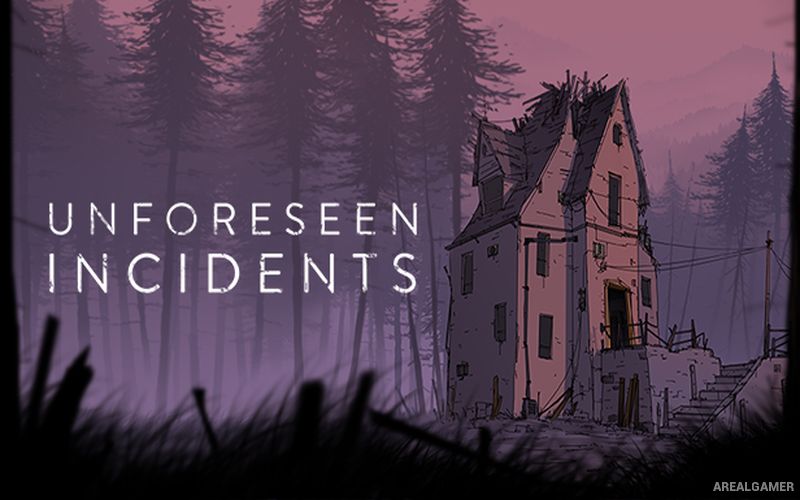
Unforeseen Incidents – Free Download – PC Game
Game Info:
Size: 888.8 MB
Genre: Adventure
Release Date: May 24, 2018
Developer: Backwoods Entertainment, Application Systems Heidelberg
Publisher: Application Systems Heidelberg
About This Game:
Unforeseen Incidents is a hand-painted point-and-click adventure following Harper Pendrell, an ordinary handyman living in a small town that becomes connected to a mysterious deadly disease. A chance encounter with a dying woman places evidence in Harper’s hands and pulls him into an investigation involving scientists, journalists, government authorities, and suspicious organizations.
The story mixes conspiracy thriller elements with humor and character-driven conversations. Harper is not a trained detective or action hero, so many problems are solved through improvised tools, observation, and his willingness to investigate situations that are clearly becoming dangerous.
How the Gameplay Works
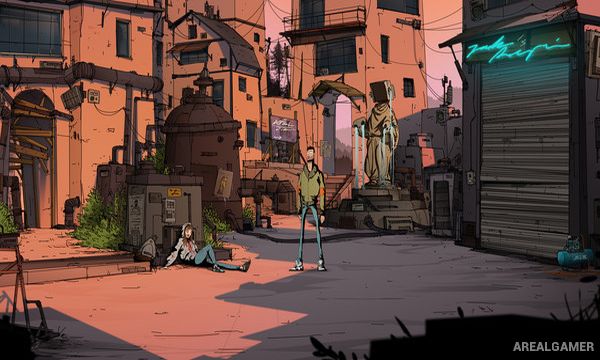
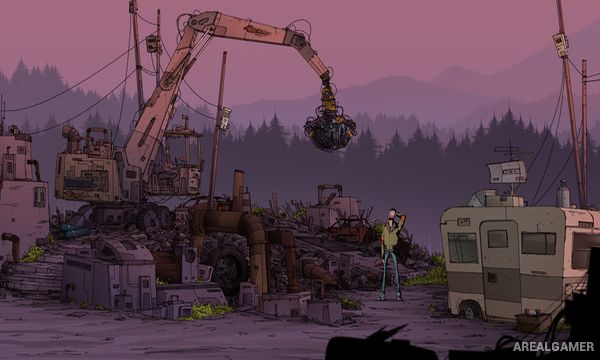
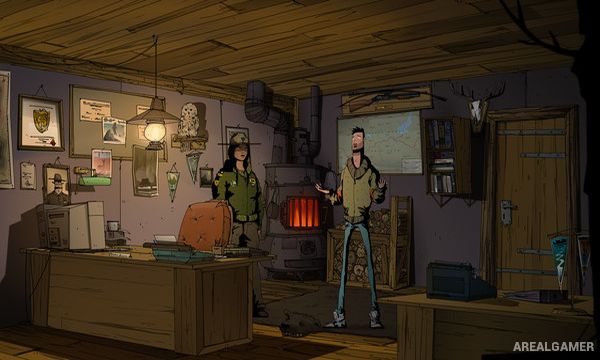
Players explore illustrated locations, speak with characters, collect objects, and combine inventory items to solve puzzles. Harper’s multi-tool can interact with certain mechanical and electronic problems, reflecting his practical background.
Conversations reveal clues and open new objectives while environmental puzzles require careful inspection of the surroundings. Progress gradually connects the disease outbreak with a larger conspiracy and leads Harper far beyond his quiet hometown.
Main Gameplay Features
Hand-painted point-and-click adventure
Playable handyman Harper
Disease outbreak mystery
Conspiracy storyline
Inventory puzzles
Object combinations
Multi-tool interactions
Character conversations
Environmental investigation
Humorous dialogue
Detailed illustrated locations
Fully voiced story
Traditional adventure structure
Single-player campaign
Screenshots:
Minimum System Requirements:
OS: Windows 7/8/10, 64-bits
CPU: 1.2 GHz
RAM: 4 GB
Video Card: 1024 MB VRAM
Space Required: 6 GB
DirectX: 11
How to Install:
Extract the game using Winrar or 7zip.
Open “Unforeseen Incidents” folder, double click on “Setup” and proceed install.
After installation complete, go to the “Installed Game” location.
Double click on “Game” icon to play the game. Enjoy!
Click the Below Button to Proceed to Download Page
File Password: arealgamer