
Vampire’s Fall: Origins

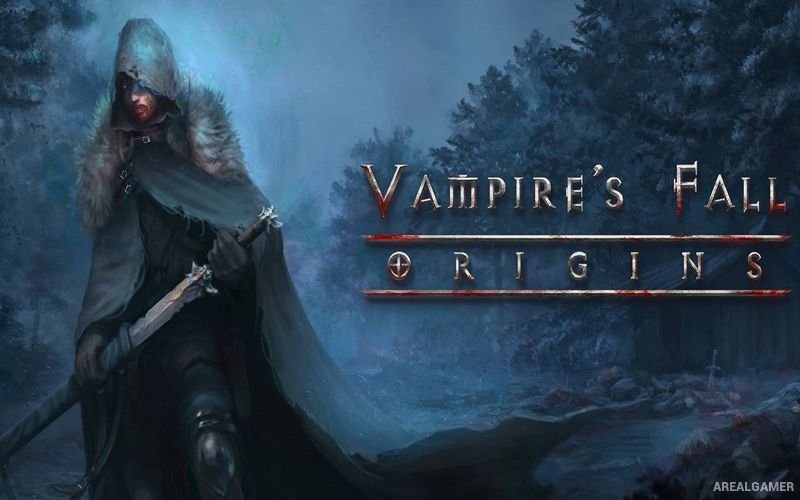
Vampire’s Fall: Origins – Free Download – PC Game
Game Info:
Size: 469.4 MB
Genre: RPG
Release Date: 31 Jan, 2020
Developer: Early Morning Studio
Publisher: Early Morning Studio
About This Game:
Vampire’s Fall: Origins is an open-world role-playing game where a newly created character becomes involved in a dark conflict spreading across a medieval fantasy land. After being transformed into a vampire, the protagonist travels through towns, forests, ruins, and hostile regions while developing supernatural abilities and uncovering a larger threat.
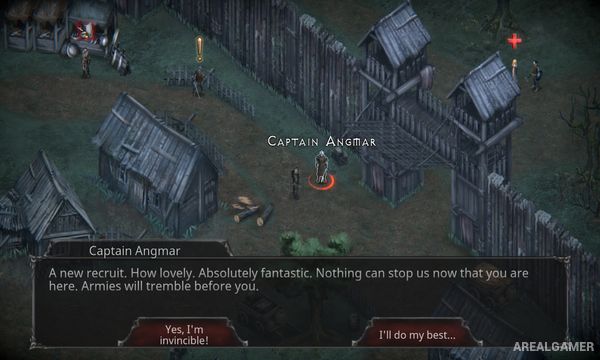
The game combines open exploration with turn-based battles, quests, equipment hunting, skill development, and dialogue choices. Its world can be explored relatively freely, allowing optional quests and hidden encounters to be completed alongside the main storyline.
How the Gameplay Works
Combat takes place in turns and uses Focus points for attacks and special abilities. Different weapons provide their own attack options, while character skill trees support physical, defensive, magical, and vampire-oriented builds.
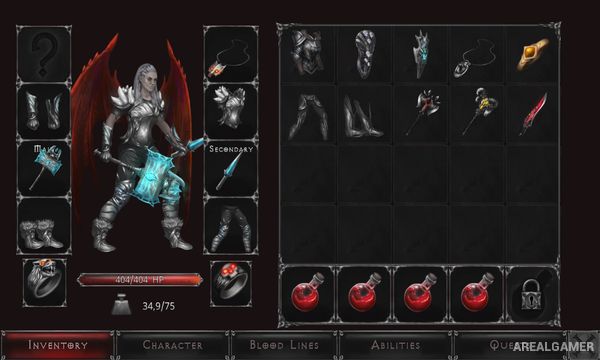
Exploring the world reveals quests, merchants, caves, treasure, enemies, and powerful optional encounters. Gold and equipment improve combat capability, while experience points unlock additional skills and make it possible to specialize the vampire around a preferred playstyle.
Main Gameplay Features
Open-world fantasy RPG
Turn-based combat
Vampire character progression
Multiple skill trees
Weapons and armor
Large quest selection
Optional bosses and encounters
Dialogue choices
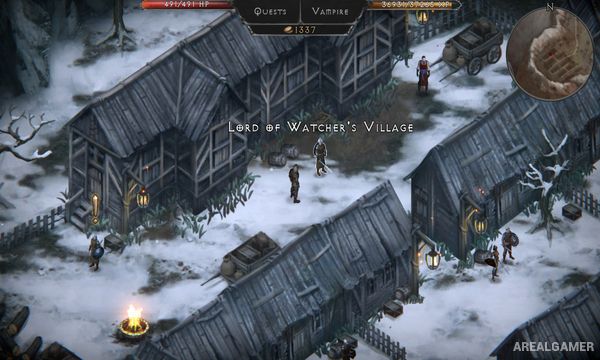
Explorable towns and wilderness
Character customization
Screenshots:
Minimum System Requirements:
OS: Windows 7/8/10, 64-bits
CPU: Intel i3+
RAM: 2 GB
Video Card: Discreet video card
Space Required: 2 GB
DirectX: 9.0c
How to Install:
Extract the game using Winrar or 7zip.
Open “Vampire’s Fall: Origins” folder, double click on “Setup” and proceed install.
After installation complete, open “CODEX” folder.
Copy all files and paste it where you “Installed the Game”.
Double click on “Vampire’s Fall Origins” icon to play the game. Enjoy!
Click the Below Button to Proceed to Download Page
File Password: arealgamer