
We Need To Go Deeper

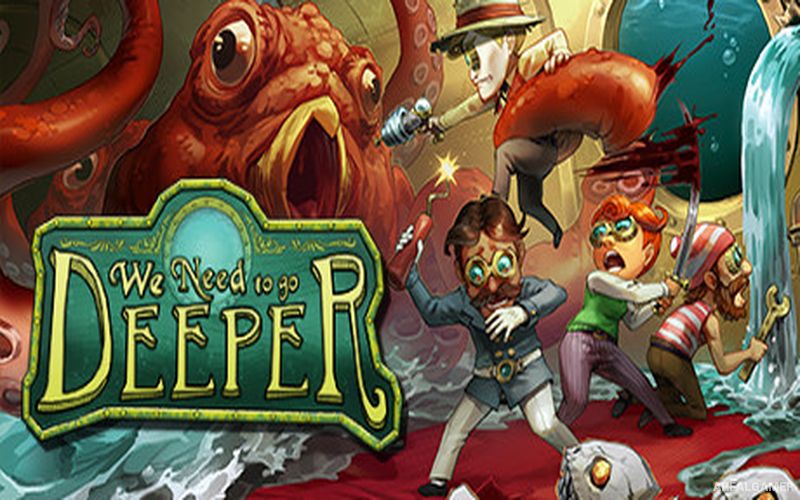
We Need To Go Deeper – With All DLC’s – Free Download – PC Game
Game Info:
Size: 463 MB
Genre: Action
Release Date: 1 Aug, 2019
Developer: Deli Interactive LLC
Publisher: Deli Interactive LLC
About This Game:
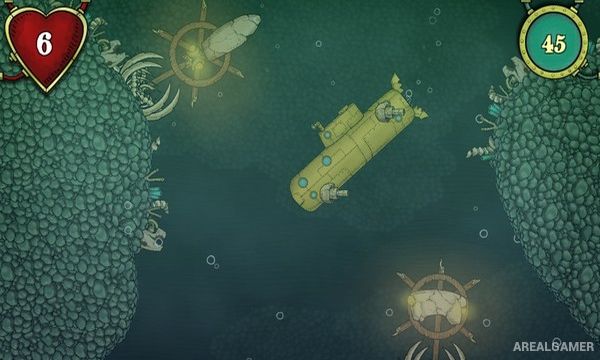
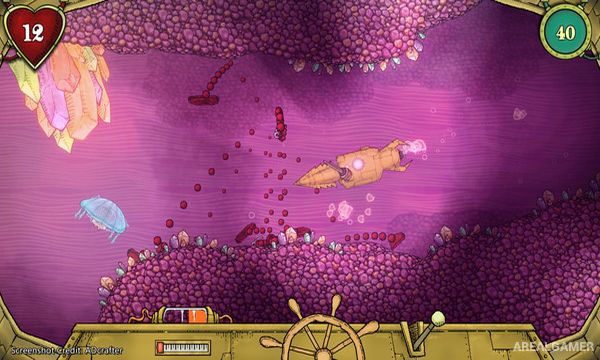
We Need To Go Deeper is a cooperative submarine adventure where a small crew descends into a strange undersea world filled with creatures, ruins, hazards, and valuable discoveries. The game is designed around teamwork, with each player moving around inside the vessel and taking responsibility for different systems during an expedition.
Procedural elements make journeys unpredictable, while the submarine itself can suffer damage that must be repaired before the crew is overwhelmed. Players can leave the vessel to explore underwater locations, gather items, and fight creatures away from the relative safety of the submarine.
How the Gameplay Works
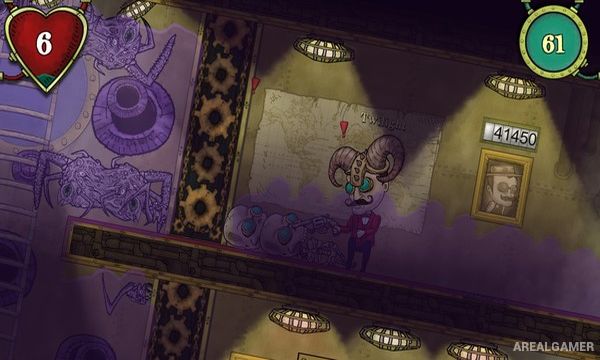
A crew divides responsibilities such as steering, operating weapons, repairing leaks, managing power, and defending the submarine. When enemies attack, damage can create holes that flood compartments, forcing players to stop what they are doing and repair the vessel quickly.
Expeditions include stops where players can explore ruins and other environments on foot. Equipment, weapons, tools, and upgrades improve the crew’s chances as the submarine moves deeper and encounters stronger creatures and increasingly dangerous areas.
Main Gameplay Features
Cooperative submarine exploration
Crew roles and teamwork
Procedurally generated expeditions
Submarine damage and repair
Flooding mechanics
Underwater creatures and bosses
On-foot exploration
Weapons, tools, and equipment
Submarine upgrades
Solo and multiplayer support
Screenshots:
Minimum System Requirements:
OS: Windows 7/8/10
CPU: Intel® Core™ i5-2450M Processor (3M Cache, up to 3.10 GHz) or Better
RAM: 4 GB
Video Card: Intel(R) HD Graphics 3000 or better
Space Required: 1.5 GB
DirectX: 9.0c
How to Install:
Extract the game using Winrar or 7zip.
Open “We Need To Go Deeper” folder, double click on “Setup” and proceed install.
After installation complete, go to the “Installed Game” location.
Double click on “Game” icon to play the game. Enjoy!
Click the Below Button to Proceed to Download Page
File Password: arealgamer