
Worbital

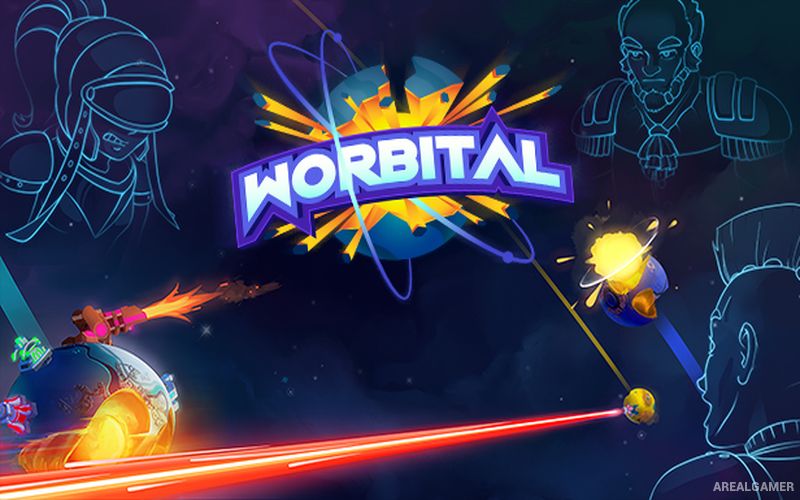
Worbital – Free Download – PC Game
Game Info:
Size: 372 MB
Genre: Action, Strategy
Release Date: 31 Jan, 2019
Developer: Team Jolly Roger
Publisher: Team Jolly Roger, Advanced Interactive Gaming
About This Game:
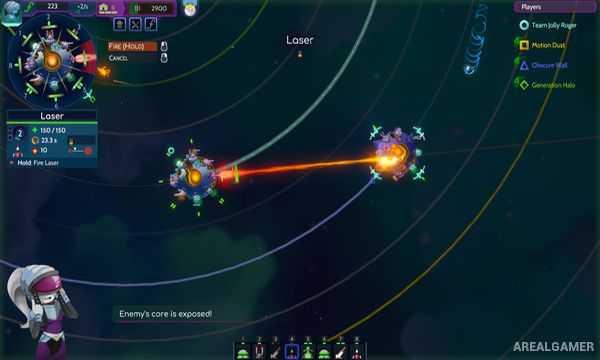
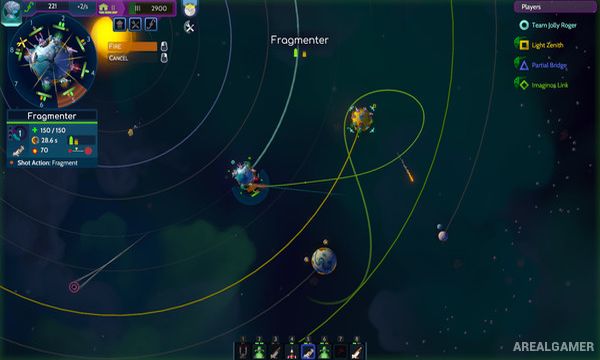
Worbital is a real-time planetary artillery game where rival civilizations build enormous weapons on small orbiting worlds and attempt to destroy each other’s planetary cores. Because planets continuously move around their stars, every shot must account for changing angles and orbital positions.
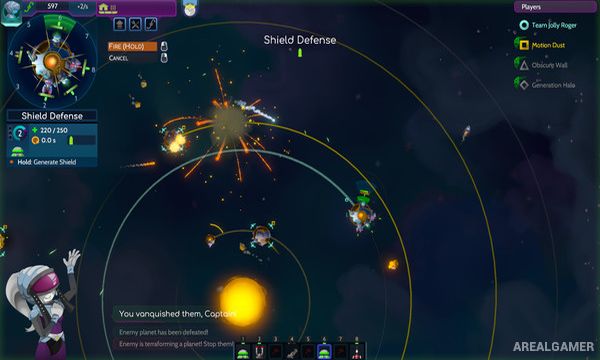
Players construct offensive and defensive structures directly on the surface of their planet. Weapons range from conventional cannons and missiles to much more destructive late-game technology capable of altering entire planetary systems.
How the Gameplay Works
Resources are spent on power generation, defenses, utility buildings, and weapon platforms. Players manually aim many attacks, predicting how projectiles will travel through space while planets continue moving along their orbits.
Destroying enemy structures weakens their ability to fight back, but the ultimate goal is to break the core of the opposing planet. Matches become increasingly chaotic as larger weapons appear and destroyed worlds or celestial objects affect the battlefield.
Main Gameplay Features
Real-time planetary artillery
Orbiting and rotating worlds
Manual projectile aiming
Surface base construction
Offensive and defensive structures
Multiple weapon technologies
Destructible planets
Resource and energy management
Single-player and multiplayer battles
Screenshots:
Minimum System Requirements:
OS: Windows 10, 64-bits
CPU: Intel quad core or AMD equivalent
RAM: 4 GB
Video Card: AMD HD 7700 Series, 1 GB VRAM or Nvidia/Intel equivalent
Space Required: 2 GB
DirectX: 11
How to Install:
Extract the game using Winrar or 7zip.
Open “Worbital” folder, double click on “SiMPLEX” and proceed install.
After installation complete, go to the “Installed Game” location.
Double click on “Game” icon to play the game. Enjoy!
Click the Below Button to Proceed to Download Page
File Password: arealgamer