
A Game of Thrones: The Board Game

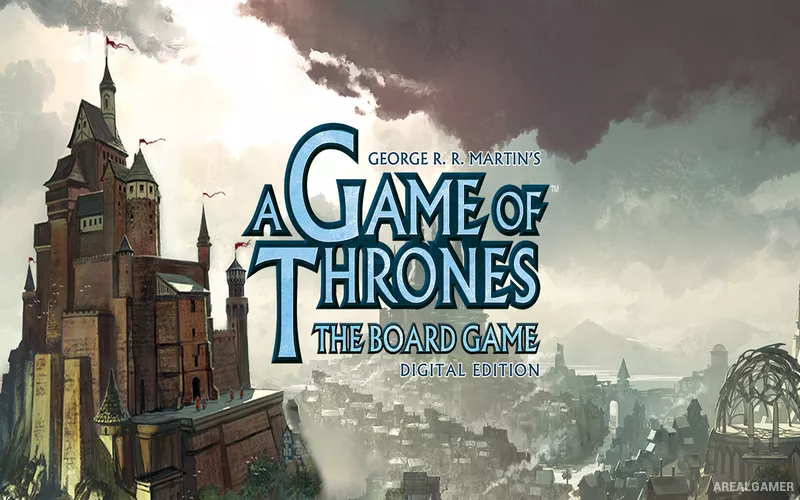
A Game of Thrones: The Board Game – With All DLC’s – Free Download – PC Game
Game Info:
Size: 173 MB
Genre: Strategy
Release Date: 6 Oct, 2020
Developer: Dire Wolf
Publisher: Twin Sails Interactive
About This Game:
A Game of Thrones: The Board Game is a digital strategy adaptation of the tabletop game based on the political struggle for control of Westeros. Players command one of the Great Houses and compete for castles and strongholds through planning, negotiation, military force, and carefully timed betrayal.
The game emphasizes hidden intentions. Orders are placed secretly before being revealed, meaning rivals may promise support, prepare an attack, consolidate power, or move in an unexpected direction without showing their plans in advance.
How the Gameplay Works
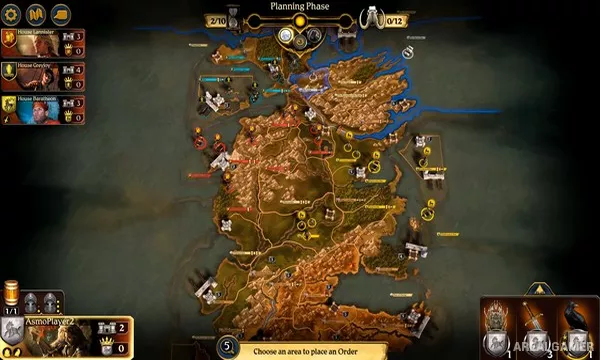
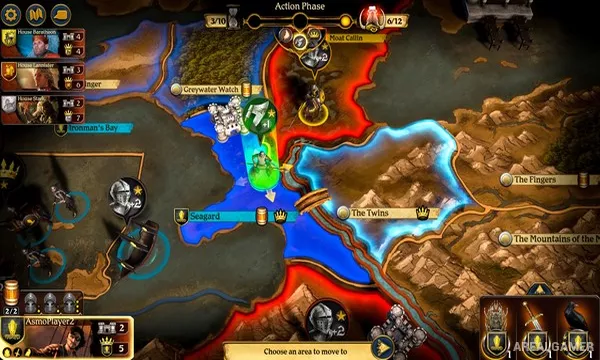
Each round begins with players assigning order tokens to armies and territories. Once revealed, March, Support, Raid, Defense, and Consolidate Power orders are resolved while neighboring forces contest important regions and sea zones.
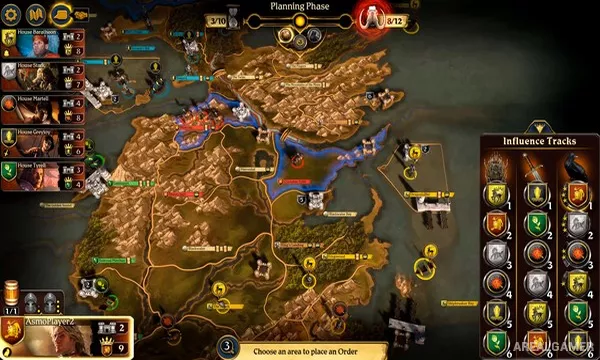
Influence tracks determine advantages such as turn order and combat ties, while Westeros events can change supply limits, recruitment, and other conditions. Alliances are useful but temporary, because only one House can ultimately reach the victory requirement.
Main Gameplay Features
Digital adaptation of the official strategy board game
Playable Great Houses of Westeros
Secret simultaneous order placement
March, Support, Raid, Defense, and power orders
Land and naval army movement
Influence tracks and political bidding
Supply and mustering systems
Negotiation, temporary alliances, and betrayal
Screenshots:
Minimum System Requirements:
OS: Windows 7/8/10, 64-bit
CPU: Intel Pentium D or AMD Athlon 64 X2
RAM: 2 GB
Video Card: Graphics card with DX11 or OpenGL 3.x capabilities
Space Required: 1 GB
DirectX: 11
How to Install:
Extract the game using Winrar or 7zip.
Open “A Game of Thrones The Board Game” folder, double click on “Setup” and proceed install.
After installation complete, go to the “Installed Game” location.
Double click on “Game” icon to play the game. Enjoy!
Click the Below Button to Proceed to Download Page
File Password: arealgamer