
Anno 1701 A.D.

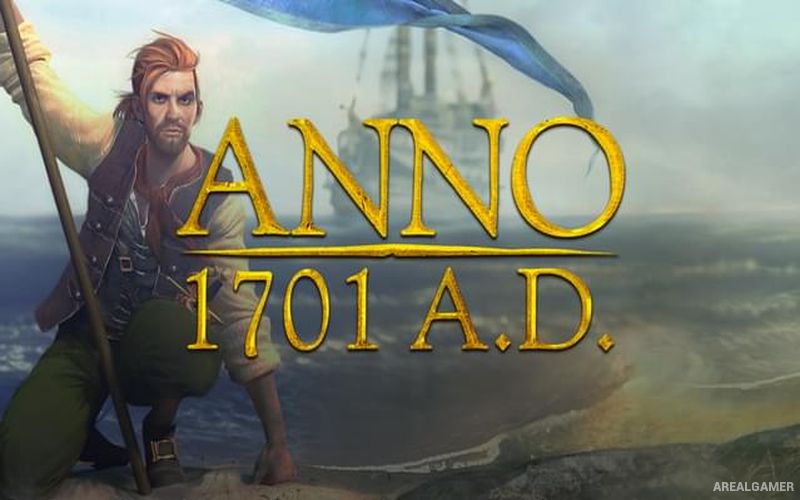
Anno 1701 A.D. – Free Download – PC Game
Game Info:
Size: 2.93 GB
Genre: Strategy
Release Date: October 26, 2006
Developer: Related Designs
Publisher: Ubisoft
About This Game:
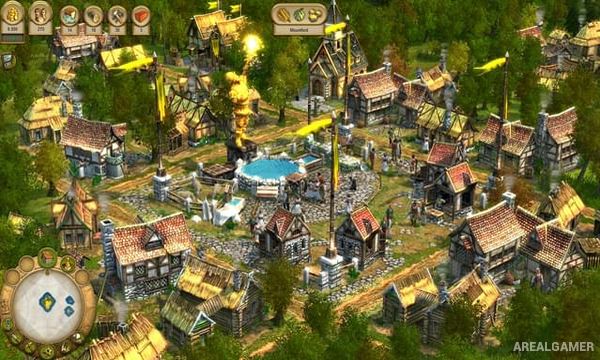
Anno 1701 A.D. is a city-building and economic strategy game that brings the Anno formula into fully 3D environments. Players explore islands, establish colonies, develop production chains, trade with other civilizations, and attempt to turn small settlements into prosperous cities capable of supporting increasingly wealthy residents.
As the population grows, citizens move through different social levels and begin requesting more advanced goods and services. Meeting these expectations requires additional industries, new trade routes, and expansion onto islands containing resources that may not exist near the original settlement.
How the Gameplay Works
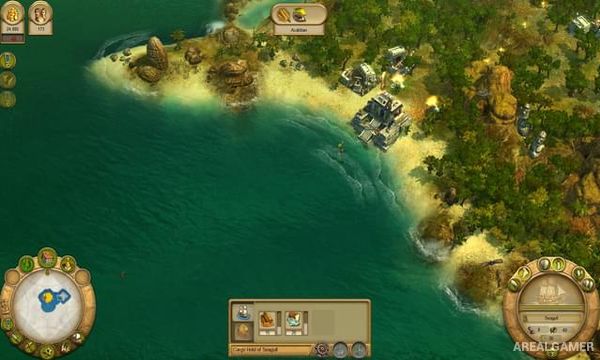
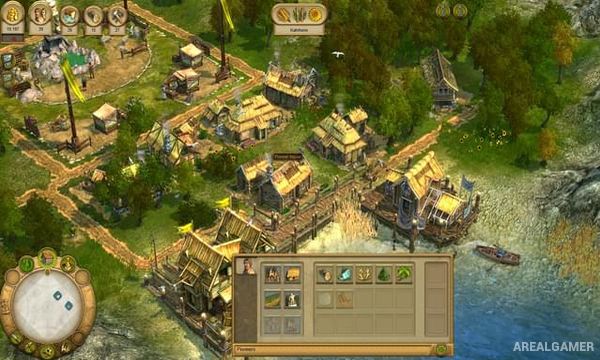
Players construct homes, farms, workshops, marketplaces, warehouses, and public buildings while maintaining a balanced supply of goods. Ships explore the world and transport cargo between islands, making naval trade an important part of supporting larger cities.
Other powers can be approached through diplomacy and trade, but conflict can also lead to land and naval warfare. Taxes, population happiness, production efficiency, and access to resources all influence the strength of a colony. The game also supports multiplayer, while later versions are commonly packaged with The Sunken Dragon expansion.
Main Gameplay Features
First fully 3D Anno game
Historical city building
Island exploration
Population class progression
Complex production chains
Trade routes
Naval transportation
Diplomacy with rival powers
Land and naval combat
Tax and population management
Public buildings and services
Single-player gameplay
Multiplayer support
Screenshots:
Minimum System Requirements:
OS: Windows XP/Vista/7/8/10
CPU: 2.2 GHz Intel
RAM: 512 MB
Video Card: 3D graphics card compatible with DirectX 9
Space Required: 4 GB
DirectX: 9.0c
How to Install:
Extract the game using Winrar or 7zip.
Open “Anno 1701 A.D.” folder, double click on “Setup” and proceed install.
After installation complete, go to the “Installed Game” location.
Double click on “Game” icon to play the game. Enjoy!
Click the Below Button to Proceed to Download Page
File Password: arealgamer