
ATOM RPG: Post-apocalyptic

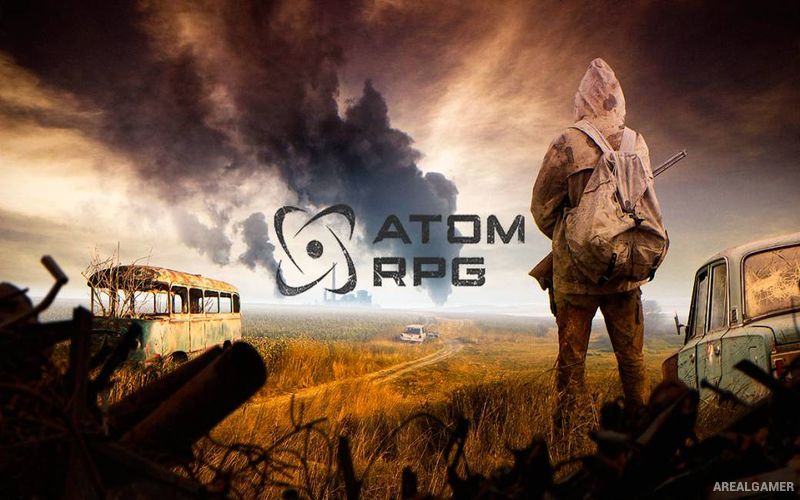
ATOM RPG: Post-apocalyptic – Free Download – PC Game
Game Info:
Size: 4.93 GB
Genre: RPG
Release Date: December 19, 2018
Developer: AtomTeam
Publisher: AtomTeam
About This Game:
ATOM RPG is an isometric post-apocalyptic role-playing game inspired by classic CRPGs. Its alternate history begins after the Soviet Union and Western Bloc destroy one another in a nuclear exchange, leaving survivors scattered across a harsh wasteland filled with settlements, bandits, mutants, old military installations, and unexplained dangers.
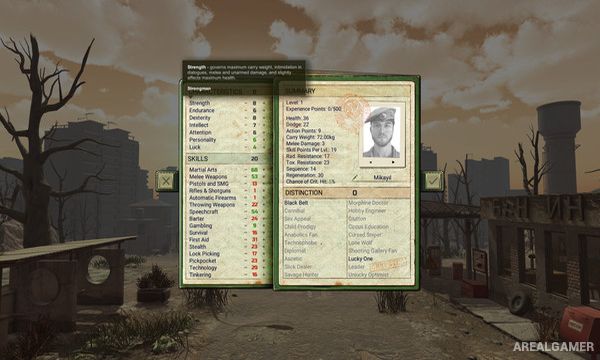
Players create their own survivor and begin exploring the Soviet Wasteland while gradually becoming involved in a conspiracy threatening what remains of civilization. Character statistics and skills influence conversations, combat effectiveness, and the possible ways certain quests can be solved.
How the Gameplay Works
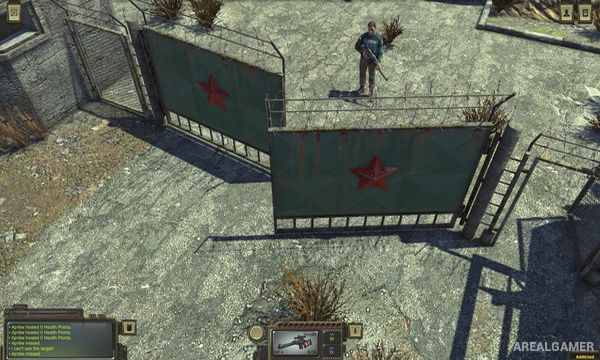
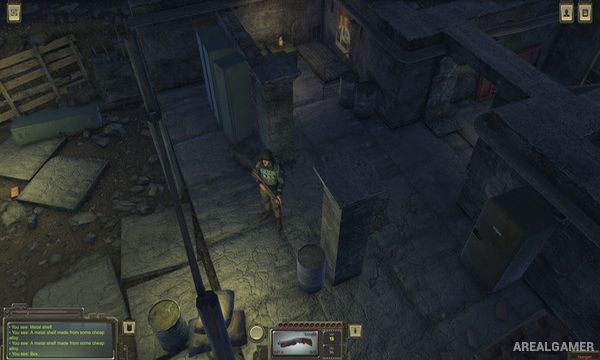
Exploration takes place from an isometric viewpoint, while battles use turn-based combat inspired by older computer RPGs. Characters can specialize in firearms, melee combat, survival skills, lockpicking, speech, gambling, and numerous other abilities.
Settlements provide quests, merchants, conversations, and potential companions, while wilderness travel can trigger random encounters. Weapons, armor, supplies, and character development become increasingly important as the player explores more dangerous areas of the wasteland.
Main Gameplay Features
Post-apocalyptic isometric RPG
Alternate Soviet wasteland
Detailed character creation
Turn-based combat
Firearms and melee weapons
Numerous character skills
Multiple dialogue choices
Different quest solutions
Random encounters
Explorable settlements
Recruitable companions
Large single-player adventure
Screenshots:
Minimum System Requirements:
OS: Windows 7/8/10, 64-bits
CPU: Intel Core 2 Duo or equivalent
RAM: 2 GB
Video Card: NVIDIA GeForce GTX 260 or equivalent
Space Required: 6 GB
DirectX: 10
How to Install:
Extract the game using Winrar or 7zip.
Open “ATOM RPG: Post-apocalyptic” folder, double click on “Setup” and proceed install.
After installation complete, go to the “Installed Game” location.
Double click on “Game” icon to play the game. Enjoy!
Click the Below Button to Proceed to Download Page
File Password: arealgamer