
Bear and Breakfast

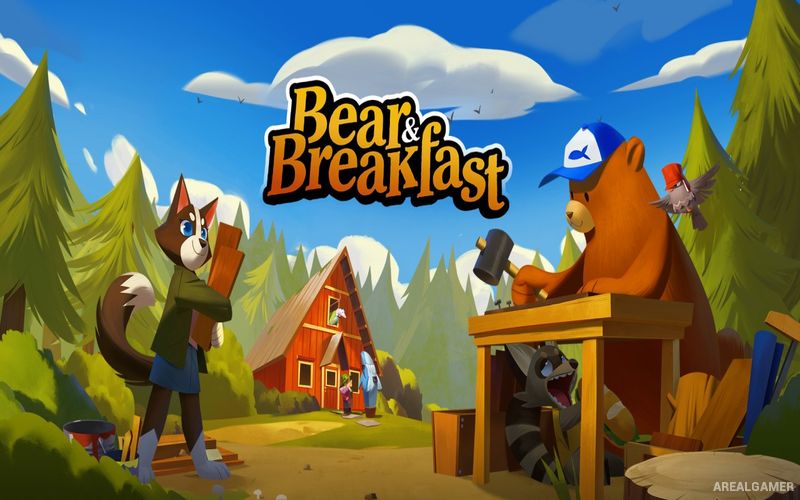
Bear and Breakfast – Free Download – PC Game
Game Info:
Size: 973.7 MB
Genre: Adventure
Release Date: 28 Jul, 2022
Developer: Gummy Cat
Publisher: Armor Games Studios
About This Game:
Bear and Breakfast is a management adventure about Hank, a well-meaning bear who unexpectedly becomes the operator of a series of woodland bed-and-breakfast businesses. What begins with fixing abandoned buildings gradually develops into a larger hospitality operation spread across several regions.
The lighthearted management systems are accompanied by exploration and a story involving the forest’s residents and history. Each new property introduces different guest expectations, facilities, decorations, and challenges.
How the Gameplay Works
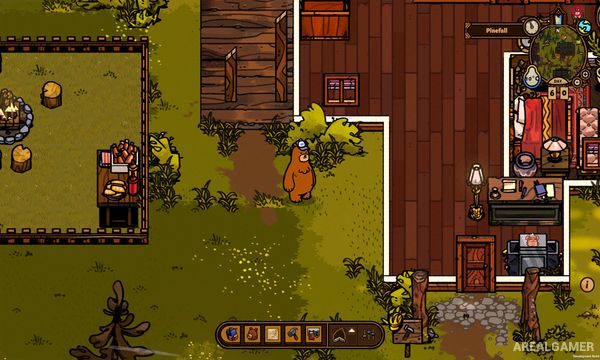
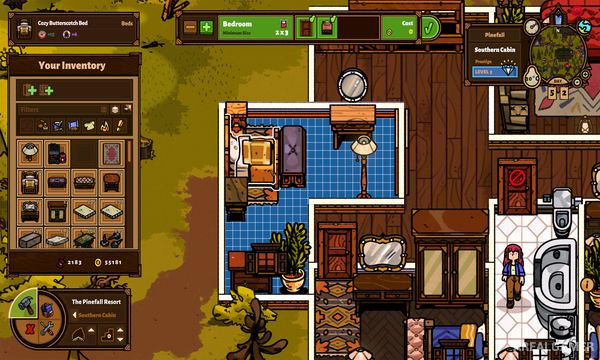
Players renovate buildings by constructing rooms, placing furniture, decorating interiors, and ensuring guests have access to necessary facilities. Higher-quality rooms and services improve reviews and attract visitors with more demanding requirements.
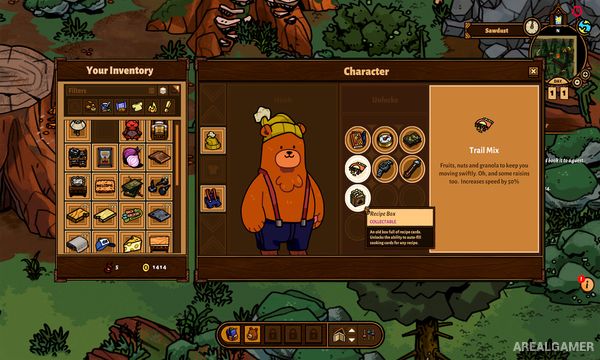
Materials and resources are gathered while exploring nearby areas, and quests from other characters unlock useful opportunities. Later locations introduce additional systems such as cooking, heating, and specialized room types that require more detailed management.
Main Gameplay Features
Bed-and-breakfast management
Room construction and decoration
Guest needs and review system
Multiple properties
Resource gathering
Furniture crafting and placement
Cooking and additional facility management
Character quests and exploration
Screenshots:
Minimum System Requirements:
OS: Windows 7/8/10, 64-bit
CPU: Intel Core i3-6300 (2 * 3000), or Intel Core i3-530 (2 * 2930), or equivalent
RAM: 8 GB
Video Card: GeForce GT 440 (1024 MB VRAM), or Radeon HD 6750 (1024 VRAM), or equivalent
Space Required: 2 GB
DirectX: 11
How to Install:
Extract the game using Winrar or 7zip.
Open “Bear and Breakfast” folder, double click on “Setup” and proceed install.
After installation complete, go to the “Installed Game” location.
Double click on “Game” icon to play the game. Enjoy!
Click the Below Button to Proceed to Download Page
File Password: arealgamer