
Bleeding Moons


Bleeding Moons – Free Download – PC Game
Game Info:
Size: 265.1 MB
Genre: RPG
Release Date: September 3, 2020
Developer: IAN Games
Publisher: Phoenix Online Studios
About This Game:
Bleeding Moons is a story-focused fantasy adventure about Ian de Valmain, the second son of a noble family who becomes caught between duty, war, romance, and the expectations surrounding his birth. Rather than building its experience around constant combat, the game concentrates on the consequences of the player’s decisions.
Ian’s relationships and actions can change the direction of events, including who survives, which alliances develop, and how the larger conflict unfolds. The story explores fate and free will while allowing the player to make choices that can lead toward very different outcomes.
How the Gameplay Works
Players travel through locations, speak with characters, investigate situations, and make decisions during conversations and important story events. Certain choices appear minor at first but can influence scenes much later in the adventure.
The experience uses point-and-click and interactive-fiction elements rather than complex combat systems. Multiple endings encourage replaying the story and making different decisions to discover how Ian’s relationships and future can change.
Main Gameplay Features
Choice-driven fantasy story
Playable nobleman Ian de Valmain
Decisions with lasting consequences
Multiple endings
Character relationships
Romance elements
War and political themes
Point-and-click interaction
Dialogue choices
Story-focused exploration
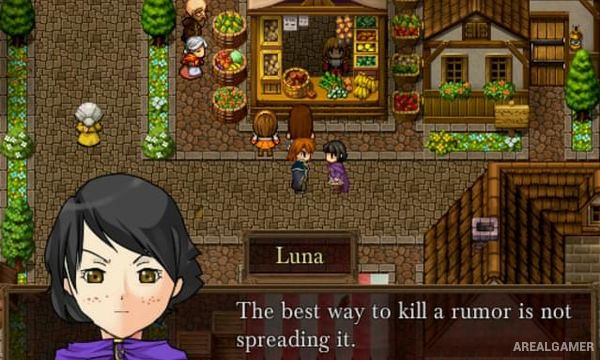
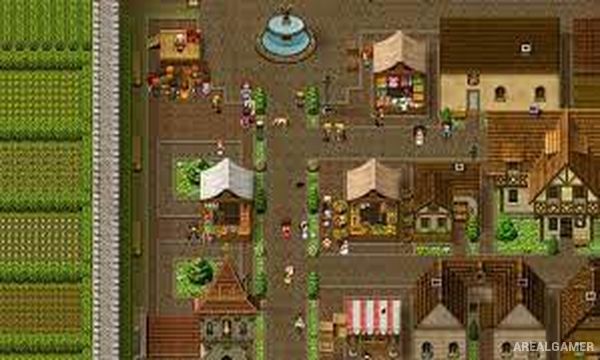
Pixel-art presentation
Branching narrative
Replayable story paths
Single-player adventure
Screenshots:

Minimum System Requirements:
OS: Windows XP/Vista/7/8/10
CPU: Core 2 Duo
RAM: 1 GB
Video Card: 3D graphics card compatible with DirectX 9
Space Required: 300 MB
DirectX: 9.0c
How to Install:
Extract the game using Winrar or 7zip.
Open “Bleeding Moons” folder, double click on “Setup” and proceed install.
After installation complete, go to the “Installed Game” location.
Double click on “Game” icon to play the game. Enjoy!
Click the Below Button to Proceed to Download Page
File Password: arealgamer