
Cabela’s Big Game Hunter: Pro Hunts


Cabela’s Big Game Hunter: Pro Hunts – Free Download – PC Game
Game Info:
Size: 2.2 GB
Genre: Shooter, Sports
Release Date: March 25, 2014
Developer: Cauldron
Publisher: Activision
About This Game:
Cabela’s Big Game Hunter: Pro Hunts is a hunting simulation built around tracking and harvesting large game across North American wilderness regions. Professional hunters provide guidance during missions, while the campaign introduces different animals, environments, weapons, and hunting techniques.
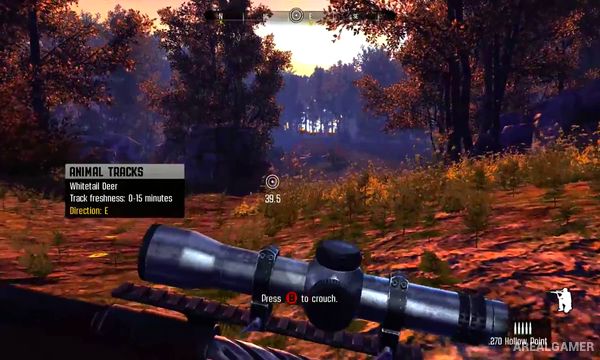
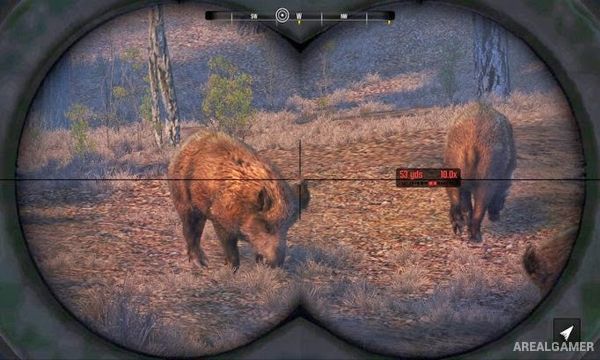
The game emphasizes locating animals before taking a shot. Tracks, calls, wind direction, vegetation, terrain, and animal behavior all influence whether the hunter can approach close enough for a clean opportunity.
How the Gameplay Works
Players explore hunting areas on foot while looking for tracks and other signs that reveal where animals have traveled. Calls and scent-related information can help attract or locate certain species, but approaching carelessly may cause animals to flee.
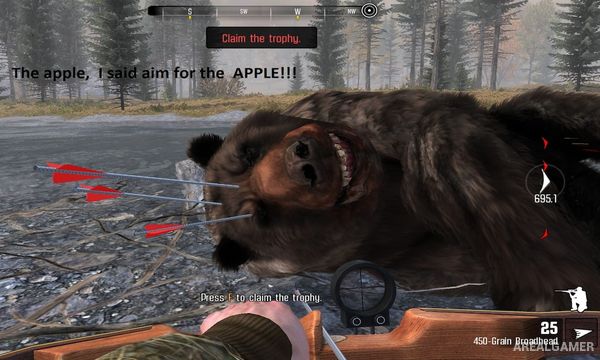
Rifles, bows, and other hunting equipment are selected according to the target. Missions provide specific objectives and gradually introduce more difficult hunts, including encounters with trophy animals that require greater patience and accuracy.
Main Gameplay Features
First-person hunting simulation
North American hunting environments
Animal tracking
Wind and scent considerations
Calls and hunting equipment
Rifles and bows
Professional hunter guidance
Mission-based progression
Trophy animal hunts
Screenshots:
Minimum System Requirements:
OS: Windows XP/Vista/7/8/10
CPU: Intel Core 2 Duo E4600 or AMD Athlon 64 X2 4000+
RAM: 2 GB
Video Card: 512 MB, NVidia GeForce 8800 GT or AMD Radeon HD 4850
Space Required: 5 GB
DirectX: 9.0c
How to Install:
Extract the game using Winrar or 7zip.
Open “Cabela’s Big Game Hunter Pro Hunts” folder, double click on “Setup” and proceed install.
After installation complete, go to the “Installed Game” location.
Double click on “bgh_2014” icon to play the game. Enjoy!
Click the Below Button to Proceed to Download Page
File Password: arealgamer