
Dark Souls 3

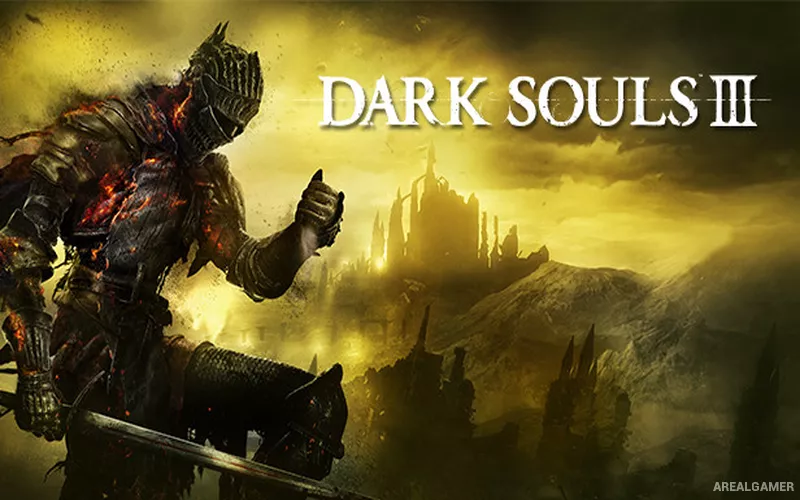
Dark Souls 3 – Free Download – PC Game
Game Info:
Size: 17.8 GB
Genre: Action, RPG
Release Date: 11 Apr, 2016
Developer: FromSoftware, Inc.
Publisher: FromSoftware, Inc., Bandai Namco Entertainment
About This Game:
Dark Souls 3 is an action RPG set in the decaying kingdom of Lothric, where the First Flame is fading and powerful Lords of Cinder have abandoned their thrones. The player takes the role of an Unkindled warrior and travels through ruined castles, settlements, swamps, catacombs, and other hostile regions to confront them.
The game combines deliberate melee combat with interconnected exploration, difficult enemies, hidden paths, character builds, and environmental storytelling. Death causes carried souls to be dropped, creating a risk-reward loop when returning to the place where the character fell.
How the Gameplay Works
Combat uses stamina for attacks, blocking, dodging, and sprinting. Weapons have different move sets, ranges, scaling, and Weapon Arts, while shields, bows, sorceries, miracles, and pyromancies support a wide variety of builds.
Bonfires act as checkpoints and allow travel, healing restoration, and enemy respawns. Souls are spent on levels and equipment purchases, while titanite improves weapons. Online features allow messages, cooperative summons, and hostile invasions in supported areas.
Main Gameplay Features
Challenging action RPG combat
Stamina-based attacking, blocking, and dodging
Large range of weapons, shields, spells, and character builds
Weapon Arts and equipment upgrades
Interconnected areas with hidden paths and shortcuts
Boss battles and powerful optional enemies
Bonfire checkpoint system
Online co-op, messages, and invasions
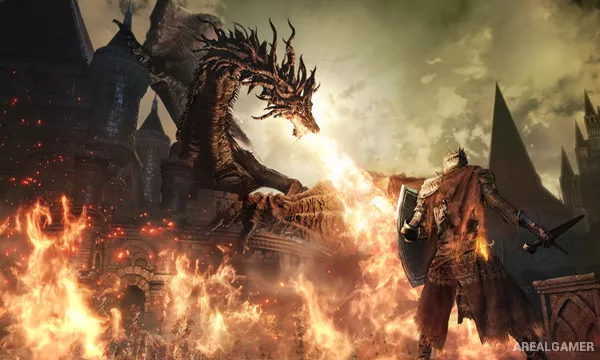
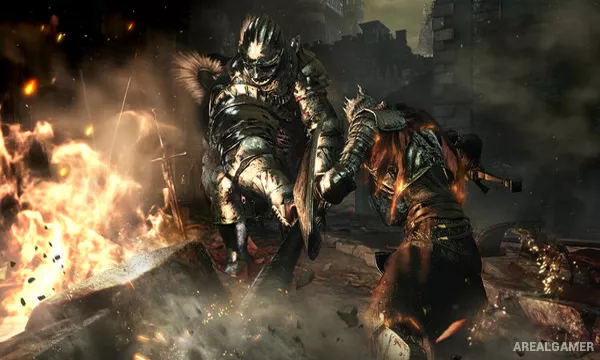
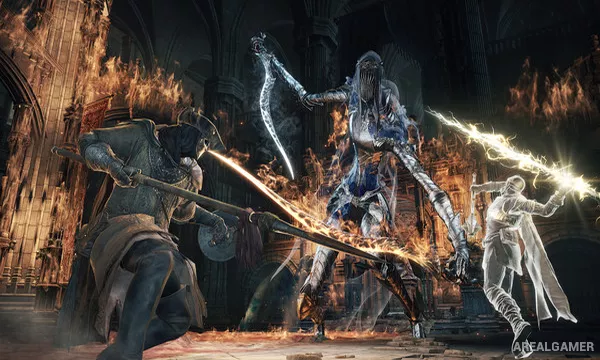
Screenshots:
Minimum System Requirements:
OS: Windows 7/8/10, 64-bits
CPU: Intel Core i3-2100 / AMD® FX-6300
RAM: 4 GB
Video Card: NVIDIA GeForce GTX 750 Ti / ATI Radeon HD 7950
Space Required: 25 GB
DirectX: 11
How to Install:
Extract the game using Winrar or 7zip.
Open “Dark Souls 3″ folder, double click on “Setup” and proceed install.
After installation complete, open “CODEX” folder.
Copy all files and paste it where you “Installed the Game”.
Double click on “DarkSoulsIII” icon to play the game. Enjoy!
Click the Below Button to Proceed to Download Page
File Password: arealgamer
Please add bloodborne game
Please add bloodborne 🙏🙏🙏🙏🙏