
Death Trash

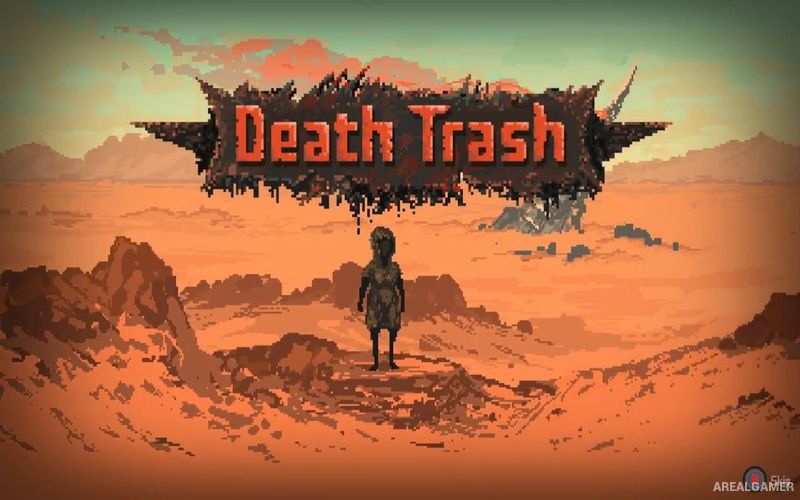
Death Trash – Free Download – PC Game
Game Info:
Size: 199 MB
Genre: Action, RPG, Open World
Release Date: August 5, 2021
Developer: Crafting Legends
Publisher: Crafting Legends
About This Game:
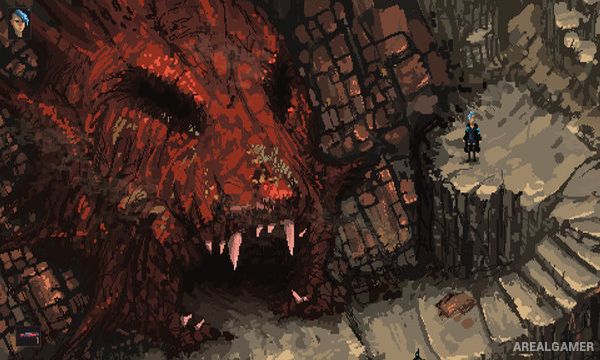
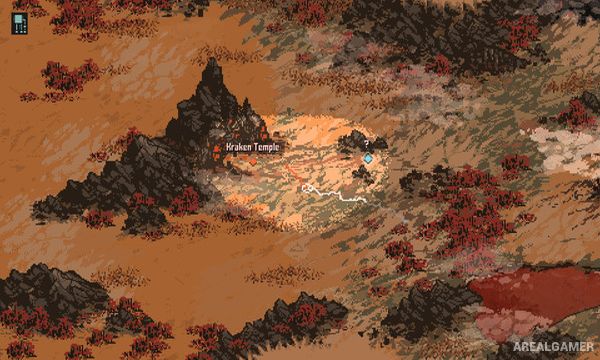
Death Trash is an open-world action RPG set in a strange post-apocalyptic world where ruined technology, mutated creatures, machines, cosmic horrors, and armed survivors exist side by side. Players create their own character and travel through handcrafted locations while becoming involved with settlements, factions, unusual characters, and a larger story surrounding the broken world.
The game mixes old-school role-playing depth with direct modern controls. Characters can be developed around combat, stealth, dialogue, crafting, and other abilities, while many encounters allow more than one possible approach.
How the Gameplay Works
Combat happens in real time using melee weapons, firearms, dodging, and character abilities. Players can also sneak past enemies, interact with characters through dialogue, collect resources, and explore areas away from the main route.
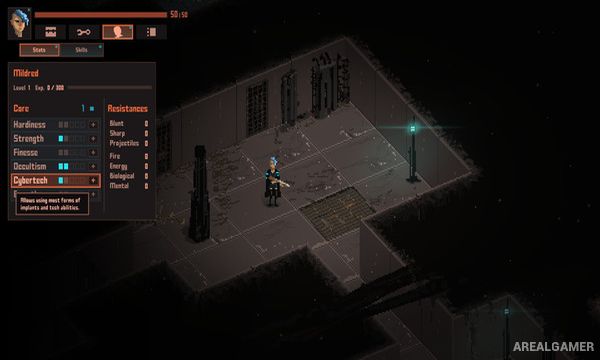
Character statistics and skills affect available options throughout the world, while handcrafted levels contain quests, secrets, equipment, and unusual encounters. The main adventure is designed primarily for single-player, with optional local cooperative support also available.
Main Gameplay Features
Open-world post-apocalyptic RPG
Handcrafted locations
Real-time combat
Firearms and melee weapons
Character creation
Skills and attributes
Stealth options
Dialogue and role-playing choices
Crafting
Cosmic horror elements
Story-driven quests
Optional local cooperative play
Screenshots:
Minimum System Requirements:
OS: Windows 7/8/10, 64-bits
CPU: Intel Core i5 or equivalent
RAM: 2 GB
Video Card: Graphics card with DX10 (shader model 4.0) capabilities
Space Required: 1 GB
DirectX: 10
How to Install:
Extract the game using Winrar or 7zip.
Open “Death Trash” folder, double click on “Setup” and proceed install.
After installation complete, go to the “Installed Game” location.
Double click on “Game” icon to play the game. Enjoy!
Click the Below Button to Proceed to Download Page
File Password: arealgamer