
GearCity


GearCity – Free Download – PC Game
Game Info:
Size: 3.70 GB
Genre: Simulation, Strategy
Release Date: January 14, 2022
Developer: Visual Entertainment And Technologies
Publisher: Visual Entertainment And Technologies
About This Game:
GearCity is a detailed automobile industry business simulation where players establish and operate a vehicle manufacturer across decades of changing technology and economic conditions. Rather than simplifying the business into a few upgrade buttons, the game models design, manufacturing, pricing, factories, dealerships, competition, and financial performance in considerable depth.
The automotive market changes over time as technology improves and customer expectations develop. Companies that fail to modernize can lose ground to competitors, while successful manufacturers can expand production across different regions and vehicle categories.
How the Gameplay Works
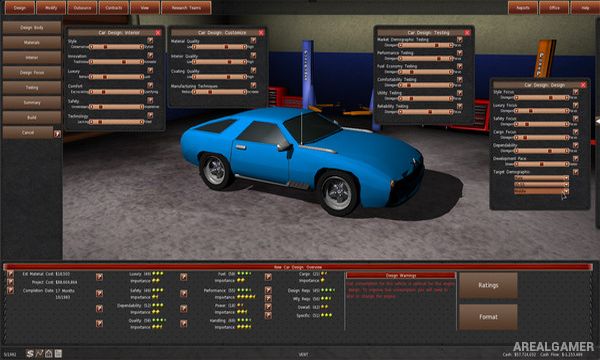
Players design engines, chassis, gearboxes, and complete vehicles before deciding how and where they should be produced. Factories require investment and production capacity must be matched against expected sales to avoid expensive shortages or unused facilities.
Pricing, marketing, dealerships, research, corporate finances, and competition all influence profitability. Over longer campaigns, players can develop new vehicle categories, expand internationally, and respond to historical economic changes affecting the global automobile industry.
Main Gameplay Features
Detailed automobile business simulation
Design vehicle components
Engine development
Chassis and gearbox design
Create complete car models
Factory management
Production planning
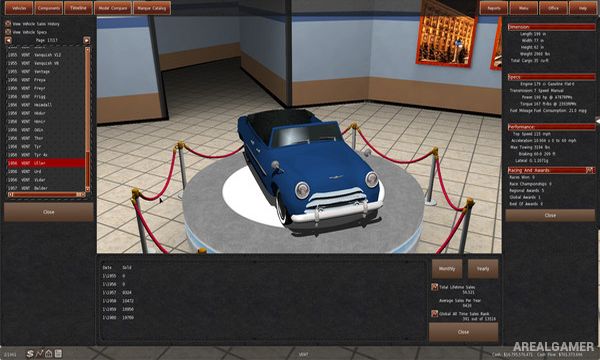
Vehicle pricing
Research and development
Dealership networks
Global economic simulation
Decades of automotive history
Screenshots:
Minimum System Requirements:
OS: Windows 7/8/10, 64-bits
CPU: 1.2 GHz
RAM: 1 GB
Video Card: 128 MB
Space Required: 6 GB
DirectX: 9.0c
How to Install:
Extract the game using Winrar or 7zip.
Open “GearCity” folder, double click on “Setup” and proceed install.
After installation complete, go to the “Installed Game” location.
Double click on “Game” icon to play the game. Enjoy!
Click the Below Button to Proceed to Download Page
File Password: arealgamer