
GRIP: Combat Racing

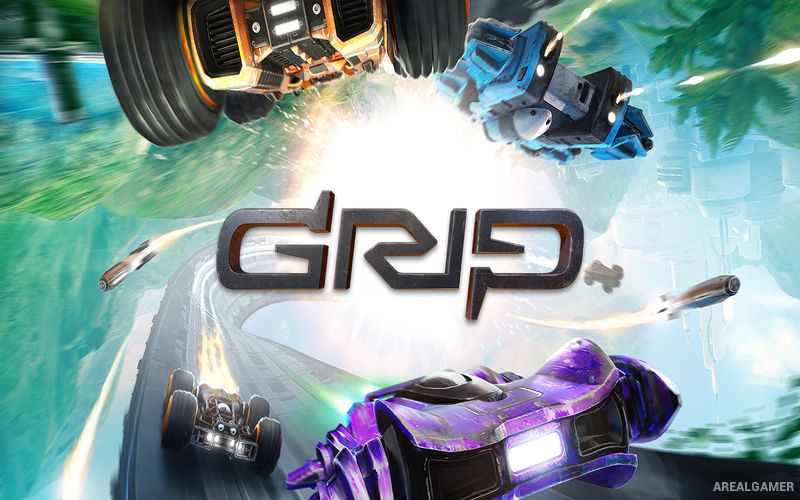
GRIP: Combat Racing – Free Download – PC Game
Game Info:
Size: 4.83 GB
Genre: Action, Racing
Release Date: November 6, 2018
Developer: Caged Element Inc.
Publisher: Wired Productions
About This Game:
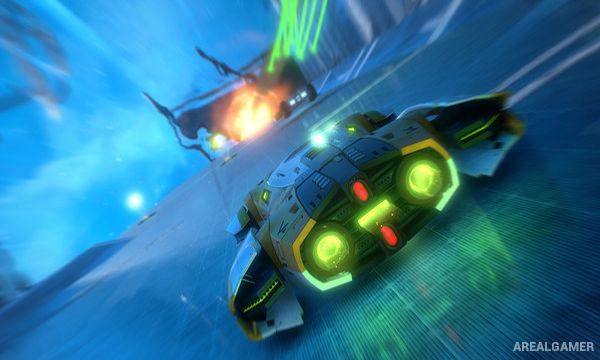
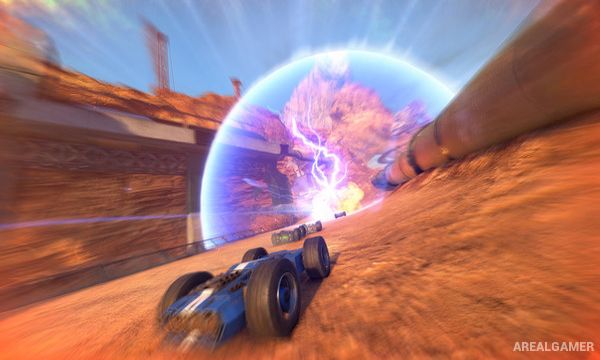
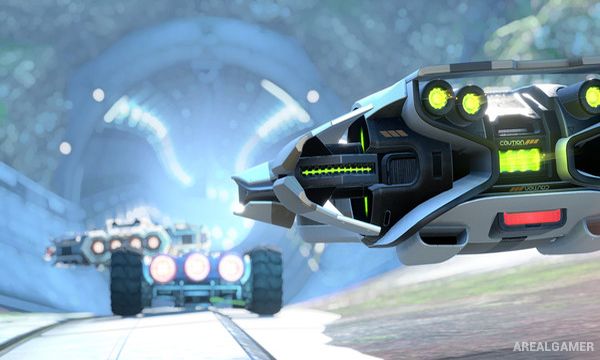
GRIP: Combat Racing is a futuristic racing game built around extreme speed, heavily armed vehicles, and tracks that extend across floors, walls, and ceilings. Cars are designed to continue driving after flipping over, allowing races to use tunnels, vertical surfaces, jumps, and inverted sections without forcing vehicles into a normal upright position.
Racing is combined with vehicular combat, so reaching the finish line first requires more than choosing the fastest route. Weapons and defensive equipment can disrupt opponents, while tracks contain jumps, shortcuts, boost opportunities, hazards, and alternate paths.
How the Gameplay Works
Players accelerate to extremely high speeds while steering across conventional roads and unusual surfaces. Pickups provide weapons and defensive tools that can be fired at opponents, while boost pads and careful use of jumps help maintain momentum.
Vehicles are divided into different performance styles and can compete across traditional races as well as combat-oriented modes. The campaign introduces events progressively, while split-screen and online multiplayer allow several racers to compete directly against one another.
Main Gameplay Features
High-speed futuristic racing
Armed combat vehicles
Drive on floors, walls, and ceilings
Flippable car designs
Heavy weapon pickups
Boost pads
Large jumps
Multiple vehicle classes
22 tracks in the original launch set
Four futuristic planets
Single-player campaign
Split-screen and online multiplayer
Screenshots:
Minimum System Requirements:
OS: Windows 7/8/10, 64-bits
CPU: Intel Core i3-3220 or AMD FX-6300
RAM: 4 GB
Video Card: Geforce 560 or Radeon 6850
Space Required: 8 GB
DirectX: 11
How to Install:
Extract the game using Winrar or 7zip.
Open “GRIP: Combat Racing” folder, double click on “Setup” and proceed install.
After installation complete, go to the “Installed Game” location.
Double click on “Game” icon to play the game. Enjoy!
Click the Below Button to Proceed to Download Page
File Password: arealgamer