
Halo 3: ODST (2020)


Halo 3: ODST (2020) – Halo: The Master Chief Collection – Free Download – PC Game
Game Info:
Size: 20.8 GB
Genre: FPS, Action
Release Date: September 22, 2020
Developer: 343 Industries
Publisher: Xbox Game Studios
About This Game:
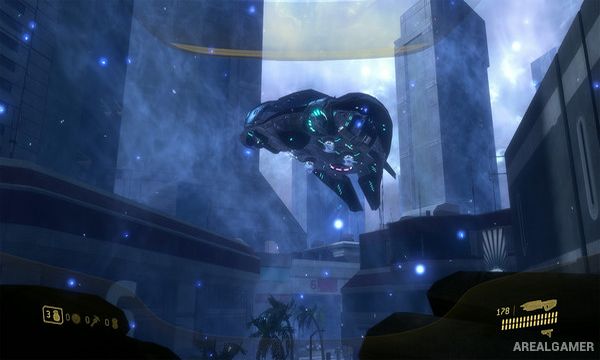
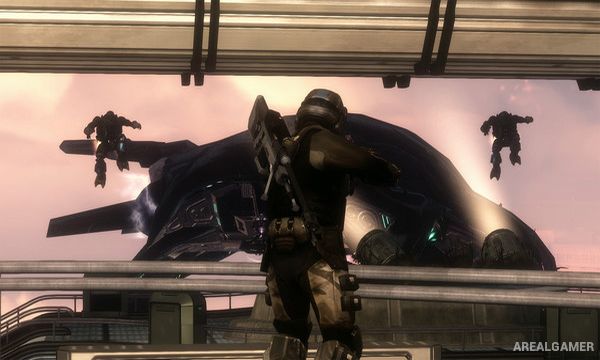
Halo 3: ODST tells a smaller and more isolated story during the Covenant occupation of New Mombasa. Instead of controlling a Spartan, players become an Orbital Drop Shock Trooper known as the Rookie, who awakens separated from his squad and begins searching the damaged city for clues about what happened to his teammates.
The story alternates between the Rookie’s nighttime investigation and flashback missions showing the squad’s earlier experiences. This gives ODST a different atmosphere from the main Halo games, with quieter exploration connecting larger combat sequences involving the other troopers.
How the Gameplay Works
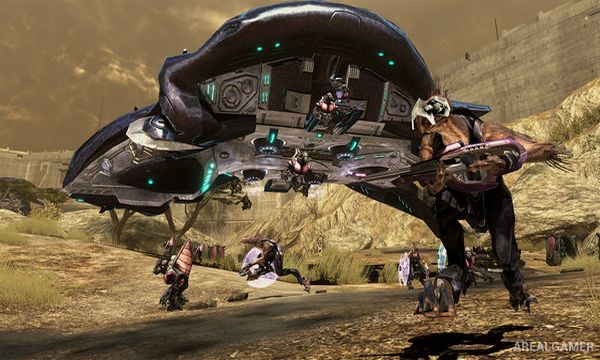
Players explore New Mombasa from a first-person perspective using UNSC and Covenant weapons. ODST soldiers do not have the same rechargeable energy shields as Spartans, so taking too much damage can require health packs to restore full condition.
The Rookie discovers clues that trigger flashback missions featuring different squad members and combat situations. Firefight provides a separate cooperative mode where players defend against repeated waves of Covenant enemies while sharing a limited pool of lives.
Main Gameplay Features
ODST-focused Halo campaign
New Mombasa setting
The Rookie as central character
Nonlinear city exploration
Squad-member flashback missions
UNSC and Covenant weapons
Health pack system
Night-vision VISR display
Vehicle combat
Firefight wave survival
Cooperative gameplay
PC-optimized 2020 release
Screenshots:
Minimum System Requirements:
OS: Windows 7/8/10, 64-bits
CPU: AMD Phenom II X4 960T / Intel i3 550
RAM: 8 GB
Video Card: AMD HD 6850 / NVIDIA GeForce GTS 450, DirectX 11
Space Required: 30 GB
DirectX: 11
How to Install:
Extract the game using Winrar or 7zip.
Open “Halo 3: ODST” folder.
Double click on “mcclauncher.exe” icon to play the game. Enjoy!
Click the Below Button to Proceed to Download Page
File Password: arealgamer