
Iron Storm

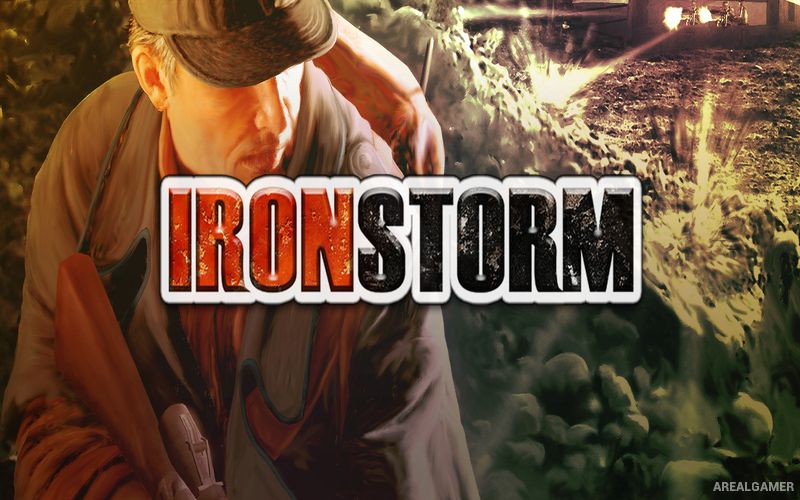
Iron Storm – Free Download – PC Game
Game Info:
Size: 794 MB
Genre: Action, Shooter
Release Date: October 25, 2002
Developer: 4X Studio
Publisher: Microids
About This Game:
Iron Storm is an alternate-history first-person shooter set in 1964, but in its world the First World War never ended. After fifty years of continuous fighting, Europe remains divided by an enormous frontline where Western forces continue battling a powerful Russo-Mongolian empire.
The unusual setting mixes elements associated with both World Wars and the Cold War, creating battlefields where trenches and artillery exist alongside more modern firearms, communications equipment, and technology. Players become Lieutenant James Anderson and are sent into enemy territory on a mission that could determine the future of the endless conflict.
How the Gameplay Works
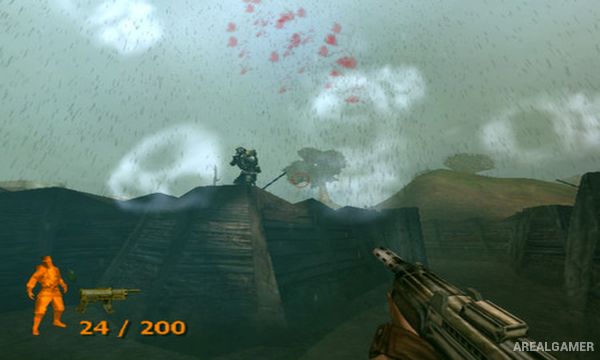
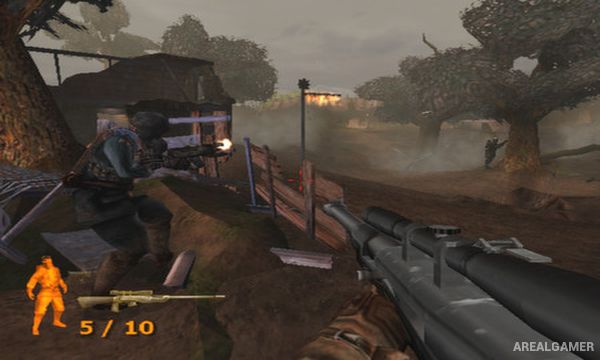
Players move through trenches, ruined towns, military installations, bunkers, and other war zones while using rifles, automatic weapons, explosives, and heavier equipment. Combat generally rewards a more cautious approach than a pure arcade shooter because enemy soldiers can attack from defended positions and distant firing points.
Stealth and observation become useful during infiltration sections, while larger encounters place the player directly into heavy frontline fighting. Missions connect into a story involving military intelligence, experimental technology, and the political forces responsible for keeping the conflict alive.
Main Gameplay Features
Alternate-history first-person shooter
World War I continues until 1964
Play as Lieutenant James Anderson
Trench warfare
Modern and historical weapon influences
Stealth and infiltration sections
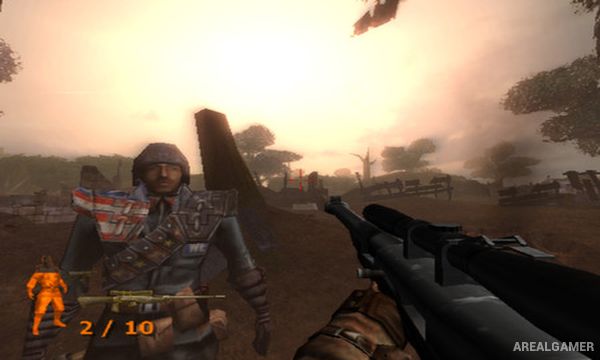
Sniper combat
Ruined European battlefields
Enemy military installations
Story-driven campaign
Alternate political history
Mixture of wartime eras and technology
Screenshots:
Minimum System Requirements:
OS: Windows XP or Vista
CPU: 1.8 GHz
RAM: 512 MB
Video Card: 3D graphics card compatible with DirectX 9
Space Required: 2 GB
DirectX: 9.0c
How to Install:
Extract the game using Winrar or 7zip.
Open “Iron Storm” folder, double click on “Setup” and proceed install.
After installation complete, go to the “Installed Game” location.
Double click on “Game” icon to play the game. Enjoy!
Click the Below Button to Proceed to Download Page
File Password: arealgamer