
KUNAI

KUNAI – Free Download – PC Game
Game Info:
Size: 516 MB
Genre: Action, Adventure
Release Date: 6 Feb, 2020
Developer: TurtleBlaze
Publisher: The Arcade Crew, Gamera Games
About This Game:
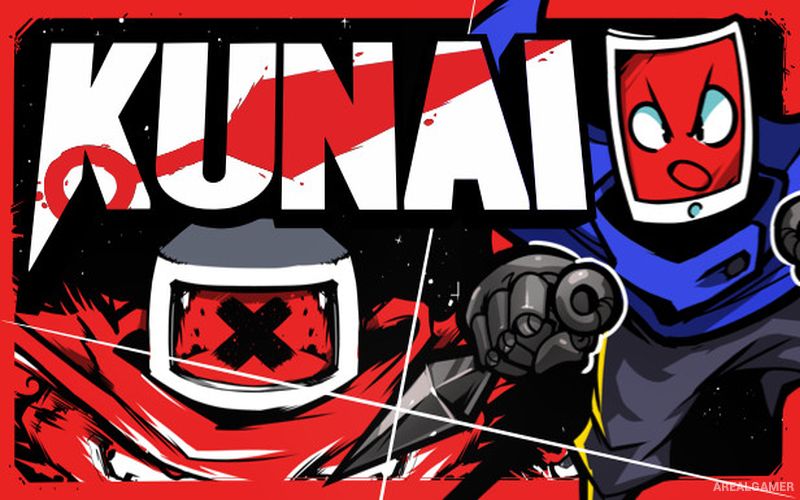
KUNAI is a fast-paced Metroidvania set in a world where machines have nearly wiped out humanity. Players control Tabby, a tablet inhabited by the soul of an ancient warrior, who joins a resistance of surviving robots and fights against the artificial intelligence responsible for the destruction.
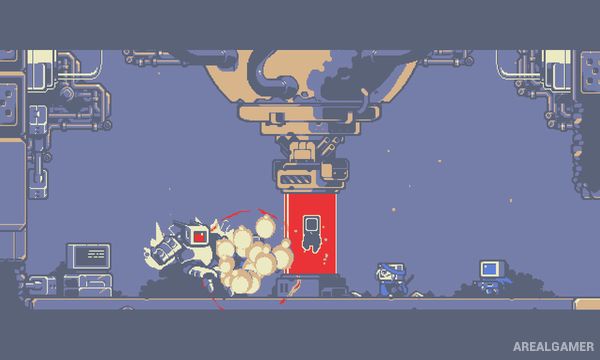
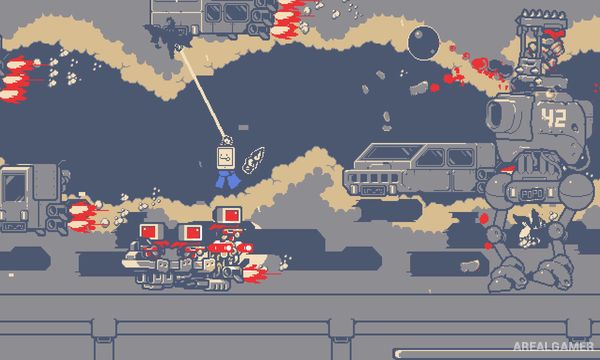
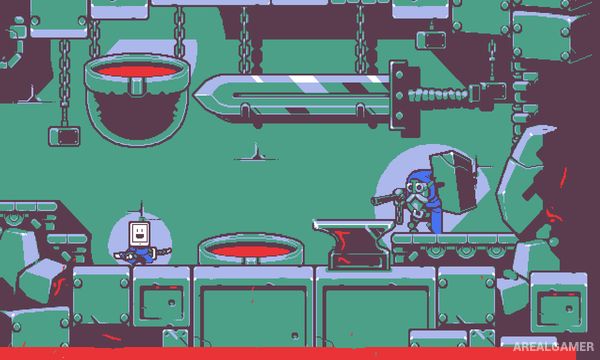
Movement is central to the experience, with Tabby’s twin kunai functioning as grappling hooks that allow rapid swinging through environments. The game’s monochrome pixel-art world is mixed with expressive screen animations and colorful visual effects.
How the Gameplay Works
Players slash enemies with a katana, use firearms, and grapple onto walls and ceilings with the kunai. Combining jumps, swings, wall movement, and attacks allows Tabby to move quickly through interconnected areas.
New weapons and traversal tools open paths that were previously inaccessible, encouraging backtracking through older locations. Hidden upgrades and optional rooms reward exploration, while larger bosses test both combat skills and mastery of the grappling system.
Main Gameplay Features
Fast 2D Metroidvania exploration
Twin-kunai grappling hooks
Katana melee combat
Unlockable ranged weapons
Wall climbing and swinging
Interconnected environments
Movement-based upgrades
Hidden rooms and collectibles
Robot enemies
Boss battles
Screenshots:
Minimum System Requirements:
OS: Windows 7/8/10, 64-bits
CPU: Intel i5+
RAM: 2 GB
Video Card: Nvidia 450 GTS / Radeon HD 5750 or better
Space Required: 1 GB
DirectX: 10
How to Install:
Extract the game using Winrar or 7zip.
Open “KUNAI” folder, double click on “Setup” and proceed install.
After installation complete, go to the “Installed Game” location.
Double click on “Game” icon to play the game. Enjoy!
Click the Below Button to Proceed to Download Page
File Password: arealgamer