
Microsoft Soccer

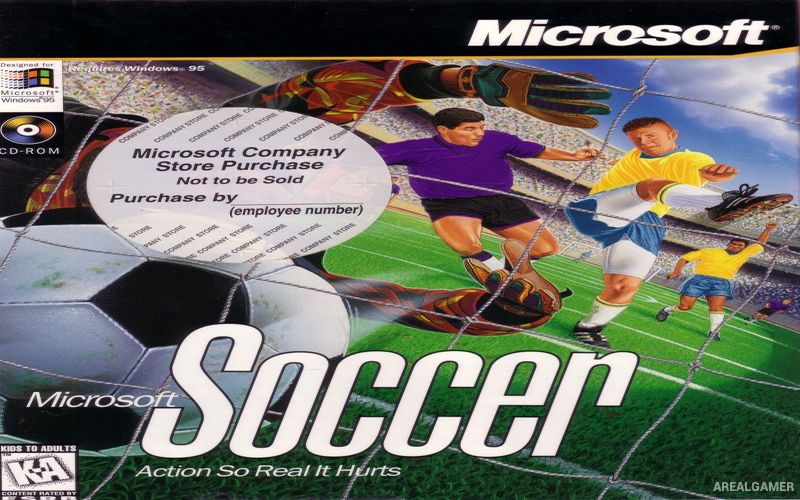
Microsoft Soccer – Free Download – PC Game
Game Info:
Size: 38 MB
Genre: Sports
Release Date: November 7, 1996
Developer: Lobotomy Software
Publisher: Microsoft Corporation
About This Game:
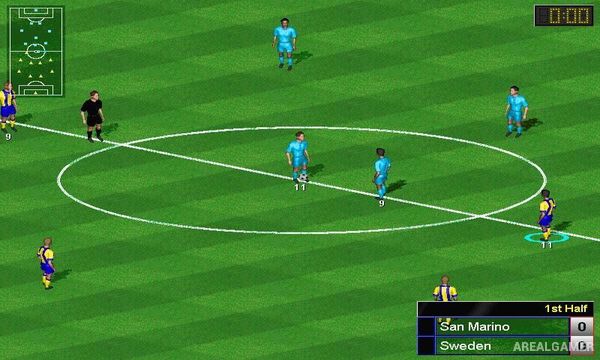
Microsoft Soccer is a classic Windows football game that brings international-style competition to an isometric playing field. Released during the Windows 95 era, it offers a large selection of national teams and straightforward matches designed around passing, shooting, tackling, and positioning rather than complicated management systems.
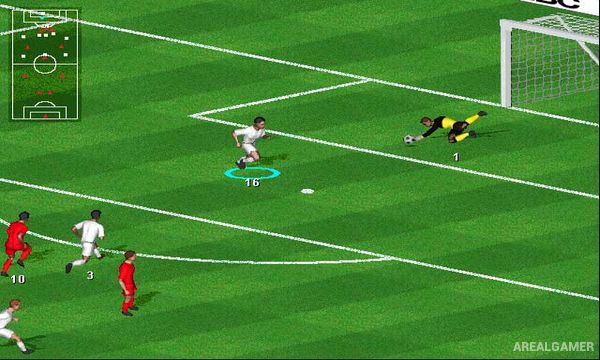
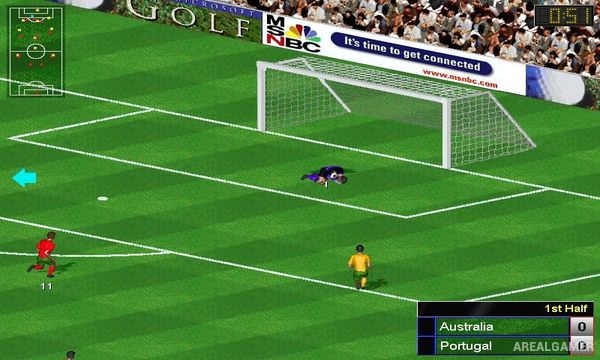
The game presents the pitch from an elevated viewpoint that keeps a large portion of the action visible at once. Players can compete in individual matches or organize tournament-style competitions while selecting from numerous international teams.
How the Gameplay Works
Players directly control footballers as possession moves between teammates, using passes to build attacks and shots to attempt goals. Control switches between players according to the location of the ball, while defensive play involves positioning, challenges, and intercepting passes.
Single matches provide quick competition, while tournament options connect multiple games into a larger event. A team editor also allows changes to the available squads, adding customization beyond the standard national-team selection.
Main Gameplay Features
Classic Windows football gameplay
Isometric field perspective
Large selection of national teams
Passing and shooting
Defensive tackling
Goalkeeping
Single matches
Tournament competition
Team editor
Computer-controlled opponents
Single-player gameplay
Multiplayer support
Screenshots:
Minimum System Requirements:
OS: Windows XP/Vista/7
CPU: 1.8 GHz
RAM: 512 MB
Video Card: 3D graphics card compatible with DirectX 9
Space Required: 100 MB
DirectX: 9.0c
How to Install:
Extract the game using Winrar or 7zip.
Open “Microsoft Soccer” >> “Game” folder.
Double click on “MSSOCCER” icon to play the game. Enjoy!
Click the Below Button to Proceed to Download Page
File Password: arealgamer