
Minecraft: Story Mode (Complete)

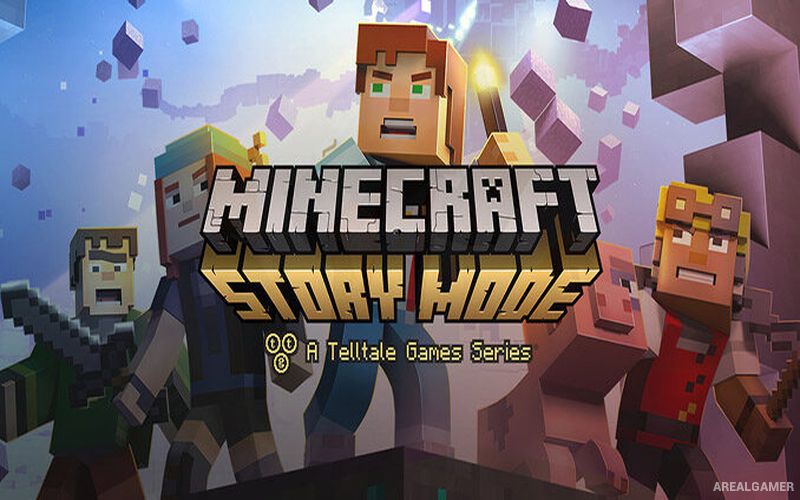
Minecraft: Story Mode (Complete) – Episode 1-8 – Free Download – PC Game
Game Info:
Size: 5.62 GB
Genre: Adventure
Release Date: October 13, 2015
Developer: Telltale Games, Mojang Studios
Publisher: Telltale Games
About This Game:
Minecraft: Story Mode is an episodic narrative adventure that uses the familiar blocks, creatures, items, and environments of Minecraft to tell a character-driven story. Players follow Jesse and a group of friends as an ordinary journey grows into a much larger adventure involving legendary heroes, dangerous enemies, strange worlds, and major decisions.
Unlike the open-ended building and survival structure of Minecraft, Story Mode follows a directed storyline divided into episodes. Dialogue choices and decisions allow players to shape Jesse’s personality and influence certain relationships and events while still keeping the adventure focused on its main narrative.
How the Gameplay Works
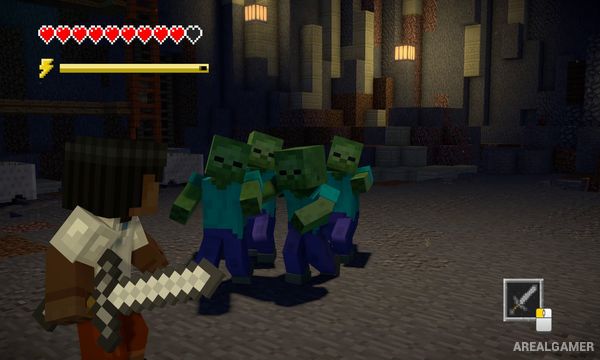
Players explore environments, speak with characters, examine objects, collect useful items, and choose dialogue responses during conversations. Action scenes use movement, combat, and timed inputs as Jesse deals with enemies and dangerous situations.
Crafting and building appear in simplified story-focused forms rather than operating as full sandbox systems. Decisions made during conversations can carry into later scenes and episodes, while the Complete package brings the available episodes together for a longer continuous adventure.
Main Gameplay Features
Story-driven Minecraft adventure
Episodic campaign
Playable Jesse
Dialogue choices
Decision-based story moments
Exploration and character interaction
Simplified crafting
Building sequences
Combat against Minecraft creatures
Timed action scenes
Familiar Minecraft environments
Complete multi-episode storyline
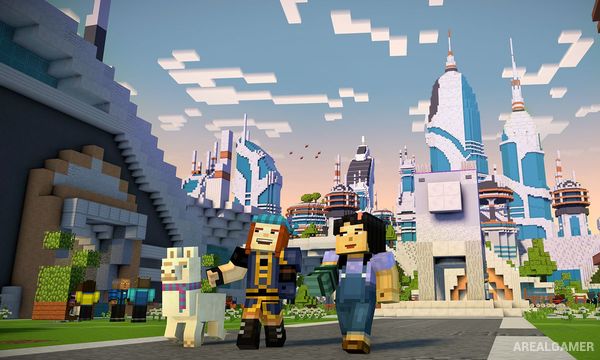
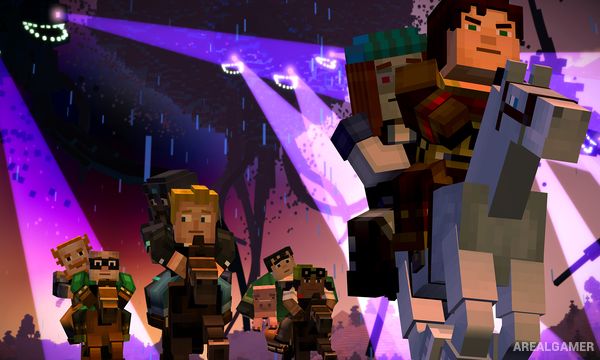
Screenshots:
Minimum System Requirements:
OS: Windows XP Service Pack 3 or later
CPU: Core 2 Duo 2GHz or equivalent
RAM: 3 GB
Video Card: ATI or NVIDIA card w/512 MB RAM
Space Required: 3 GB
DirectX: 9.0c
How to Install:
Extract the game using Winrar or 7zip.
Open “Minecraft: Story Mode (Complete)” folder, double click on “Setup” and proceed install.
Double click on “setup_minecraft_story_mode_-_adventure_pass_2016-09-16_(6225)” to install DLC.
After installation complete, go to the “Installed Game” location.
Now double click on “Game” icon to play the game. Enjoy!
Click the Below Button to Proceed to Download Page
File Password: arealgamer