
Ninja Blade

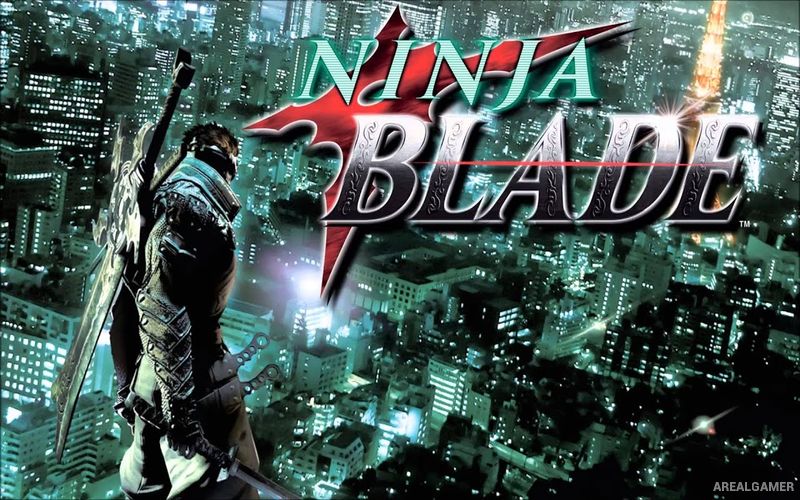
Ninja Blade – Free Download – PC Game
Game Info:
Size: 1.98 GB
Genre: Action
Release Date: October 31, 2009
Developer: FromSoftware
Publisher: Microsoft Game Studios
About This Game:
Ninja Blade is a fast third-person action game set in modern Tokyo during an outbreak caused by a dangerous parasitic organism. Players control Ken Ogawa, a highly trained ninja sent with a special team to contain the infection before mutated creatures spread beyond the city.
The story embraces exaggerated cinematic action, sending Ken across skyscrapers, highways, helicopters, underground facilities, and other locations while enormous infected creatures tear through Tokyo. Multiple swords and supernatural ninja abilities allow combat to change depending on the enemy.
How the Gameplay Works
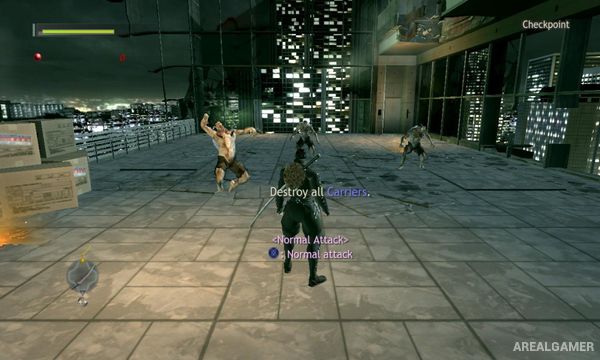
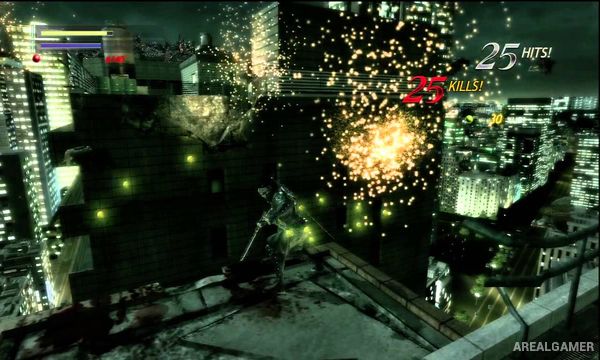
Ken uses several blades designed for different situations, including rapid attacks against normal enemies and heavier strikes capable of breaking armor. Shuriken abilities can carry elemental effects and are also used to activate parts of the environment.
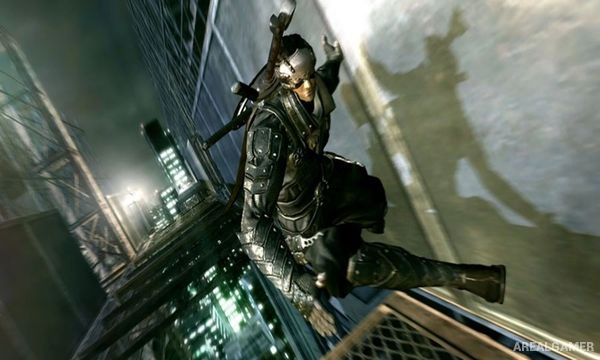
Combat is mixed with wall-running, acrobatics, boss battles, and cinematic quick-time sequences. Successful dodges can create opportunities for counterattacks, while collected upgrades increase health, weapons, and other abilities as the mission continues.
Main Gameplay Features
Third-person ninja action
Modern Tokyo setting
Playable ninja Ken Ogawa
Multiple sword types
Fast melee combos
Heavy armor-breaking attacks
Elemental shuriken
Wall running
Acrobatic movement
Quick-time action sequences
Large mutated enemies
Huge boss battles
Weapon upgrades
Cinematic story missions
Single-player campaign
Screenshots:
Minimum System Requirements:
OS: Windows XP/Vista/7
CPU: Pentium 4 3,2 GHz or similar Athlon® 64
RAM: 1 GB
Video Card: 3D Video card with 256 MB VRAM, DirectX® 9.0c compatible (GeForce 8600GTS/Radeon HD2600XT or higher)
Space Required: 5 GB
DirectX: 9.0c
How to Install:
Extract the game using Winrar or 7zip.
Open “Ninja Blade” folder, double click on “Setup” and proceed install.
After installation complete, go to the “Installed Game” location.
Double click on “Ninjablade” icon to play the game. Enjoy!
Click the Below Button to Proceed to Download Page
File Password: arealgamer