
Scythe: Digital Edition

Scythe: Digital Edition – Free Download – PC Game
Game Info:
Size: 329 MB
Genre: Strategy
Release Date: September 5, 2018
Developer: The Knights of Unity
Publisher: The Knights of Unity
About This Game:
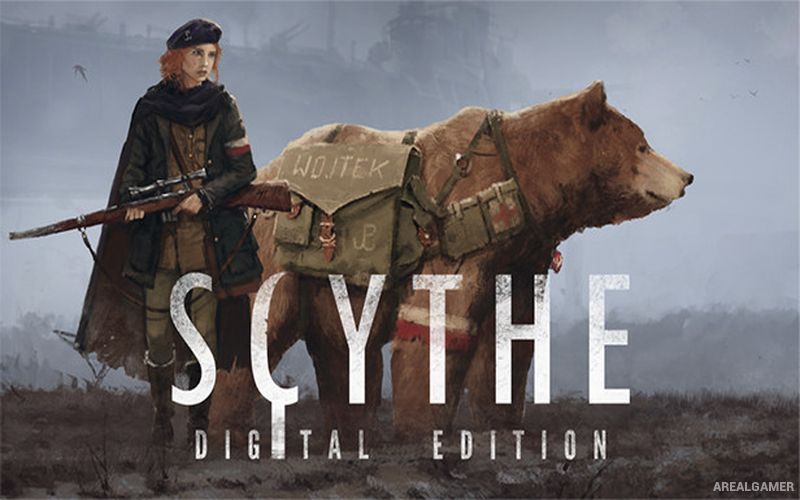
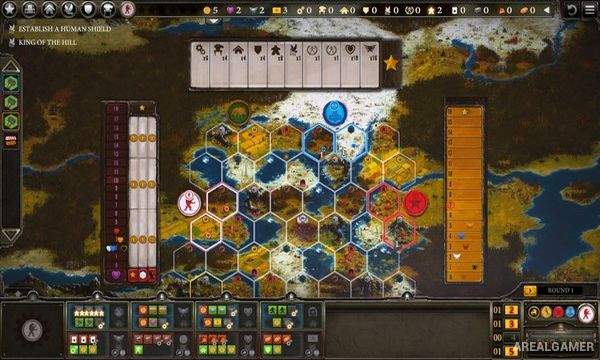
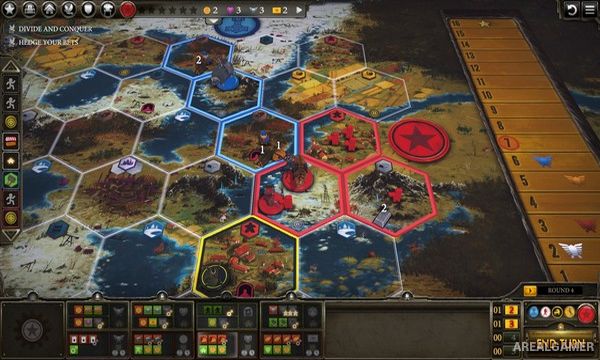
Scythe: Digital Edition adapts the strategy board game Scythe into a digital format set in an alternate 1920s Europe filled with farming communities, industrial machinery, and enormous military mechs. Rival factions compete for territory, resources, popularity, military strength, and economic development around the mysterious Factory.
Victory is not based entirely on destroying opponents. Players earn stars for reaching important milestones and then calculate wealth, territory, popularity, and other achievements when the game ends, allowing economic or expansion-focused strategies to compete with aggressive military play.
How the Gameplay Works
Each turn, players select an action section from their faction board and perform available activities such as moving units, producing resources, trading, building structures, deploying mechs, or upgrading capabilities. The available combinations make planning several turns ahead important.
Workers gather resources directly on controlled territories, while mechs and characters can travel across the map and engage rivals. Combat uses hidden strength commitments, making opposing players uncertain about exactly how much power will be spent during a confrontation.
Main Gameplay Features
Digital adaptation of Scythe
Alternate-history 1920s setting
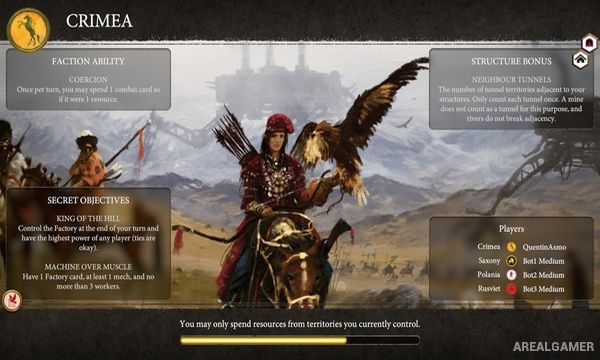
Multiple asymmetric factions
Territory control
Resource production
Worker management
Large mechanical mechs
Faction board upgrades
Hidden-strength combat
Popularity system
Multiple paths to victory
Single-player and online multiplayer
Screenshots:
Minimum System Requirements:
OS: Windows 7/8/10
CPU: Dual Core 3.0 GHz
RAM: 4 GB
Video Card: DirectX 11 class GPU with 1024MB VRAM
Space Required: 2 GB
DirectX: 11
How to Install:
Extract the game using Winrar or 7zip.
Open “Scythe: Digital Edition” folder, double click on “Setup” and proceed install.
After installation complete, go to the “Installed Game” location.
Double click on “Game” icon to play the game. Enjoy!
Click the Below Button to Proceed to Download Page
File Password: arealgamer