
SimplePlanes


SimplePlanes – Free Download – PC Game
Game Info:
Size: 334 MB
Genre: Simulation
Release Date: 17 Dec, 2015
Developer: Jundroo, LLC
Publisher: Jundroo, LLC
About This Game:
SimplePlanes is an aircraft-building sandbox that lets players construct their own flying machines from individual parts and then test whether those designs can actually stay in the air. Wings, fuselage sections, engines, landing gear, control surfaces, weapons, and other components can be combined into everything from conventional airplanes to highly unusual experimental creations.
Building is only half of the experience. Every creation can immediately be taken into the game’s physics simulation, allowing players to discover whether its weight distribution, wing design, thrust, and controls work as expected once the aircraft leaves the ground.
How the Gameplay Works
Players begin in the editor and snap components together to create an aircraft. Wing shapes can be adjusted, engines positioned, control surfaces configured, and structural parts resized before the machine is moved to a runway for testing.
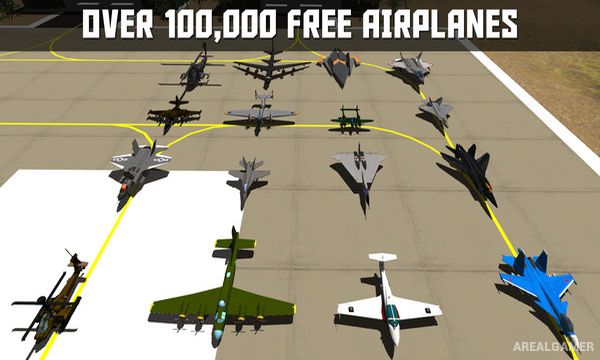
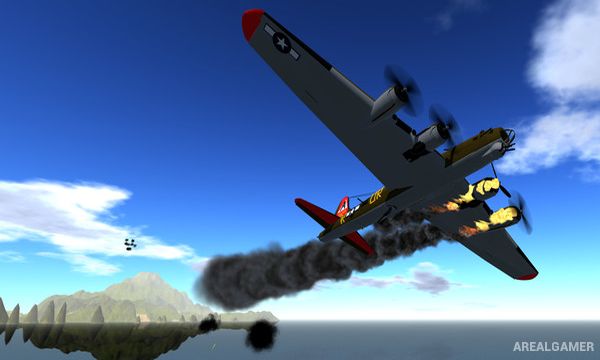
Once flying, the physics system reacts to the design and can damage aircraft when parts are struck or placed under too much stress. Challenges provide additional objectives for custom builds, while players who prefer flying to construction can download a huge collection of aircraft created by the community.
Main Gameplay Features
Aircraft construction sandbox
Snap parts together
Custom wing design
Multiple engine types
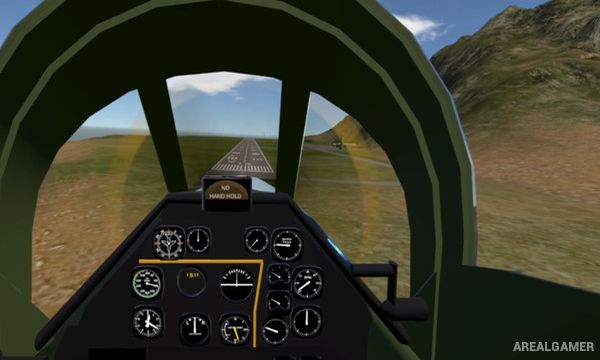
Detailed flight physics
Real-time structural damage
Test creations immediately
Aircraft-building challenges
Different islands and airfields
Combat-capable creations
Community aircraft sharing
Large library of downloadable designs
Screenshots:
Minimum System Requirements:
OS: Windows 7/8/10
CPU: Core 2 Duo
RAM: 2 GB
Video Card: SM3 512MB VRAM
Space Required: 1 GB
DirectX: 9.0c
How to Install:
Extract the game using Winrar or 7zip.
Open “SimplePlanes” folder, double click on “Setup” and proceed install.
After installation complete, go to the “Installed Game” location.
Double click on “Game” icon to play the game. Enjoy!
Click the Below Button to Proceed to Download Page
File Password: arealgamer