
Songs of Conquest

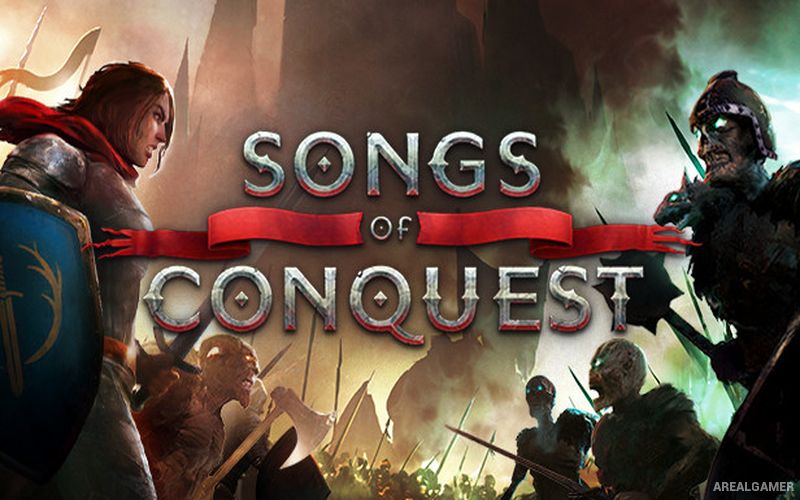
Songs of Conquest – Supporter Pack – Free Download – PC Game
Game Info:
Size: 2.49 GB
Genre: Strategy
Release Date: 10 May, 2022
Developer: Lavapotion
Publisher: Coffee Stain Publishing
About This Game:
Songs of Conquest is a turn-based strategy game inspired by classic fantasy war games, combining army management, map exploration, settlement development, and tactical battles. Players command powerful Wielders who lead armies for one of several factions with their own creatures, architecture, lore, and magical strengths.
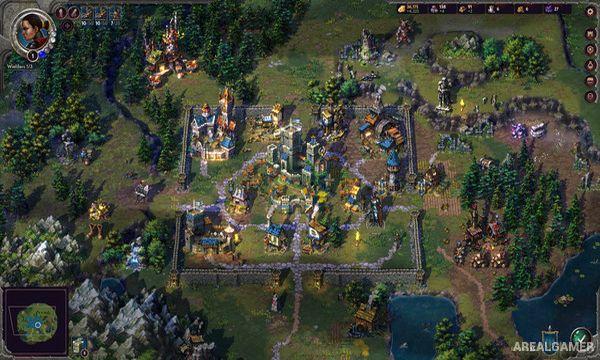
Campaigns tell faction-specific stories while skirmish maps provide more open-ended competition. Resources gathered on the adventure map are used to expand settlements, recruit troops, and strengthen the military forces needed to capture territory.
How the Gameplay Works
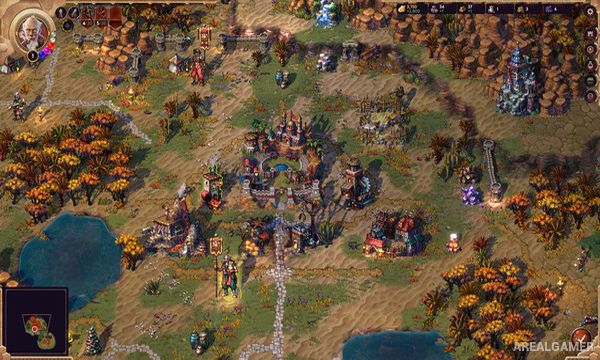
Wielders move around the map collecting resources, visiting structures, capturing settlements, finding artifacts, and confronting enemy armies. Settlements contain limited construction spaces, requiring choices about which troop-producing and economic buildings are most useful.
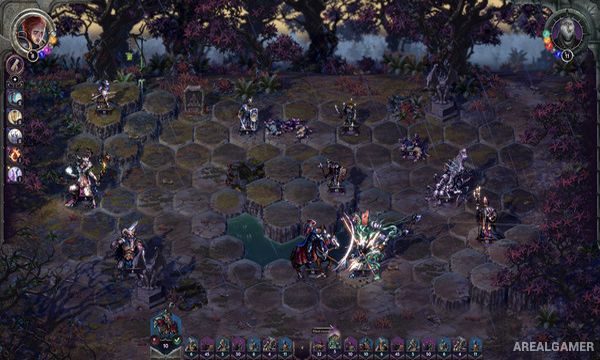
Battles take place on separate tactical grids where unit stacks move and attack in turns. Wielders generate magical essence from their army composition, allowing spells to influence movement, damage, defense, and other aspects of battle.
Main Gameplay Features
Turn-based fantasy strategy
Adventure-map exploration
Multiple playable factions
Settlement construction
Creature recruitment and army management
Grid-based tactical battles
Wielders with skills and equipment
Essence-driven magic system
Story campaigns and skirmish modes
Multiplayer support
Screenshots:
Minimum System Requirements:
OS: Windows 7/8/10
CPU: i5 Dual Core or Ryzen 5
RAM: 8 GB
Video Card: Integrated graphics card
Space Required: 4 GB
DirectX: 9.0c
How to Install:
Extract the game using Winrar or 7zip.
Open “Songs of Conquest” folder, double click on “Setup” and proceed install.
After installation complete, go to the “Installed Game” location.
Double click on “Game” icon to play the game. Enjoy!
Click the Below Button to Proceed to Download Page
File Password: arealgamer