
Sonic Adventure 2 Battle

Sonic Adventure 2 Battle – Free Download – PC Game
Game Info:
Size: 2.07 GB
Genre: Action, Adventure
Release Date: 19 Nov, 2012
Developer: SEGA
Publisher: SEGA
About This Game:
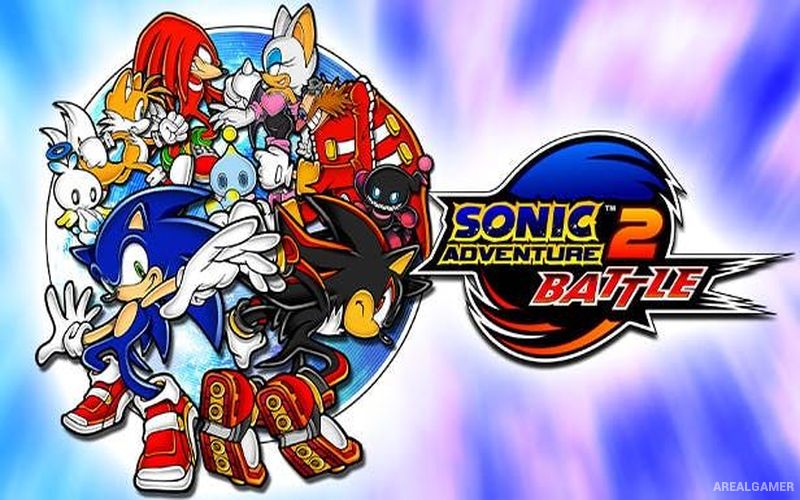
Sonic Adventure 2 Battle is a fast 3D action platformer built around the conflict between Sonic and his friends and a second group led by Shadow the Hedgehog. The story is divided between Hero and Dark sides, eventually bringing both perspectives together as the characters uncover a much larger threat connected to the space colony ARK.
The campaign uses three distinct gameplay styles. Sonic and Shadow focus on high-speed platforming, Tails and Dr. Eggman pilot combat mechs, while Knuckles and Rouge explore larger stages in search of hidden objects. This structure gives the game frequent changes in pace throughout the story.
How the Gameplay Works
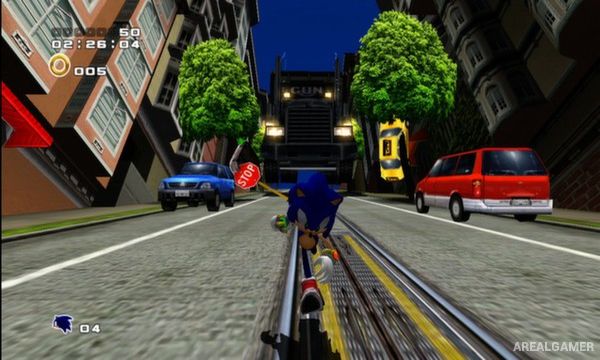
Speed stages involve running along tracks, grinding rails, attacking enemies, and using ramps or loops while trying to reach the goal quickly. Mech stages emphasize shooting multiple targets, while treasure-hunting levels provide radar clues that help locate hidden pieces scattered around larger environments.
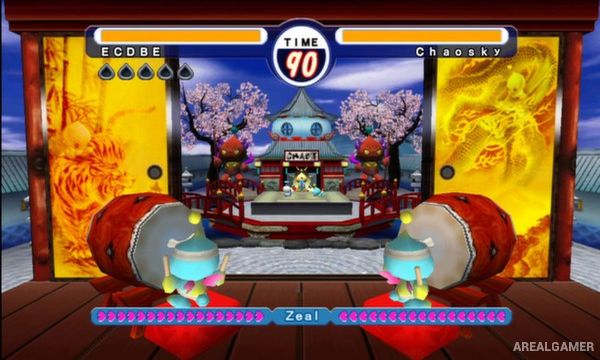
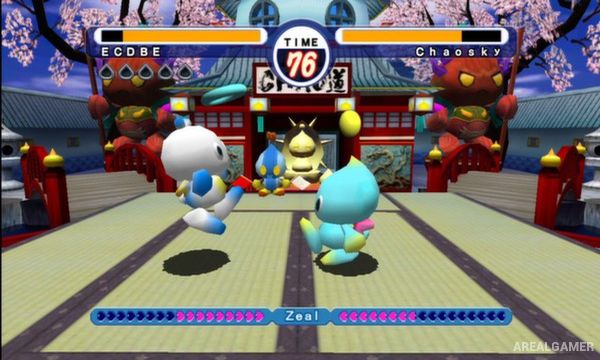
Players earn rankings based on performance and can return to levels for additional missions. Chao creatures can also be raised in the Chao Garden using items collected during stages, with their abilities and appearance changing according to how they are cared for.
Main Gameplay Features
Hero and Dark story campaigns
Playable Sonic and Shadow
High-speed 3D platforming
Tails and Eggman mech stages
Knuckles and Rouge treasure hunting
Rail grinding
Character upgrades
Mission rankings
Multiple objectives per stage
Chao Garden
Chao raising and development
Local multiplayer modes
Screenshots:
Minimum System Requirements:
OS: Windows XP/Vista/7
CPU: Pentium 4 @ 3.2 GHz/Athlon 64 3000+ or Equivalent & above
RAM: 1 GB
Video Card: 256 MB (NVIDIA GeForce 8600/AT Radeon HD3650) & above
Space Required: 3 GB
DirectX: 9.0c
How to Install:
Extract the game using Winrar or 7zip.
Open “Sonic Adventure 2 Battle” folder, double click on “Setup” and proceed install.
After installation complete, go to the “Installed Game” location.
Double click on “sonic2app” icon to play the game. Enjoy!
Click the Below Button to Proceed to Download Page
File Password: arealgamer