
The Banner Saga 1

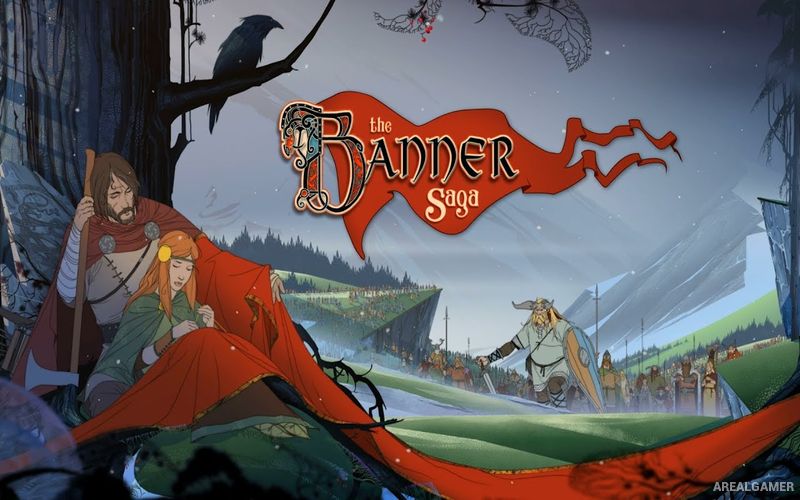
The Banner Saga 1 – Free Download – PC Game
Game Info:
Size: 2.32 GB
Genre: RPG, Strategy
Release Date: 14 Jan, 2014
Developer: Stoic
Publisher: Stoic Studio
About This Game:
The Banner Saga is a story-driven tactical RPG set in a harsh fantasy world inspired by Norse culture. Humans and the giant Varl struggle to survive as an ancient enemy known as the Dredge returns, forcing entire communities to abandon their homes and form caravans across a dangerous frozen landscape.
Leadership is as important as battlefield skill. Dialogue choices, travel decisions, ration supplies, morale, and disputes within the caravan can have permanent consequences. Important characters can be lost, relationships can change, and there is rarely enough time or resources to satisfy everyone.
How the Gameplay Works
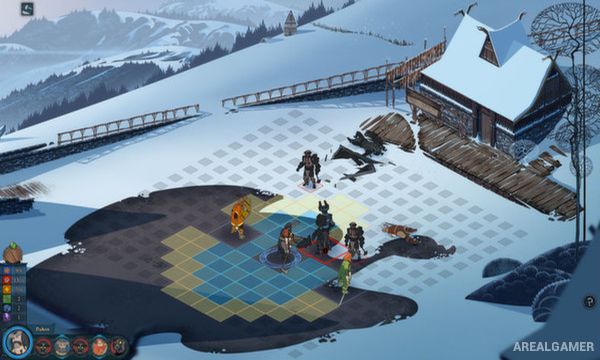
Combat occurs on square grids and uses an alternating turn system. Every fighter has Strength, which doubles as health and attack power, and Armor, which reduces incoming damage. Players often need to decide whether to weaken an enemy’s Armor or directly reduce its Strength.
Winning battles earns Renown, a shared resource used both to promote heroes and purchase supplies or equipment. Outside combat, the caravan moves from settlement to settlement while random events and story decisions continuously test the player’s priorities.
Main Gameplay Features
Norse-inspired fantasy setting
Turn-based grid combat
Strength and Armor battle system
Choice-driven story
Caravan population and supply management
Permanent consequences for major decisions
Hero promotion using Renown
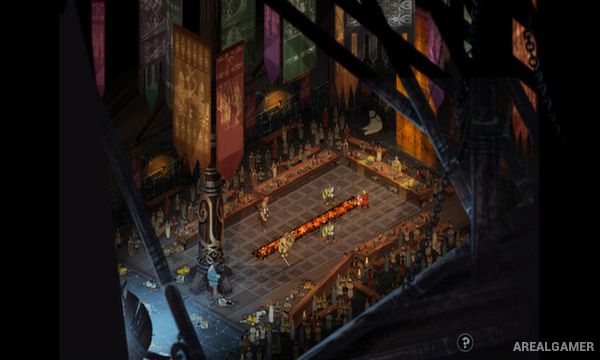
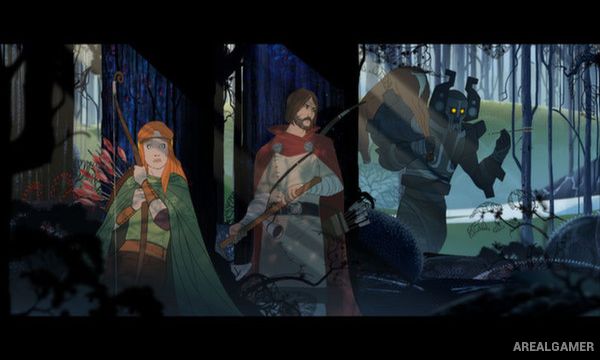
Hand-drawn animation
Multiple playable human and Varl characters
Screenshots:
Minimum System Requirements:
OS: Windows 7/8/10
CPU: Intel Core 2 Duo E8400
RAM: 2 GB
Video Card: NVIDIA GeForce 510
Space Required: 4 GB
DirectX: 9.0c
How to Install:
Extract the game using Winrar or 7zip.
Open “The Banner Saga 1″ folder, double click on “Setup” and proceed install.
After installation complete, open “Crack” folder.
Copy all files and paste it where you “Installed the Game”.
After installation complete, go to the “Installed Game” location.
Open “win32” folder, double click on “The Banner Saga” icon to play the game. Enjoy!
Click the Below Button to Proceed to Download Page
File Password: arealgamer