
Tingus Goose


Tingus Goose – Free Download – PC Game
Game Info:
Size: 461 MB
Genre: Casual, Strategy
Release Date: 2 Dec, 2025
Developer: SweatyChair
Publisher: Playsaurus, UltraPlayers
About This Game:
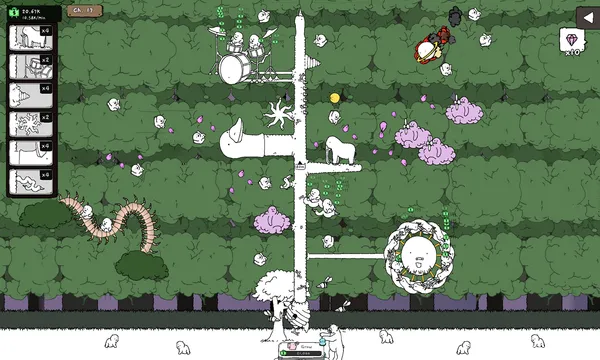
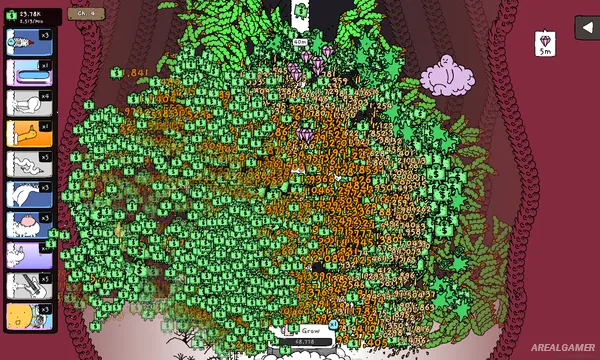
Tingus Goose is an absurd idle game where a goose tree grows from a patient’s body and begins producing tiny bouncing babies. The bizarre idea develops into a complicated Rube Goldberg-style income machine as players place unusual objects underneath the tree and watch its offspring ricochet through increasingly elaborate arrangements.
The game’s surreal artwork and intentionally strange creatures make progression as much about discovering the next ridiculous object as earning larger amounts of money. Multiple patients and worlds provide new layouts and mechanics as the campaign expands.
How the Gameplay Works
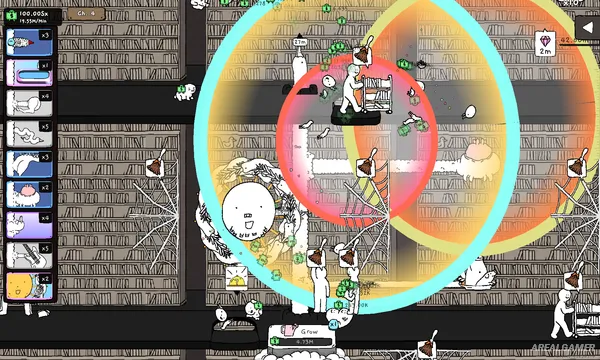
Babies fall from the growing goose tree and bounce from placed Blossoms. Each useful collision can generate money, so positioning objects carefully creates more efficient chains and greater income.
Specimens add additional effects and can be combined with particular layouts to create useful synergies. Earnings fund further growth until new patients, worlds, objects, and chapters become available.
Main Gameplay Features
Surreal idle progression
Growing goose trees
Physics-driven bouncing babies
Placeable Blossoms
Income-producing bounce chains
Specimen bonuses
Build synergies
Multiple patients
Unlockable worlds
Seventeen chapters
More than 150 pieces of content
Rube Goldberg-style layouts
Screenshots:
Minimum System Requirements:
OS: Windows 7 SP1/8/10
CPU: Any x64 with SSE2 support
RAM: 4 GB
Video Card: DX10-capable (e.g., GeForce 8800 GT)
Space Required: 1 GB
DirectX: 10
How to Install:
Extract the game using Winrar or 7zip.
Open “Tingus Goose” folder, double click on “Setup” and proceed install.
After installation complete, open “Crack” folder.
Copy all files and paste it where you “Installed the Game”.
Double click on “Game” icon to play the game. Enjoy!
Click the Below Button to Proceed to Download Page
File Password: arealgamer