
VirtuaVerse

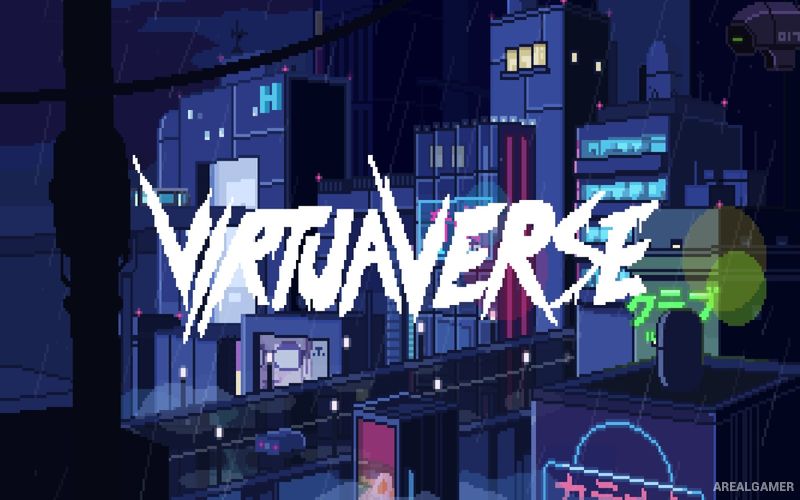
VirtuaVerse – Free Download – PC Game
Game Info:
Size: 337.9 MB
Genre: Adventure
Release Date: May 12, 2020
Developer: Theta Division
Publisher: Blood Music
About This Game:
VirtuaVerse is a cyberpunk point-and-click adventure set in a future dominated by artificial intelligence, augmented reality, and a permanently connected society. Nathan lives outside the mainstream system and survives by repairing modified technology and dealing with hardware that is increasingly considered obsolete.
When his girlfriend Jay disappears and his customized headset is damaged, Nathan begins searching the city for answers. The investigation leads through hackers, digital artists, underground groups, artificial intelligence systems, and locations hidden beneath the polished surface of the virtual future.
How the Gameplay Works
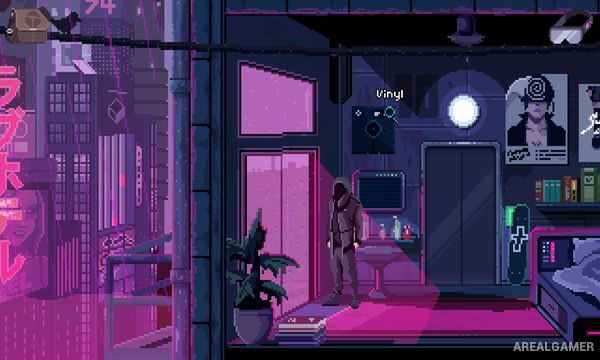
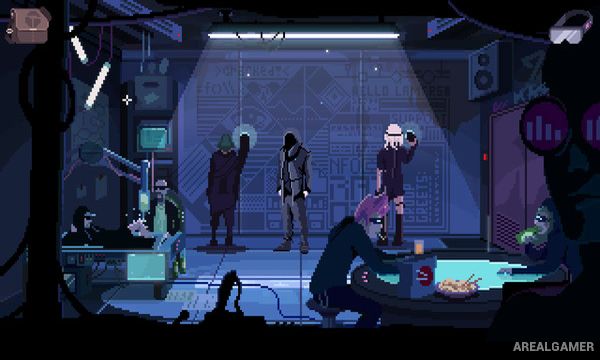
Players explore pixel-art environments, speak with characters, gather inventory objects, and solve puzzles involving computers, electronics, machines, and environmental clues. Some problems require understanding both physical technology and the augmented systems controlling the city.
Progress follows a traditional point-and-click structure, with information gained from conversations often revealing where an item should be used next. The story gradually expands from Nathan’s personal search into a larger conflict involving technology and control.
Main Gameplay Features
Cyberpunk point-and-click adventure
Pixel-art environments
Playable technician Nathan
Missing-person mystery
Inventory puzzles
Technology-based challenges
Hackers and underground groups
Artificial intelligence storyline
Augmented reality themes
Character conversations
Detailed futuristic locations
Electronic soundtrack
Classic adventure structure
Single-player campaign
Screenshots:

Minimum System Requirements:
OS: Windows 7/8/10
CPU: 2 GHz
RAM: 2 GB
Video Card: Intel HD 3000
Space Required: 1 GB
DirectX: 9.0c
How to Install:
Extract the game using Winrar or 7zip.
Open “VirtuaVerse” folder, double click on “Setup” and proceed install.
After installation complete, go to the “Installed Game” location.
Double click on “Game” icon to play the game. Enjoy!
Click the Below Button to Proceed to Download Page
File Password: arealgamer