
Warp Frontier

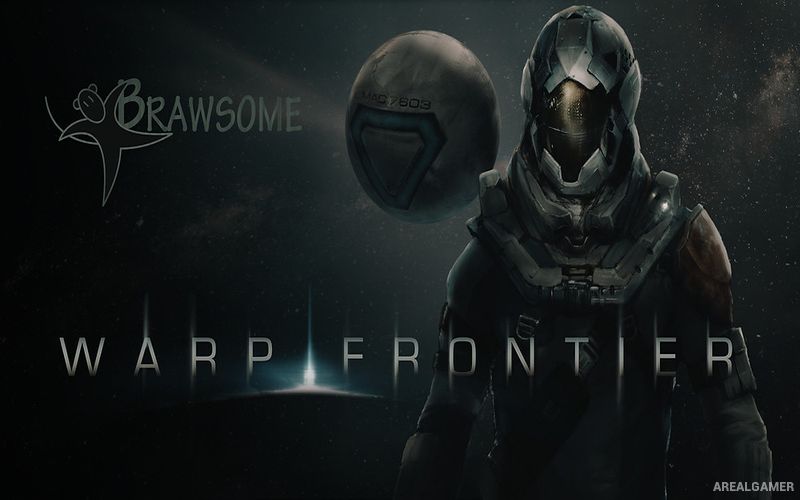
Warp Frontier – Free Download – PC Game
Game Info:
Size: 363 MB
Genre: Adventure
Release Date: September 28, 2021
Developer: Brawsome
Publisher: Brawsome
About This Game:
Warp Frontier is a science-fiction point-and-click adventure following police captain Vincent Cassini on the human colony of Cetus. A new investigation forces Vince to revisit events connected to his past while uncovering a mystery that could have serious consequences for his family, colleagues, and many other people.
The game combines traditional adventure puzzles with decisions that can alter how events unfold. Vince’s relationships with his daughter, partner, allies, and enemies can change according to what the player chooses to investigate and how particular situations are handled.
How the Gameplay Works
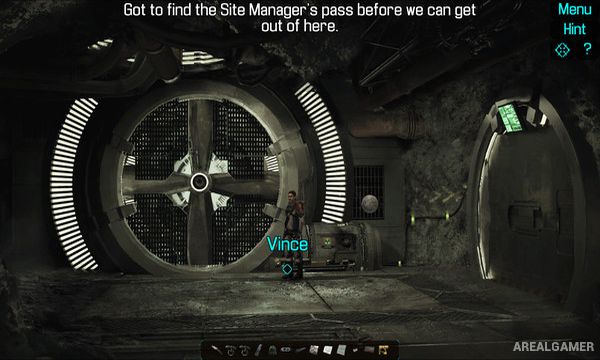
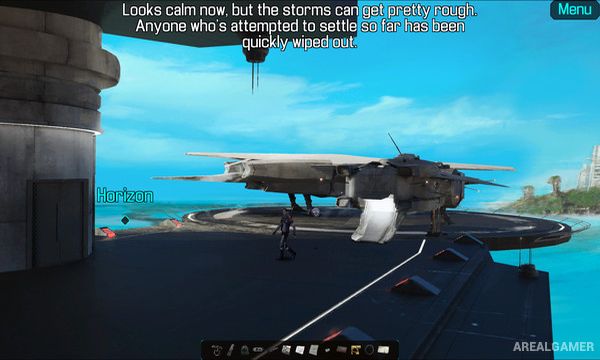
Players explore locations, collect objects, speak with characters, and solve puzzles through familiar point-and-click interactions. Information gained during one conversation may create additional options elsewhere, encouraging careful investigation rather than simply collecting every visible item.
Choices and the order in which certain tasks are completed can influence later events and character outcomes. This gives the story several possible variations and makes Vince’s decisions as an officer, father, and partner important to the final result.
Main Gameplay Features
Science-fiction point-and-click adventure
Playable police captain Vincent Cassini
Colony world of Cetus
Investigation and mystery
Inventory-based puzzles
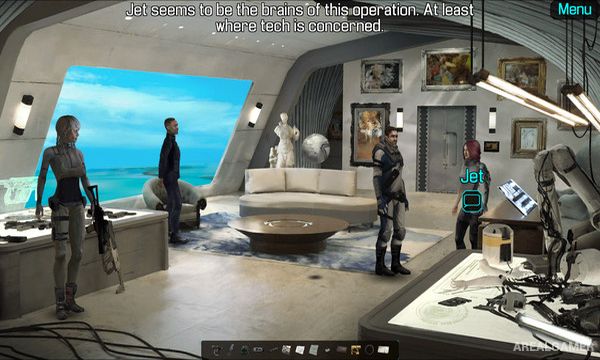
Character conversations
Family relationships
Player decisions
Tasks completed in different orders
Branching consequences
Multiple possible outcomes
Story-focused single-player adventure
Screenshots:
Minimum System Requirements:
OS: Windows 7/8/10
CPU: Pentium or higher 1.2 GHz
RAM: 2 GB
Video Card: 1280×720, 32 bit color, dedicated graphics card
Space Required: 1 GB
DirectX: 9.0c
How to Install:
Extract the game using Winrar or 7zip.
Open “Warp Frontier” folder, double click on “Setup” and proceed install.
After installation complete, go to the “Installed Game” location.
Double click on “Game” icon to play the game. Enjoy!
Click the Below Button to Proceed to Download Page
File Password: arealgamer